Which grant report dates match the latest approved funder notice?
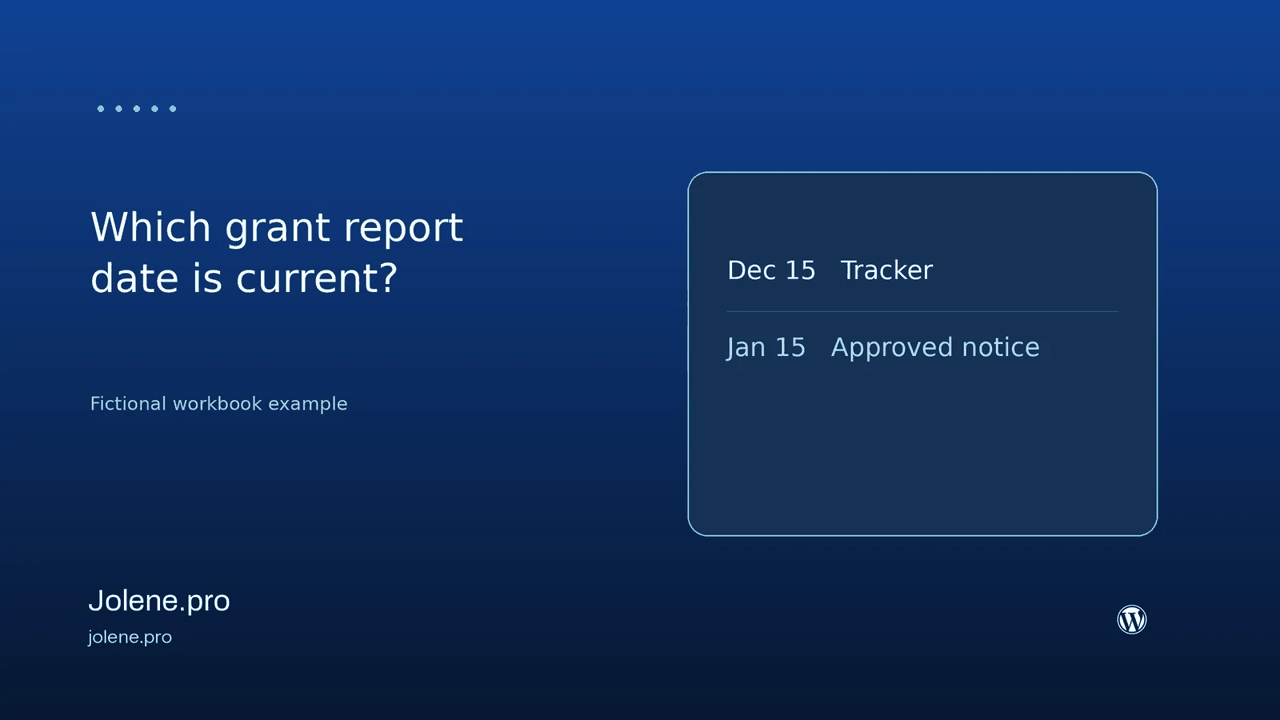
Compare each deadline in the tracker with the latest approved notice in force for that award and report period. The fictional review below shows one current date, one stale date and one missing tracker row.
How to run the check
- Take a dated copy of the tracker and record the award and reporting period. Make a notice list with approval date, due date, status and source reference.
- For each award and period, select the latest approved notice effective by your cutoff. Keep pending requests separate. Where two approved records cannot be ordered or agree poorly, ask for confirmation.
- Compare the selected dates with the tracker. Add the source reference and responsible person to the follow-up list, keeping the original deadline for review.
Fictional example
| Award | Period | Decision date | Due date | Status |
|---|---|---|---|---|
| G1 | R1 | 2026-11-01 | 2026-12-15 | Approved |
| G2 | R1 | 2026-11-01 | 2026-12-15 | Approved |
| G2 | R1 | 2026-11-24 | 2027-01-15 | Approved |
| G3 | R1 | 2026-11-01 | 2026-12-31 | Approved |
| G2 | R1 | 2026-11-26 | 2027-01-30 | Pending |
| Award | Period | Due date |
|---|---|---|
| G1 | R1 | 2026-12-15 |
| G2 | R1 | 2026-12-15 |
What the records show
At November 27, G1 agrees. Tracker!C3 still shows December 15 for G2, while Notices!D4 shows the latest approved date, January 15. Notices!D6 is pending and stays out of the comparison. G3 has no tracker row. The example is fictional.