Check kitchen modifier routing by instruction, component and station
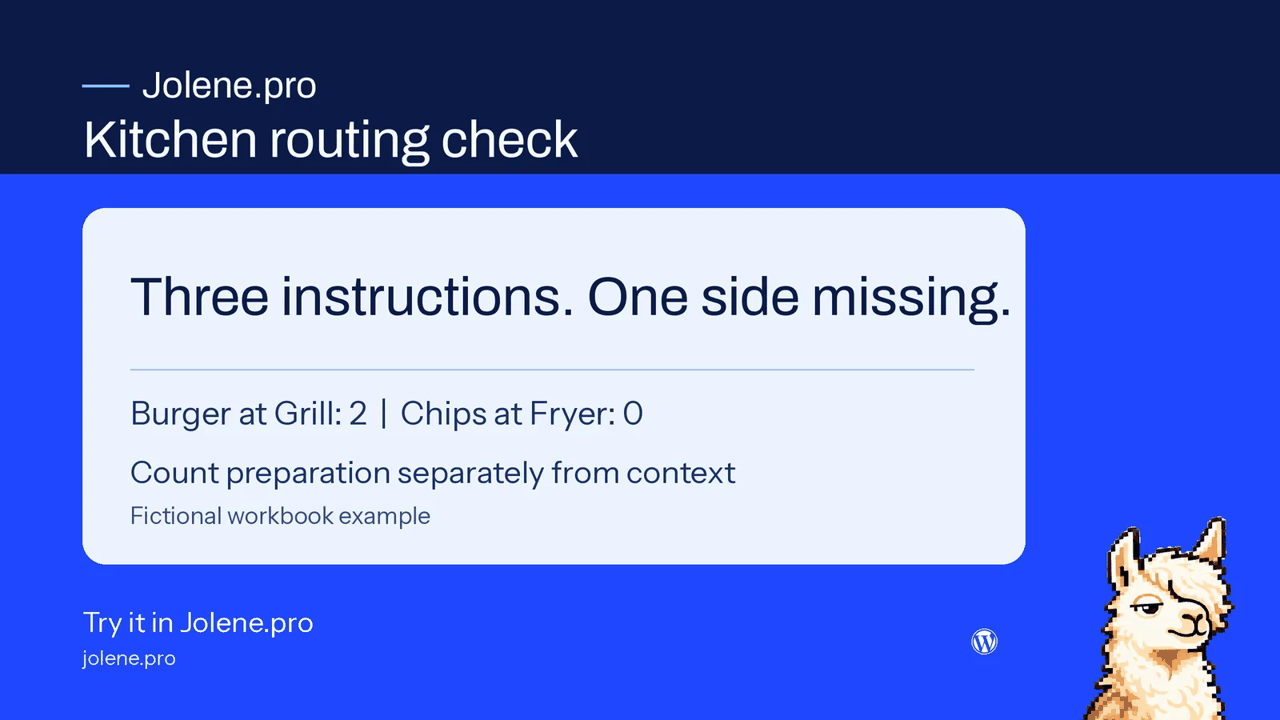
A test order can produce the expected number of preparation rows and still miss a component. Check the expected order-line, component and station combination individually. Separate a label shown for context from an instruction that asks someone to prepare food.
Capture one controlled test order
Write the approved routing before running the test. For each component, record its order line, intended station and expected quantity of actionable instructions. Then have staff capture what each relevant screen or ticket actually shows. Keep the test time, configuration version and reprint or resend history. A repeated screenshot of the same instruction is not a second instruction.
Square’s Australia release notes describe routing modifiers to KDS stations or printers and showing parent items and modifiers for context. That makes the instruction-versus-context distinction useful. This guide does not establish an export feature or inspect a live kitchen. The fixture uses staff-style captured observations in a spreadsheet.
A fictional test with equal preparation counts
| Order line | Component | Expected station | Expected actionable count | Observed actionable count |
|---|---|---|---|---|
| L1 | Burger | Grill | 1 | 2 |
| L1 | Chips | Fryer | 1 | 0 |
| L2 | Salad | Prep | 1 | 1 |
| Total | 3 | 3 |
Kitchen Expected!A2:C4 lists the three combinations. Kitchen Observed!A2:D5 contains two actionable Burger/Grill rows, one actionable Salad/Prep row, and a Burger/Fryer label marked Context. There are four raw observations and three actionable instructions. The total of three agrees, but the burger is duplicated and the chips instruction is missing.
Count only matching preparation instructions
On Kitchen Check, columns A to C identify the expected line, component and station. In D2, count source rows matching all three plus the explicit Prep classification:
=COUNTIFS('Kitchen Observed'!$A$2:$A$5,A2,'Kitchen Observed'!$B$2:$B$5,B2,'Kitchen Observed'!$C$2:$C$5,C2,'Kitchen Observed'!$D$2:$D$5,"Prep")Copy the formula down the expected combinations. Kitchen Check!D2:D4 should return 2, 0 and 1. Compare each result with its expected count. Do not assume every real order should have a count of one: quantities, split preparation and approved routing rules can change that expectation.
- Confirm which visible fields distinguish preparation from context on the actual device configuration. Hold ambiguous labels for staff review.
- Count by a stable order-line identifier, component and station. Add location and order ID when combining multiple tests.
- Look in both directions: expected combinations with no instruction, and observed actionable combinations that were never expected.
- Retain repeated actionable rows until staff establish whether they are genuine duplicates, reprints, resends or separate quantities.
- After any routing change, rerun the same scripted order and preserve the before-and-after evidence.
Make the result usable for kitchen staff
The finding should identify the missing chips instruction at Fryer and both burger rows at Grill, with the context-only label excluded. It should not claim that a spreadsheet changed the routing or that the synthetic failure happened in Square. The records check is independently verified on fictional inputs. This exact workflow has not been verified live in Jolene.pro.
Try it in Jolene.pro. Ask which expected preparation instructions are missing or repeated, with the observation rows beside each answer.
Source and verification
Square Australia release notes, modifier routing section reviewed November 26, 2026. The source explains the existing workflow. All worked records and results above are fictional.