Vendor reimbursements tie in total. Check each stall’s tender mix
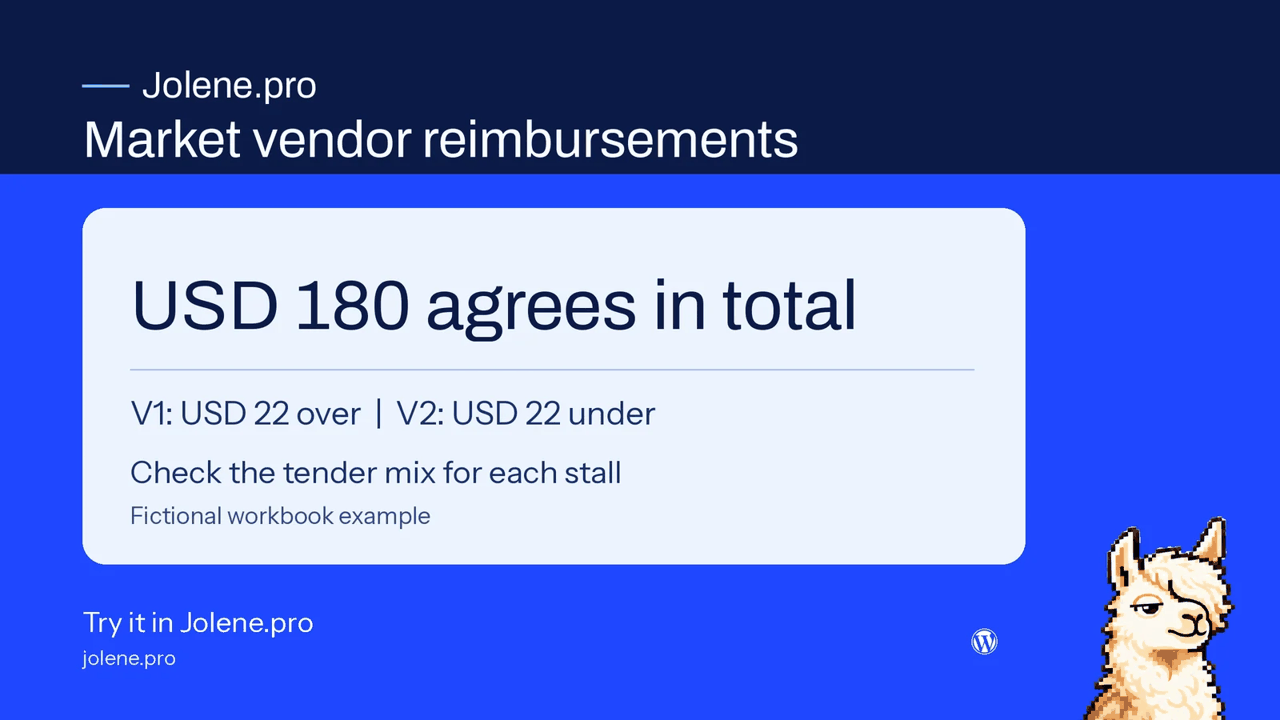
A reimbursement total can agree while individual stalls receive the wrong amounts. Compare the tender categories for each vendor, apply the event’s recorded rules, and keep the vendor differences visible before closing the event.
Start with one event and one cutoff
Keep the original vendor sales report, the posted category amounts, and the fee configuration effective for that event. Retain vendor ID, event ID, tender category, currency, amount and posting time wherever the source provides them. Resolve duplicate or blank vendor references before joining files. Do not combine events just because the same vendor attended both.
Marketspread’s documentation describes fees for chargeable tender and reimbursements for reimbursable tender. The check below is a separate comparison of supplied records. Its rate and amounts are fictional and do not describe a customer account or establish any program’s eligibility rules.
A fictional USD 180 total with two vendor errors
Assume one event, M1, with a fictional 10% fee on chargeable tokens and full reimbursement of the separate reimbursable category. No other fees, credits or adjustments apply. Use positive net amounts to mean money due to the vendor. A platform invoice may use the opposite sign, so document that conversion before comparing it.
| Vendor | Reported chargeable USD | Reported reimbursable USD | Expected net USD | Posted-mix net USD | Expected less posted USD |
|---|---|---|---|---|---|
| V1 | 120 | 80 | 68 | 90 | -22 |
| V2 | 80 | 120 | 112 | 90 | 22 |
| Total | 200 | 200 | 180 | 180 | 0 |
In the synthetic workbook, Market Reported!A2:C3 holds the reported mix. Market Posted!A2:C3 instead assigns USD 100 to each tender category for each vendor. Market Policy!B2 contains 0.10. The posted-mix net is a reconstruction under the same fictional rule, not evidence of cash actually paid.
Calculate the vendor differences before the total
='Market Reported'!C2-'Market Reported'!B2*'Market Policy'!$B$2That formula gives USD 68 for V1. Apply the same rule to the posted mix to get USD 90. Expected less posted is −USD 22, so V1 is over the expected amount by USD 22. V2’s positive USD 22 difference means its posted-mix net is below the expected amount. Market Check!B2:D4 keeps both differences beside the total.
- Freeze both snapshots at the same event cutoff and confirm that category labels mean the same thing.
- Join by event and vendor, then compare the category amounts before calculating net reimbursement.
- Apply the documented rate and rounding rule. For this fixture, no rounding difference arises.
- List every nonzero vendor difference. Reconcile their sum and the absolute differences separately. Here the net difference is zero but the absolute differences total USD 44.
- Keep credits posted after cutoff in a dated bridge. Do not silently use them to erase an earlier discrepancy.
Close the records check with an explanation
A useful review identifies V1’s and V2’s source rows, the policy cell, the sign convention and the cutoff. It then distinguishes a category-entry problem from an actual payment problem. Confirm the invoice or reimbursement record before requesting a correction. These are independently checked synthetic calculations. This exact workflow has not been verified live in Jolene.pro.
Try it in Jolene.pro. Ask which vendors differ, by how much, and which source cells explain the difference. Use only records you are authorized to review.
Source and verification
Marketspread token reconciliation documentation, updated September 13, 2026. The source explains the existing workflow. All worked records and results above are fictional.