Check a returned rooming-list CSV before importing guest names
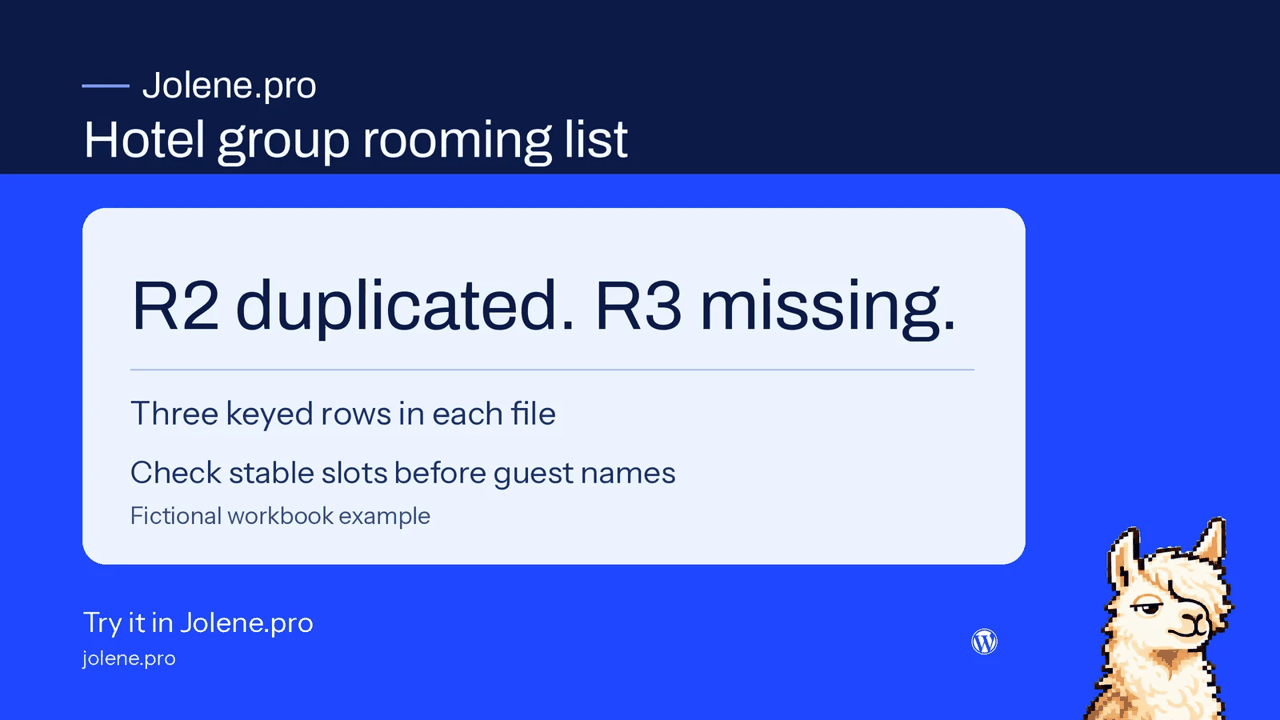
Before importing an organiser’s completed rooming list, compare it with the file you issued. Check that every expected reservation slot is still present exactly once and that protected fields have not changed. Guest-name completion alone should not silently alter the allocation.
Preserve the issued baseline
Keep a read-only copy of the issued file, the returned file, the booking group reference, the issue time and the fields the organiser was allowed to edit. Use a stable slot identifier preserved through the workflow. A spreadsheet row number is not stable after sorting. If the actual export does not preserve a suitable key, establish an approved crosswalk before matching.
CiMSO’s November 25 version 4.44 note describes exporting a group room list to CSV, letting an organiser add names, and importing it. The note also bundles earlier-build changes. It does not establish when that workflow first became available or its validation behavior. The pre-import check here is a general records method, not a claim about a particular import rejecting these cases.
A fictional list that still has three keyed rows
| Slot | Issued type | Returned count | Returned type | Review |
|---|---|---|---|---|
| R1 | Twin | 1 | Twin | Allowed name-only edit |
| R2 | King | 2 | Twin on both rows | Duplicate plus protected-field change |
| R3 | Twin | 0 | Absent | Missing |
| Blank | Not applicable | 1 | Twin | Hold outside keyed match |
Hotel Sent!A2:C4 holds R1, R2 and R3. Hotel Returned!A2:C5 contains R1, R2 twice and a blank slot. The returned file has four raw rows but only three keyed rows. R2’s duplicate offsets the missing R3 if you count only keyed rows. The fictional names Guest A through Guest D carry no personal information.
Check keys before comparing fields
=COUNTIF('Hotel Returned'!$A$2:$A$5,A2)With the baseline slot in A2, this returns the number of returned rows for that slot. The expected counts for R1, R2 and R3 are 1, 2 and 0. Review returned blank IDs separately. Do not select the first R2 with a lookup and discard the second one. Both returned rows need to remain visible.
- Scope both files to the same group and revision. Separate unrelated groups before matching.
- Hold blank keys, list duplicate keys in each file, and check for keys present only in one file.
- For unique matched keys, compare protected fields such as room type against the baseline. Treat the organiser’s entries as proposed changes.
- For duplicated keys, inspect every returned source row. Report R2 once with both the duplicate-key issue and the King-to-Twin changes.
- Confirm authorised edits and reconcile missing or extra slots before using the native import route. Keep the reviewed revision and approval reference.
Keep the evidence beside the exception
For the fixture, cite Hotel Returned!A3:C4 for R2 and Hotel Sent!A4:C4 for missing R3. Cite Hotel Returned!A5:C5 for the unkeyed row. The permitted name-only change on R1 should not be mixed with protected-field exceptions. The method checks record integrity and does not determine room availability or make reservations. These results were independently checked on fictional inputs. This exact workflow has not been verified live in Jolene.pro.
Try it in Jolene.pro. Ask what changed besides the allowed guest-name fields, and request the baseline and returned rows for every exception.
Source and verification
CiMSO version 4.44 workflow note, November 25, 2026. The source explains the existing workflow. All worked records and results above are fictional.