How to Forecast a Fixed-Fee Project Hours Overrun in Excel
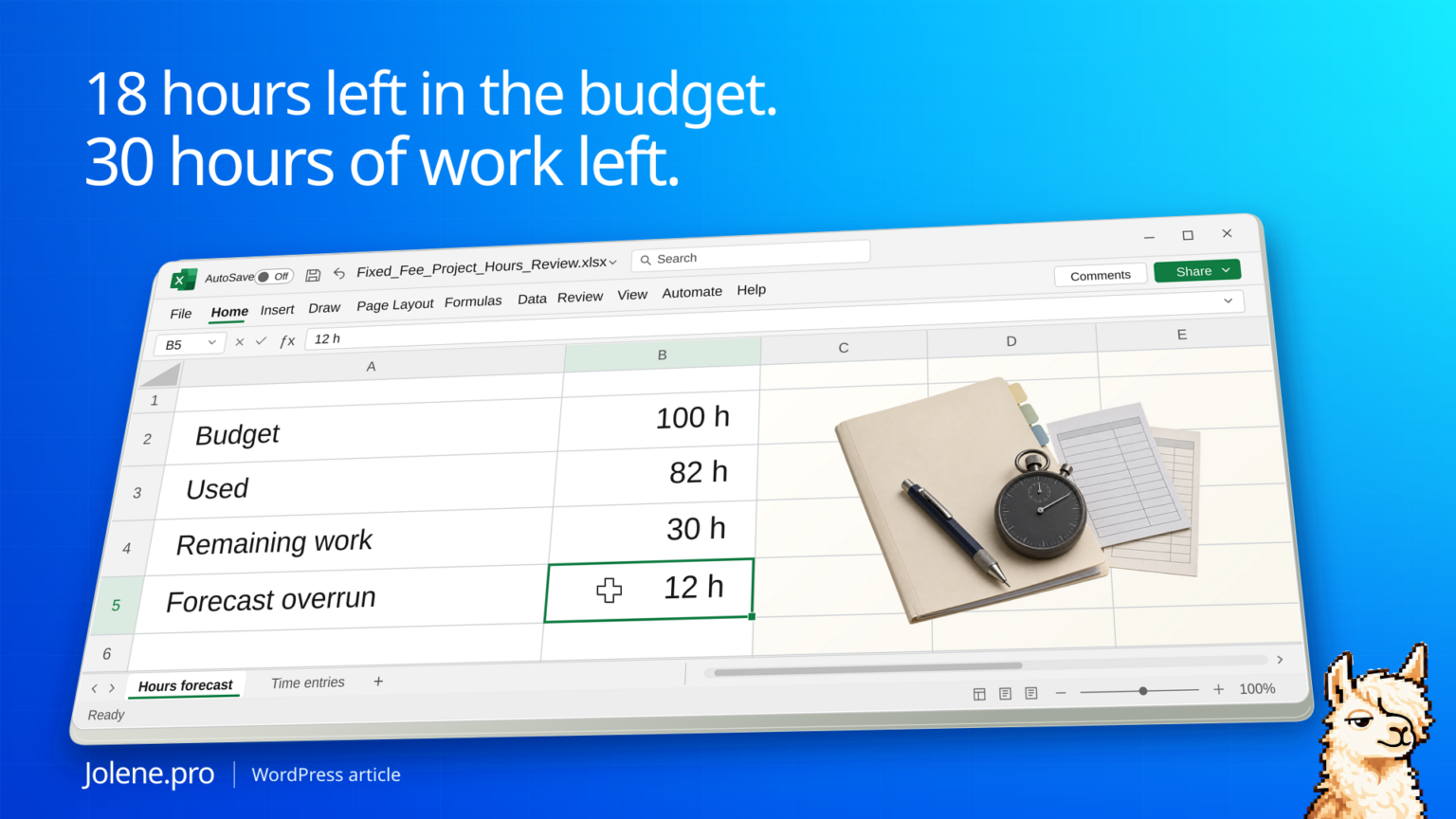
The job still has 18 hours left in its budget. The project lead expects 30 hours of work after the latest client review. Waiting for the timesheet to cross the budget leaves less room to act.
Add actual hours to a current estimate of remaining work and compare that forecast with the approved hours budget. Keep unapproved scope and the date of each estimate visible.
A project that is under budget today and over at completion
The consultancy uses an approved budget of 100 hours. The current estimate covers only the remaining work in the agreed scope.
| Item | Hours |
|---|---|
| Approved budget | 100 |
| Actual hours to date | 82 |
| Estimated remaining hours | 30 |
| Forecast at completion | 112 |
| Forecast over budget | 12 |
Only 18 budget hours remain, so the current estimate puts the job 12 hours over. The project lead can check which task changed before the next client meeting.
Use approved time and current estimates
Export time entries by project and task. Add the approved budget, task owner and remaining estimate from the delivery plan. Use a common cutoff. If submitted time is awaiting approval, show it separately and state how the forecast treats it.
Review the task driving the change
Calculate forecast at completion as actual hours plus estimated remaining hours. Compare tasks with the last saved estimate, keeping unapproved scope visible. If you translate hours into cost, use appropriate cost rates by role and separate cost from invoices.
Bring a decision to the weekly review
Keep actual hours, remaining work and last week’s forecast on separate tabs with matching project and task IDs.
Which fixed-fee projects are still within budget to date but forecast to go over? Show actual and remaining hours, the tasks driving the change, and source rows.
Review the 12-hour gap with the delivery lead. Confirm whether it calls for a revised estimate, a scope discussion, or a different staffing plan.
Harvest project budgets · Harvest project analysis
The figures and identifiers in this example are synthetic.
For monthly client allowances, try checking retainer rollover and expiry in Excel. The downloadable workbook shows how unused hours, a carry cap and expiry can leave a quiet client above allowance later.
Try this with your own spreadsheet at Jolene.pro. Follow Jolene.pro on LinkedIn for more spreadsheet guides.
1 comment