How to Find Shopify Orders With a Shipping Label but No Carrier Scan
Yesterday’s labels are printed. This morning, customer support has tracking links that still say Label Created. Before the next pickup, the warehouse needs to know which parcels to look for and which tracking numbers to send to its carrier or fulfillment partner.
Compare the label log, pickup manifest, and first carrier acceptance or movement event by tracking number. Use an agreed cutoff and separate labels missing from the manifest from manifested parcels that still have no scan.
Try the Shopify workbook on two morning exports
Download Day 1 (.xlsx) · Download Day 2 (.xlsx)
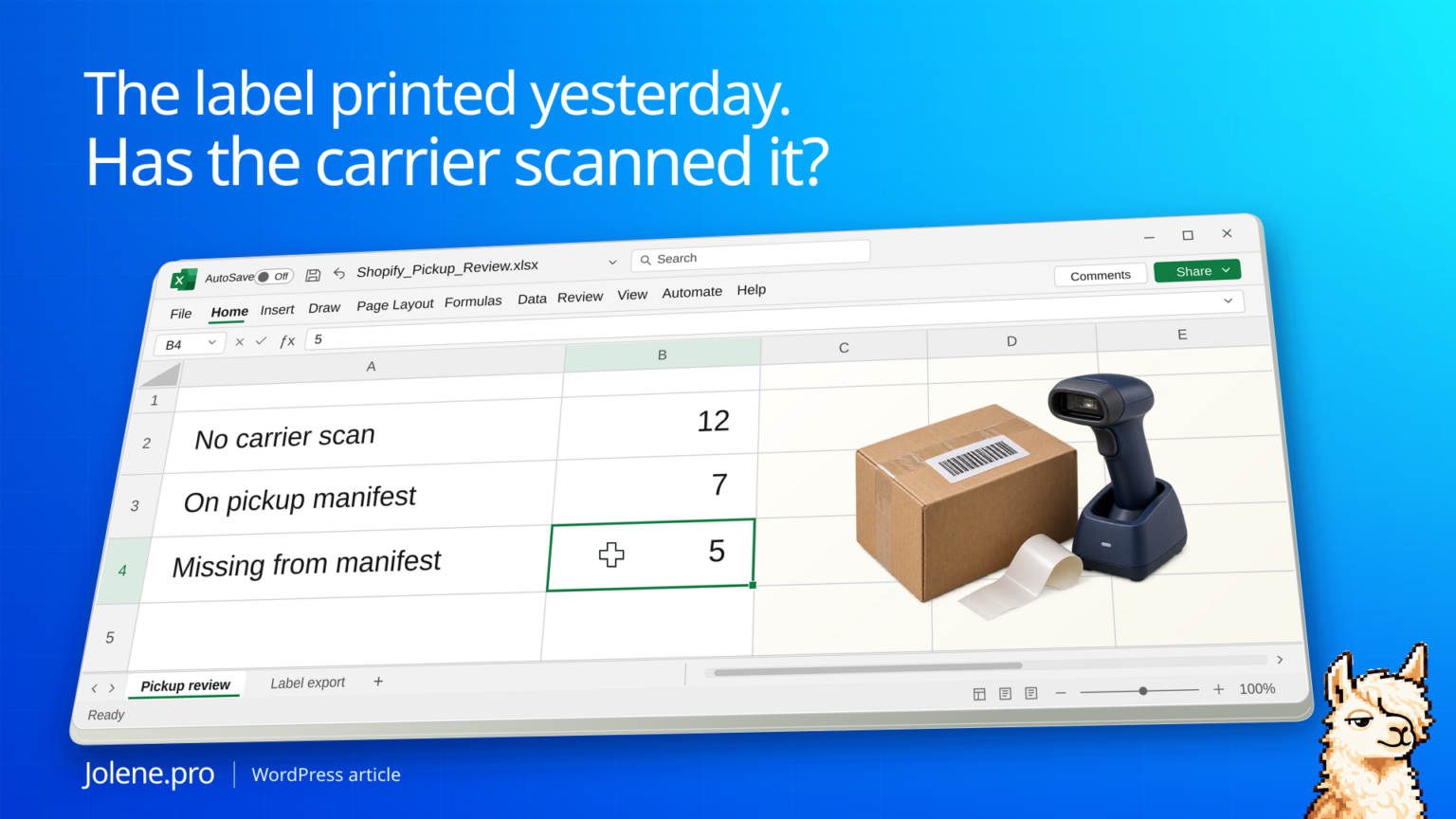
Both files include synthetic Labels, Manifest, and Scans tabs. Start with the November 15 cutoff. The Review!B8:E10 totals show 12 exceptions: seven on the manifest and five missing from it. The November 16 export has eight open: five stayed open and three are new. Seven from the original list cleared.
Follow DEMO-001 to Labels!A2:F2 and Manifest!A2:D2. In the second file, Scans!A6:C6 records a 10:15 acceptance scan after the first cutoff. The second review clears that tracking number. The workbook uses Accepted and In transit as qualifying events. A Label created event by itself leaves the exception open.
| Follow-up owner | November 15 | November 16 |
|---|---|---|
| Carrier or 3PL | 7 | 5 |
| Warehouse | 5 | 3 |
| Total | 12 | 8 |
Try this question. In the Day 2 workbook, which tracking numbers still have no acceptance or movement scan by 9 a.m. on November 16? Split them by manifest status and show the exact source rows, including any label-created events.
Open Jolene.pro to run the example · Browse more Jolene.pro Workbook Studies
One cutoff, two follow-up lists
Take a snapshot at 9 a.m. local time. This shop reviews labels from prior pickups once its agreed scan window has passed. Its 12 open exceptions split like this.
| Manifest record | Carrier scan | Tracking numbers | First follow-up |
|---|---|---|---|
| Present | No acceptance or movement event | 7 | Carrier or 3PL handoff review |
| Absent | No acceptance or movement event | 5 | Warehouse checks staging and manifest |
Support gets 12 tracking numbers with an owner. A manifest record helps route the investigation. Carrier event feeds can lag, so the report should describe what was observed as of the snapshot.
Start at the parcel level
Export Shopify order references and pull tracking numbers from the label system or 3PL. One order can have several parcels. Keep one row per active tracking number and include the label creation time, warehouse and order number. Exclude void labels and use a documented replacement-label rule.
Look for the first meaningful scan
Add pickup manifest data and carrier events. In Excel, use a left merge from labels to a carrier table grouped to the earliest qualifying event. Keep all events for traceability. Normalize timestamps to the warehouse time zone before comparing each label to the cutoff.
Check what changed at the next pickup
Keep yesterday’s exception list. Compare tracking numbers with today’s list and confirm why records cleared. A first scan, void or corrected tracking number can each close an exception for a different reason.
Get a handoff list for the morning stand-up
Use a workbook with Labels, Manifest and Carrier Events tabs. A tracking gap is easier to resolve when the order and supporting records travel with it.
At 9 a.m., which active labels are overdue for a first carrier scan? Split by manifest status. For each ID, cite the exact Excel ranges from Labels, Manifest and any Scans entries, including Label created.
Send the warehouse the five labels it can check directly. Give the other seven tracking references to the party that can verify the pickup.
Shopify order exports · Shopify shipping labels · UPS tracking statuses
The figures and identifiers in this example are synthetic.
Try this with your own spreadsheet at Jolene.pro. Follow Jolene.pro on LinkedIn for more spreadsheet guides.