Four Repeat Visits. How Many Jobs Needed Fixing Twice?
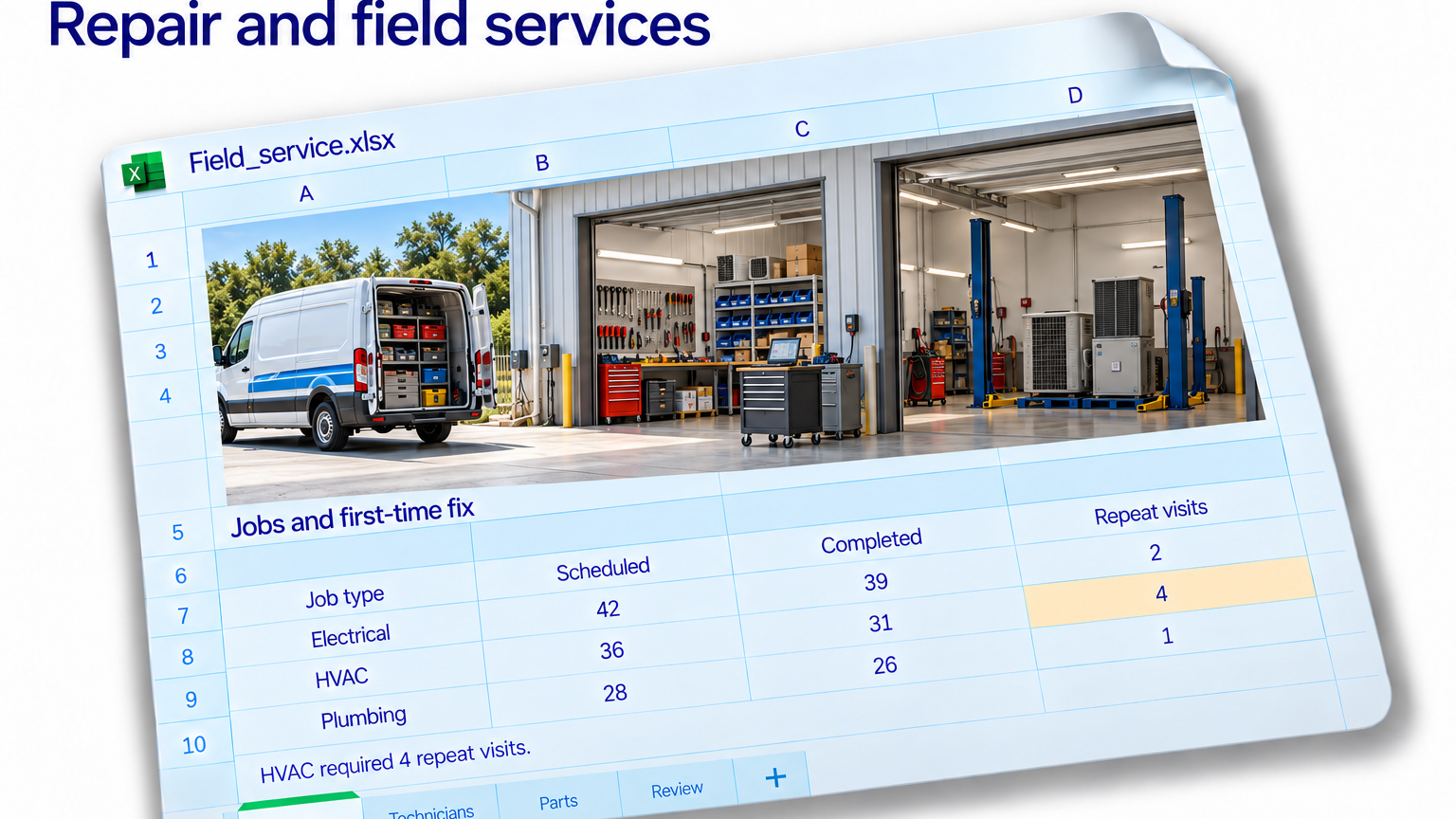
The service report shows 31 completed HVAC jobs and four repeat visits. It is tempting to subtract four, divide by 31 and announce a first-time fix rate. The arithmetic would be quick. The explanation might take longer.
A repeat visit is an event. A job is a piece of work. Four visits could belong to four separate jobs, or to one particularly determined fault. The summary does not tell you which.
There is another complication. A technician might return to install a part ordered during the first appointment. Another visit might concern a different fault at the same address. Counting every return as a failed repair puts several different stories into one column.
Start with the job ID. Connect each visit to its original job, keeping the visit date, reason and completion status. Customer names and addresses can help investigate exceptions, but they are poor substitutes for a consistent identifier.
Count jobs before judging the result
Next, agree on what the measure means. Which jobs qualify? What counts as a successful first visit? How long will you observe returns? Apply those rules consistently and separate planned follow-ups from unplanned returns for the same problem.
The observation window matters. A job completed yesterday has had less time to generate a callback than one completed three weeks ago. Compare groups with the same follow-up opportunity, or mark recent jobs as still awaiting a complete observation window.
Only then count distinct qualifying jobs with an unplanned return. Several visits against one job should not become several failed jobs. Review the exceptions by job type, fault and parts availability before drawing conclusions about individual technicians.
With Jolene.pro, open the workbook and ask: “Match visits to original job IDs. Identify jobs with unplanned returns for the same fault within our agreed follow-up window. Show the source rows and flag records that lack the required fields.”
Use those references to examine the actual visit history. You can then ask whether particular faults or missing parts appear repeatedly, and save the analysis for the next reporting file.
Our free business dataset catalogue offers other service and operations workbooks to explore with Jolene.pro. For this investigation, use a visit-level export with the identifiers and dates described above.
Four repeat visits are a useful starting point. They are not yet four explanations.