How a Spreadsheet Join Can Triple Shipment Revenue
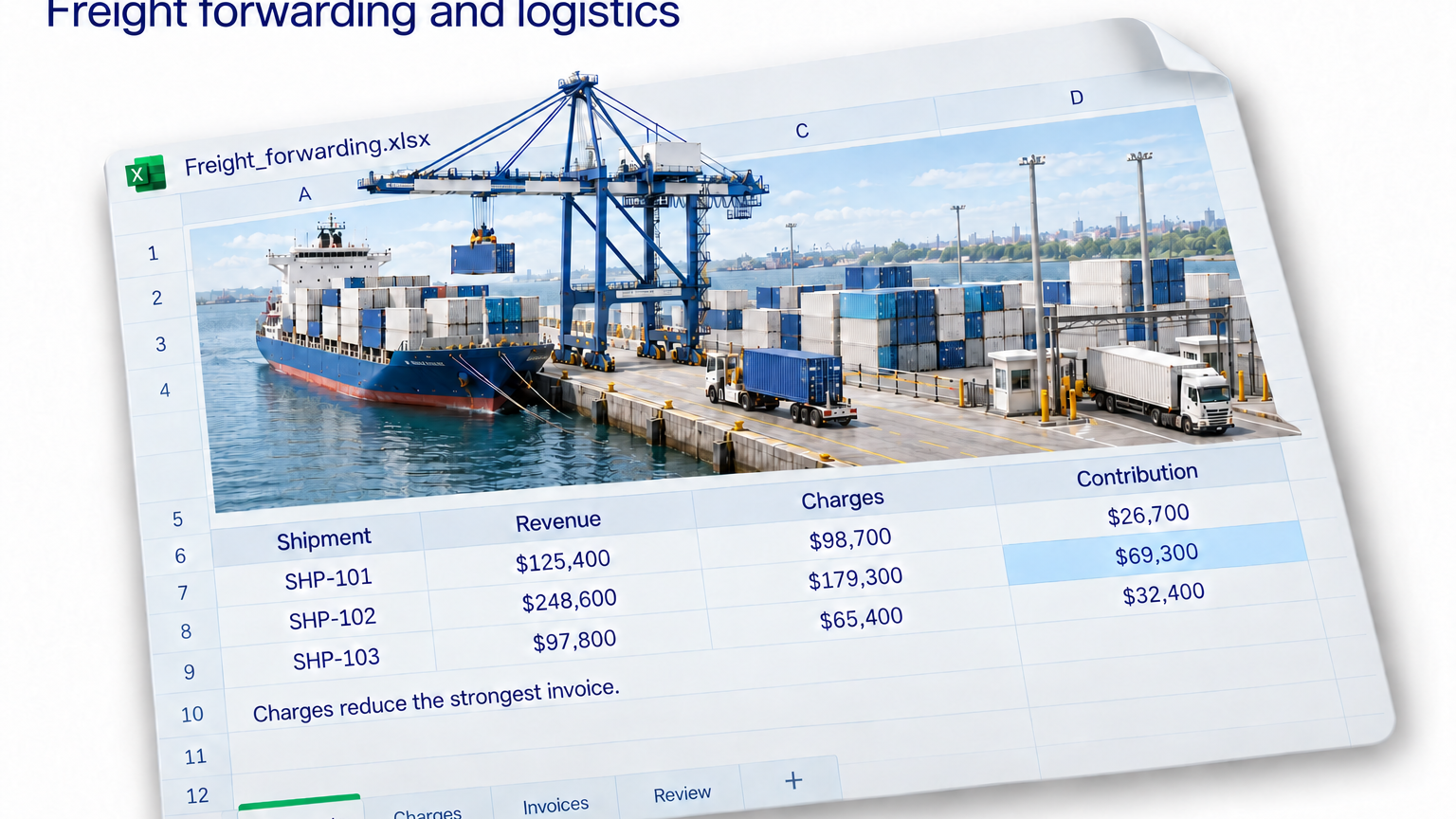
A shipment leaves the port once. In the monthly report, its revenue appears three times. Nobody has raised another invoice. The spreadsheet has simply become more enthusiastic than the business.
This can happen when a freight analyst combines an invoice sheet with a charges sheet. The shipment ID matches, the join runs, and every row looks reasonable. The trouble begins when someone adds the revenue column.
Consider a simple example. One shipment has $125,400 in revenue and three charge lines: $40,000, $35,000 and $23,700. The charges total $98,700, leaving a direct contribution of $26,700 before overhead.
Join that single invoice to those three charge lines, and the invoice amount appears beside each charge. Summing the joined revenue column produces $376,200. Subtracting the correctly summed charges then produces $277,500. That is quite a contribution from a shipment that has already finished its work.
Match the level of detail
The problem is the level of detail. One sheet holds an invoice per row; the other holds a charge per row. Matching IDs connect the records, but they do not make the amounts equally safe to add.
Before joining, summarize the charges by shipment ID. Separately summarize invoices to that same level, allowing for shipments with several invoices or credit notes. Then combine the summaries. Keep the original charge rows available so you can explain the costs behind each result.
Check the totals before and after combining the sheets. Revenue should reconcile to the invoice records, and costs should reconcile to the charge records. Investigate unmatched shipment IDs separately; a missing cost record does not establish that the shipment cost nothing.
With Jolene.pro, bring the workbook into one analysis and ask: “Calculate direct contribution by shipment. Aggregate invoices and charges separately by shipment ID before comparing them. Show the source cells behind the totals.”
Inspect those references against the workbook, especially where one shipment has several invoices or charges. You can save the analysis and rerun it on the next reporting file, reviewing any warning about a changed structure.
For a practical starting point, try the Freight Shipment Contribution dataset in Jolene.pro Workbook Studies. It gives you related shipment, billing and charge records to investigate.
The useful result is a contribution figure you can reconcile before it reaches the report.