Both Sheets Say Revenue. They Mean Different Things.
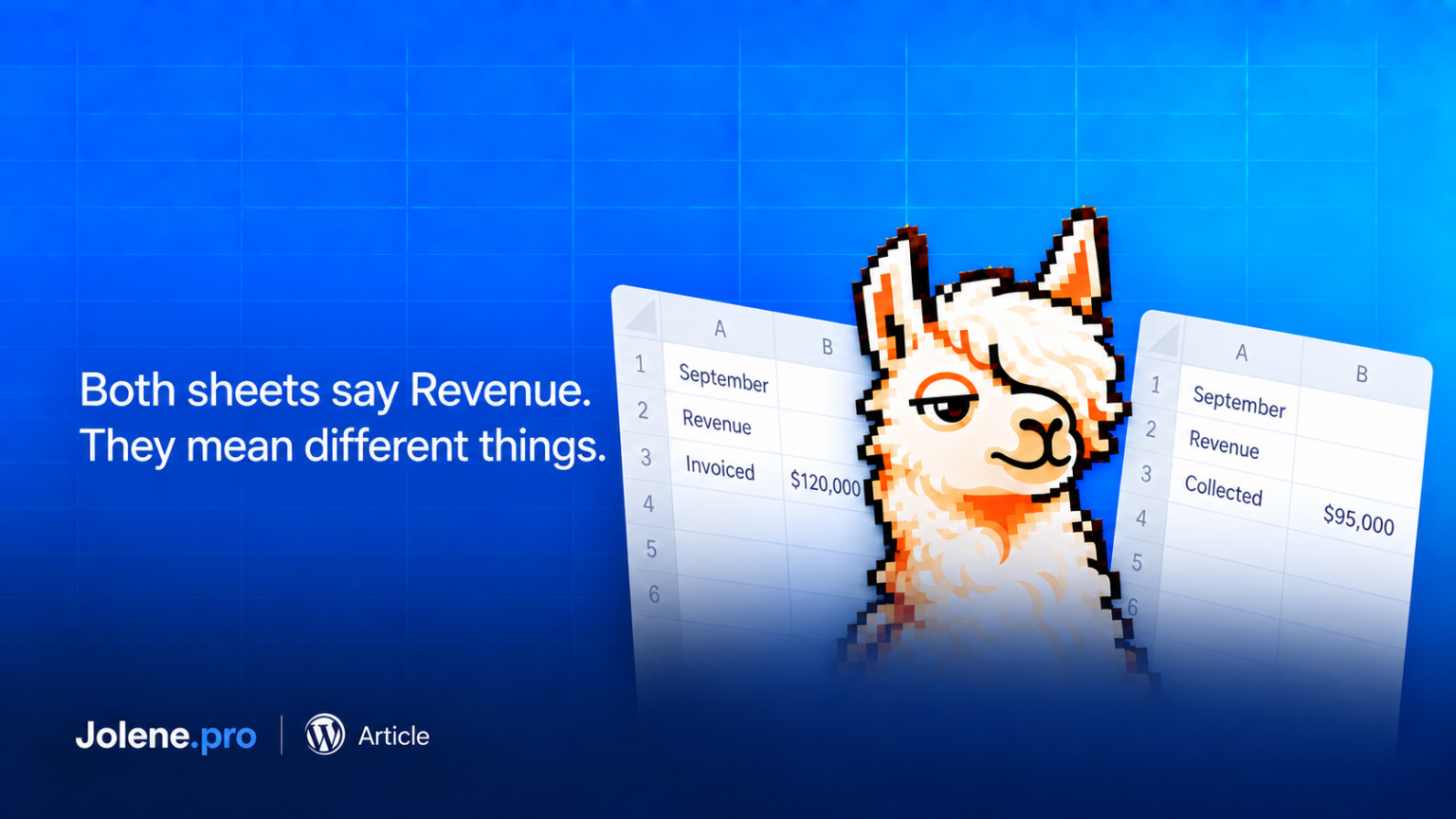
Two teams send their monthly reports. Both have a column called “Revenue.”
One contains invoices issued during September. The other contains customer payments received during September.
Put those totals beside each other and you have a convincing comparison of two different things.
The column headings have reached an agreement. The numbers were not consulted.
This problem surfaced in an October 2 Diginomica interview with ALKEME’s AI lead. Discussing the company’s acquired insurance agencies, he described differences in revenue recognition and the need for consistent definitions and controls.
You do not need an acquisition to encounter the same reporting problem. Two departments can get there on their own.
Check what the total represents
Consider a fictional business with $120,000 in September invoices and $95,000 in September customer payments.
It is tempting to call the $25,000 difference unpaid September invoices. But suppose $20,000 of those payments settled August invoices. Only $75,000 relates to September invoices.
In this simplified example, with no credits, write-offs or other adjustments, $45,000 of September invoices remains unpaid.
The subtraction was easy. Deciding which records belonged in it required more care.
Neither invoiced sales nor cash collected should automatically be treated as recognized revenue. For a revenue report, use the definition agreed with your finance team.
Make the comparison explicit
Before combining reports, write one sentence explaining each measure.
“Invoices issued in September, excluding canceled invoices.”
“Customer payments received in September, including payments against earlier invoices.”
Those descriptions reveal why the totals differ. They also tell you which date fields and transaction statuses to inspect.
Check the currency, treatment of taxes, and whether credits or refunds are included. Then choose a common basis for the comparison. If the files lack the information needed to align them, keep the measures separate and explain the gap.
Preserve the original labels and records so another person can follow what changed.
Keep the explanation connected to the workbook
Once the definitions are clear, Jolene.pro can help analyze the Excel or CSV records, with references to source cells, rows, and sheets.
That gives you a way to inspect the transactions behind an answer. Your team still decides what the measure means.
Try a specific question: “Group these September receipts by the month of the invoice they settle. Show the source records and flag any missing invoice dates.”
The next conversation can then focus on collections, timing or missing information, with everyone looking at the same measure.