How to Match Fleet Repair Invoice Lines to Completed Work
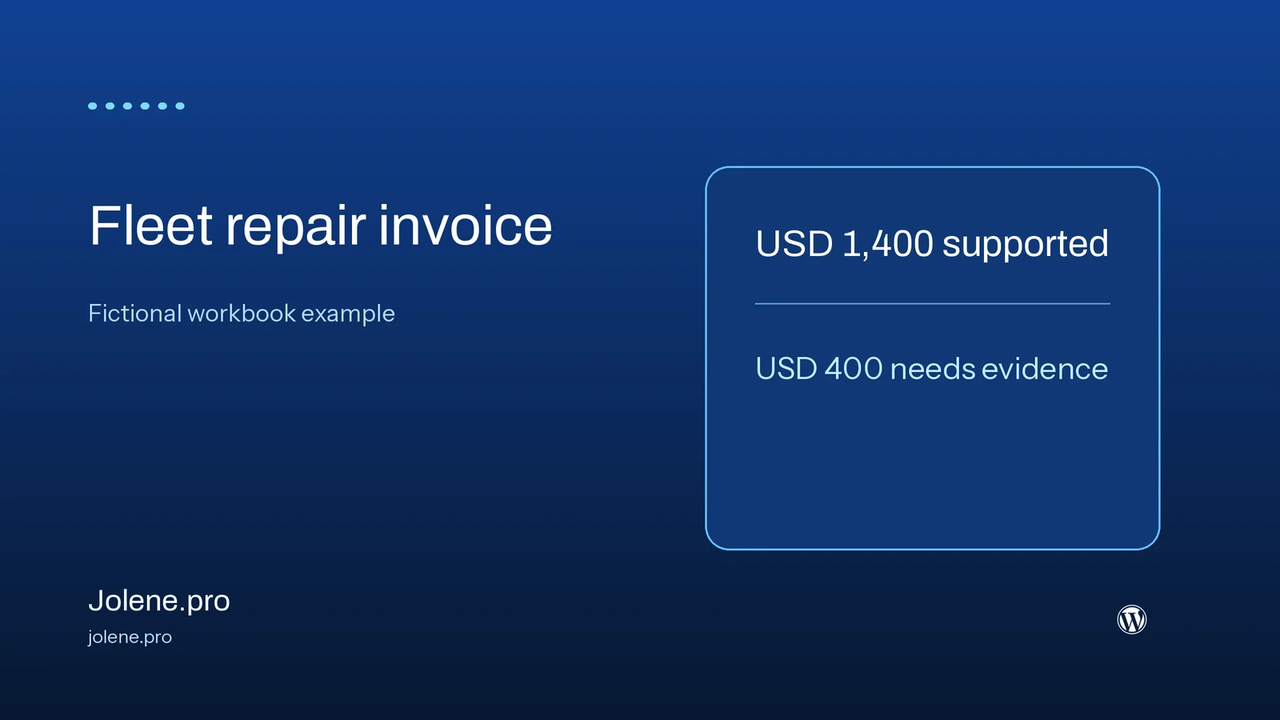
A shop visit establishes the vehicle’s location. To support a specific invoice line, find the completion record for the same vehicle, job and repair line. In this fictional review, USD 1,400 has matching completion evidence and USD 400 needs review.
Match the exact job and repair line at the review cutoff
| Source row | Vehicle | Job | Line | Amount or evidence |
|---|---|---|---|---|
| Approved!A2:D2 | T1 | J1 | L1 | USD 1,400 approved |
| Approved!A3:D3 | T1 | J1 | L2 | USD 400 approved |
| Invoice!A2:D2 | T1 | J1 | L1 | USD 1,400 billed |
| Invoice!A3:D3 | T1 | J1 | L2 | USD 400 billed |
| Completion!A2:E2 | T1 | J1 | L1 | Complete at 09:00 |
| Completion!A3:E3 | T1 | J2 | L2 | Complete at 09:15, different job |
| Completion!A4:E4 | T1 | J1 | L2 | Complete at 11:00, after cutoff |
- Start with one invoice and the approved work lines. Keep a stable job and line reference, with the vehicle identifier and the amount. Compare billed and approved amounts separately from completion status.
- Join to the completion records using vehicle, job and line. Use the recorded event time and status through the 10:00 cutoff. If a shop report uses a different line code, use a documented mapping or leave the line open.
- At 10:00, the brake line is supported by Completion!A2:E2. The tire line has no qualifying completion in this snapshot. At 11:00, the later record supplies evidence for J1/L2. Keep the two snapshots separate.
Carry uncertain matches and contradictory timestamps into a review list. The workpaper reports evidence from the supplied records. The fleet and finance teams retain their own release and payment decisions.
Try it in Jolene.pro with a spreadsheet you are authorized to use.