How to Check Which KoboToolbox Visits Synced After an Outage
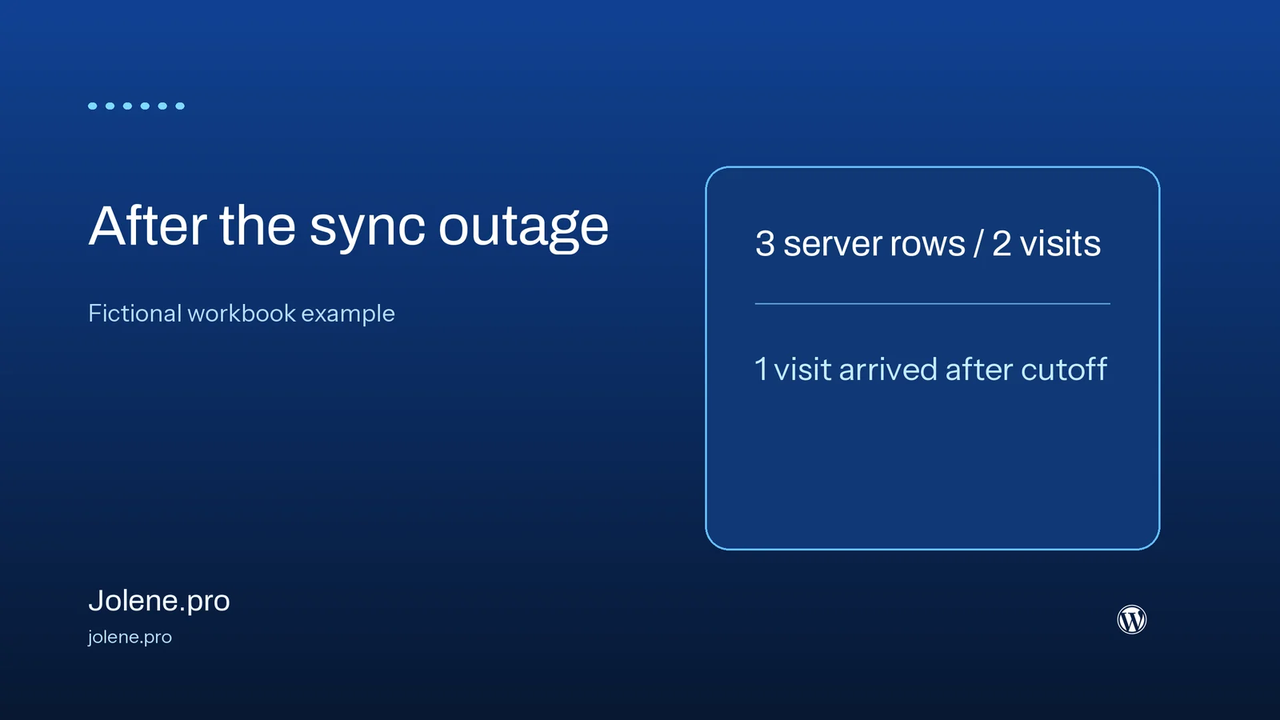
After a connection returns, count the visits that reached the server and check the original submissions separately. In this fictional export, three server rows represent two visits. A third visit appears only after the reporting cutoff.
Compare the device queue and the server export at one cutoff
| Source row | Project | Original ID | Visit | Evidence or result |
|---|---|---|---|---|
| Device!A2:C2 | P1 | U1 | V1 | Finalized on device |
| Device!A3:C3 | P1 | U2 | V2 | Finalized on device |
| Device!A4:C4 | P1 | U3 | V3 | Finalized on device |
| Server!A2:E2 | P1 | U1 | V1 | Before cutoff, current UUID E1 after an edit |
| Server!A3:E3 | P1 | U4 | V1 | Before cutoff, distinct submission for the same visit |
| Server!A4:E4 | P1 | U2 | V2 | Before cutoff |
| Server!A5:E5 | P1 | U3 | V3 | After cutoff |
| Server!A6:E6 | P2 | U3 | V3 | Before cutoff, different project |
- Freeze a list of locally finalized submissions and a server export. Record the project, server and reporting cutoff. Use actual server receipt time when deciding whether a submission arrived by the cutoff.
- Match the project and original device instance ID to the same project and server rootUuid when both fields are available. KoboToolbox documents that the current _uuid can change on edit. U1 still matches despite that change. A missing identifier leaves the comparison open.
- Count unique visit keys separately from submission records. In P1 at cutoff, V1 and V2 arrived, V1 has two roots to review, and V3 has no matching timely receipt. Keep both V1 rows until someone confirms what each represents.
If your local export lacks the device instance ID, use a separately retained visit key to review coverage where permitted. It can show that a visit appears on the server without proving which submission instance arrived.
Try it in Jolene.pro with a spreadsheet you are authorized to use.