Why a Finalized Invoice Can Be Missing From A/R Aging
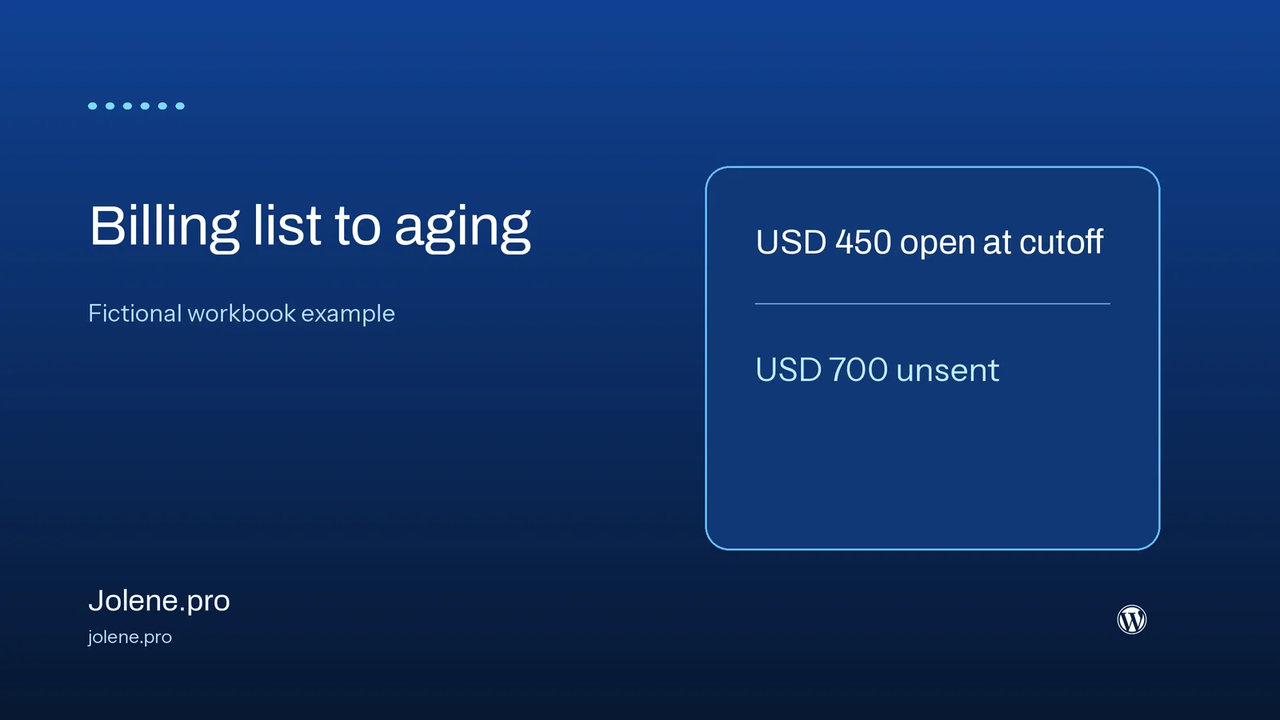
If the aging report counts sent invoices, a finalized invoice can appear in the billing list before it appears in aging. In this fictional snapshot, the aging balance is USD 450. Billing separately shows USD 700 unsent and USD 300 sent after the cutoff.
Build a bridge from invoice status to open balance
| Source row | Invoice | Amount | Event or status | At cutoff |
|---|---|---|---|---|
| Bills!A2:D2 | L13 | USD 700 | Sent at 08:00 | Included |
| Bills!A3:D3 | L14 | USD 500 | Finalized, unsent | Excluded |
| Bills!A4:D4 | L15 | USD 200 | Draft | Excluded |
| Bills!A5:D5 | L16 | USD 300 | Sent at 12:00 | Excluded |
| Events!A2:D2 | L13 | USD 200 | Payment allocated at 09:00 | Reduce open balance |
| Events!A3:D3 | L13 | USD 50 | Write-off at 09:15 | Reduce open balance |
| Events!A4:D4 | L13 | USD 40 | Payment allocated at 11:00 | After cutoff |
- Use the billing export, activity history and aging detail for the same as-of time. When the report uses sent status, retain the actual send or mark-as-sent event. A current Sent label without its date cannot establish inclusion in an earlier snapshot.
- For each included invoice, subtract payments and write-offs allocated by the 10:00 cutoff. If one payment covers several invoices, take the applied amount per invoice. Keep write-offs separate from cash received.
- For L13, USD 700 minus USD 200 minus USD 50 equals USD 450 open. The USD 40 later allocation belongs in a later snapshot. Show the reason for each excluded invoice so reviewers can tie the aging report back to the billing list.
Check the reporting system’s definition before applying this bridge. Neostella’s November release describes sent invoices as the A/R basis and provides an Excel aging export. Other reports can use different inclusion rules.
Try it in Jolene.pro with a spreadsheet you are authorized to use.