Which stock return changed the weighted-average cost?
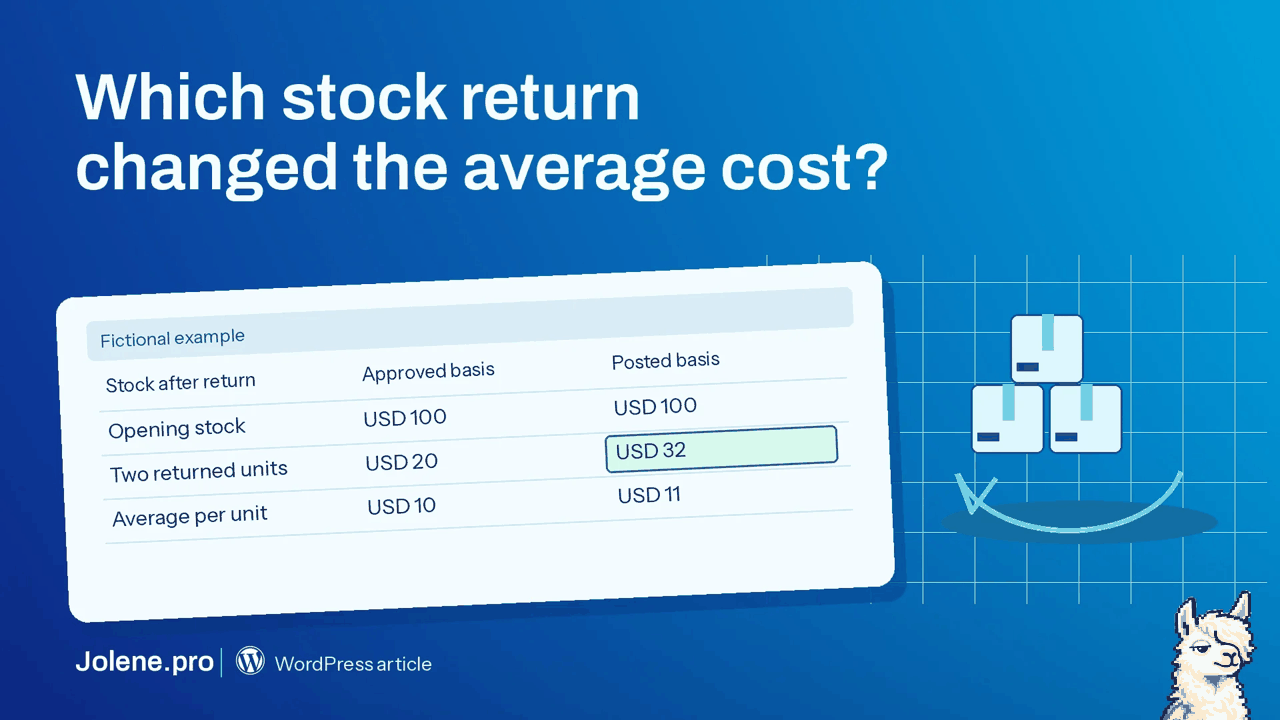
Start with the inventory position just before the return. Then match the approved return rate to the movement that actually put the units back into stock. In this fictional example, two units were posted at USD 16 each against an approved USD 10 rate. That adds USD 12 to stock value and changes the calculated average from USD 10 to USD 11.
How to check your records
- Freeze the stock valuation immediately before the return for the same item, location and valuation scope. Keep units and total value separate.
- Match original sale evidence, the approved return and the posted movement using the sale-line and return references. Confirm that the movement added units. Keep a credit-only entry separate.
- Check the average on both bases. Opening value plus value of the returned units, divided by opening units plus returned units, gives the implied average when these are the only relevant movements.
Worked example with fictional records
Import each example CSV into its own spreadsheet tab. Keep the original row order and headers for the cell references below.
| Finding | Record or amount | Cells to check | What the records show |
|---|---|---|---|
| Opening valuation | 10 units for USD 100 | Before!A2:D2 | The original average is USD 10. |
| Return movement | USD 20 approved and USD 32 posted | Approved!A2:E2, Posted!A2:F2 | Two returned units contribute USD 12 more on the posted basis. |
| New average | USD 10 expected and USD 11 posted | Before!C2:D2, Approved!D2:E2, Posted!E2:F2 | USD 120 divided by 12 versus USD 132 divided by 12. |
| Credit only | R2 added zero units | Posted!A3:F3 | This row stays out of the stock calculation. |
What to review before acting
Controls!A2:E4 lists three reasons to stop the simple calculation: negative opening units, a missing sale-line link or an intervening movement. Review the system’s valuation method and the full movement sequence before changing any entries. The example explains a difference from the provided approved basis.
Download the fictional practice files
Copy the practice data
| return_id | sale_line | item | units | approved_usd_per_unit |
|---|---|---|---|---|
| R1 | S1 | SKU1 | 2 | 10 |
| item | location | quantity | stock_value_usd |
|---|---|---|---|
| SKU1 | W1 | 10 | 100 |
| control | return_id | opening_units | sale_line | other_movement |
|---|---|---|---|---|
| negative opening | R1 | -3 | S1 | no |
| missing link | R1 | 10 | no | |
| intervening movement | R1 | 10 | S1 | yes |
| return_id | sale_line | item | action | quantity | posted_usd_per_unit |
|---|---|---|---|---|---|
| R1 | S1 | SKU1 | restock | 2 | 16 |
| R2 | S2 | SKU1 | credit-only | 0 |
Find more spreadsheet practices and workbook studies.