How to check duplicate shelf scans before adding books to a catalog

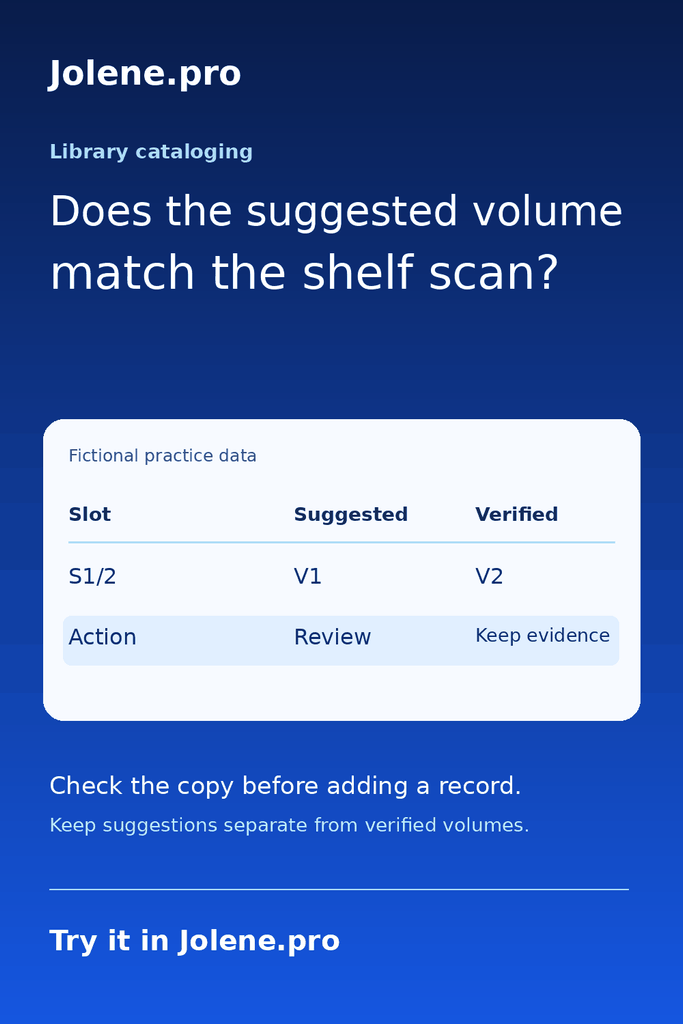
A shelf-scanning app can suggest titles quickly. Before you merge records or add another copy, check the suggested volume against the physical book. Then check whether a second scan shows a different copy or the same copy photographed twice.
A LibraryThing Shelf Read discussion describes titles in the same series getting grouped together. LibraryThing’s reply points to manual match selection and asks for examples of missed catalog matches. A short review sheet makes those examples easier to verify.
Reconcile the scans and the catalog
- Give each photo a scan ID. Number the detected spines from left to right within that photo and retain the app’s suggestion. A spine number identifies a position in one photo.
- Confirm the volume from the title page, edition or another trusted catalog field. Give each verified physical copy its own ID or use its existing catalog copy ID.
- Compare the proposed and confirmed volumes by scan ID and spine number. Mark uncertain titles for a second look. Reuse a physical-copy ID across photos only when you can verify the overlap.
Fictional example with five detections
| Observation | Suggested volume | Verified volume | Physical copy |
|---|---|---|---|
| S1, slot 1 | V1 | V1 | C01 |
| S1, slot 2 | V1 | V2 | C02 |
| S1, slot 3 | V1 | V1 | C03 |
| S2, slot 1 | V1 | V1 | C03 |
| S2, slot 2 | V1 | Pending | Pending |
The four verified observations represent three physical copies, including two of V1. The suggestion in Candidates!C3 says V1, while Review!C3 and Catalog!B3 record V2. The repeated C03 in Review!D4:D5 has confirmed overlap. Keep the last detection in Review!A6:D6 open until the spine or edition can be verified.
For a collection handoff, export the small exception list with the scan and position, proposed volume, verified volume and copy ID. Keep private photos in their original location.
Download the fictional shelf-scan practice files. Open the CSVs as separate sheets named Review, Candidates and Catalog. Keep IDs as text and put the headers in row 1 to reproduce the cell references.
Copy the practice data
| scan | slot | proposed_volume |
|---|---|---|
| S1 | 1 | V1 |
| S1 | 2 | V1 |
| S1 | 3 | V1 |
| S2 | 1 | V1 |
| S2 | 2 | V1 |
| copy_id | volume |
|---|---|
| C01 | V1 |
| C02 | V2 |
| C03 | V1 |
| scan | slot | verified_volume | verified_copy |
|---|---|---|---|
| S1 | 1 | V1 | C01 |
| S1 | 2 | V2 | C02 |
| S1 | 3 | V1 | C03 |
| S2 | 1 | V1 | C03 |
| S2 | 2 |
Open the portrait comparison card