How do I check if a one-off maintenance visit carried into next week’s schedule?
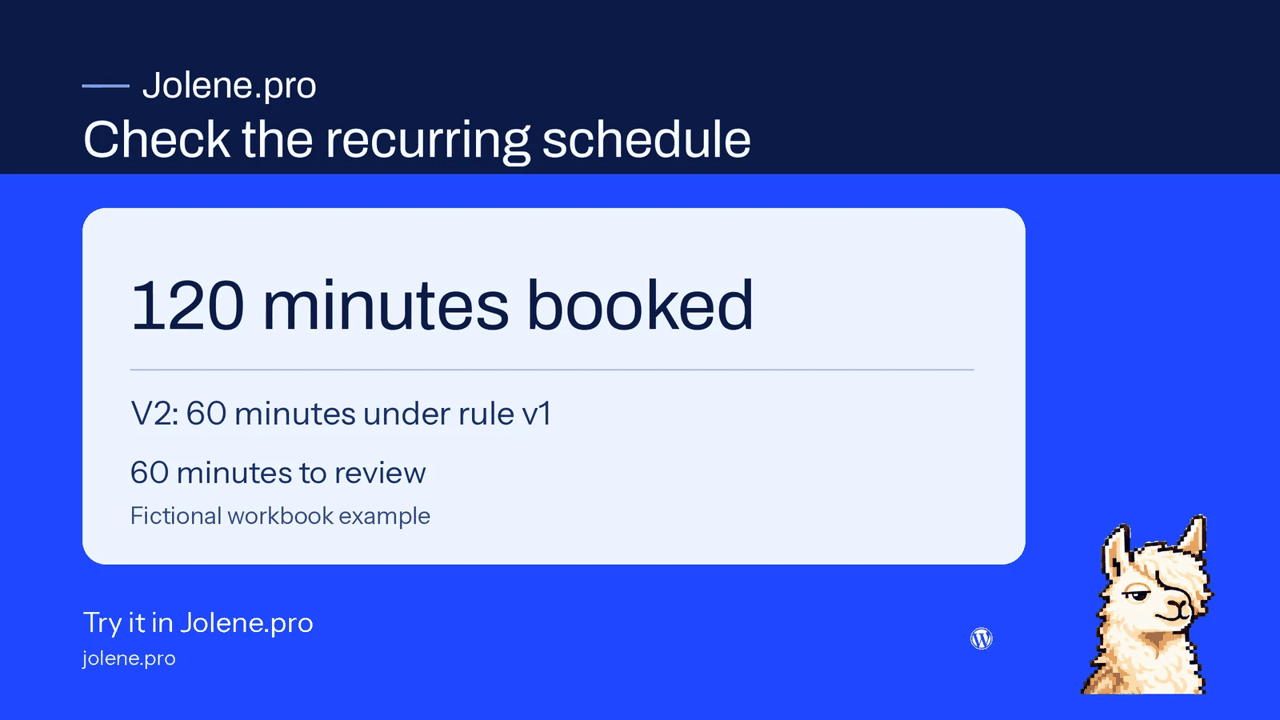
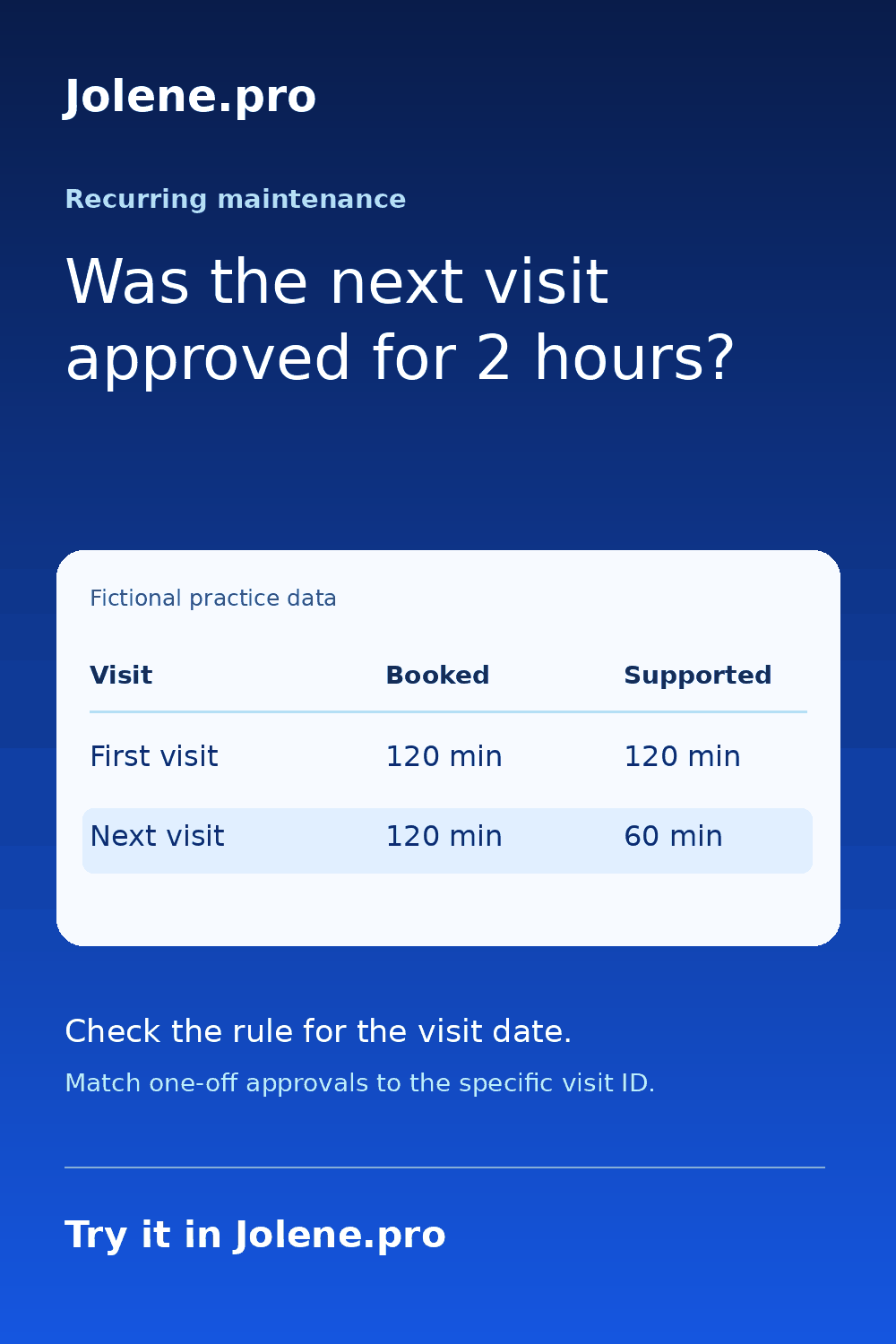
Match each generated maintenance visit to the rule in force on its visit date and to any approval for that visit alone. In this fictional schedule, V2 is booked for 120 minutes against a 60-minute rule and has no matching exception. The extra 60 minutes need review.
Worked example
| Visit | Booked minutes | Supported minutes | Review |
|---|---|---|---|
| V1 | 120 | 120 | Approved one-off |
| V2 | 120 | 60 | 60 minutes to review |
| V3 | 90 | 90 | Matches rule v2 |
| V4 | 90 | Unresolved | Missing rule ID |
The approval at Exceptions!A2:D2 belongs to V1 only. Visits!A3:F3 shows V2 booked for 120 minutes. Rules!A2:E2 supports 60 minutes on V2’s date, while the 90-minute rule in Rules!A3:E3 starts December 1. V4 has no rule ID, so a matching duration alone tells you nothing about its authorization.
Try it in Jolene.pro. Which generated visit has minutes without a matching rule or approval, and which rows show the difference?
Check your own records
- Start with generated visits, the dated rule table and approved exceptions. Keep forecasts and cancelled rows in separate lists. Check that the date columns are real dates and the rule IDs are preserved as text.
- Match rule ID and asset ID, then find the latest effective date on or before the visit date. Hold missing IDs, missing versions and two rules with the same effective date. Check that the version recorded on the visit matches your lookup.
- Match approved exceptions by visit ID and visit date. Before using one, confirm it is unique and covers this visit. Use the approved duration when supported; otherwise check the identified rule.
- Subtract supported minutes from booked minutes. Keep a missing basis blank. Two visits of the same length can suggest a review target, but cannot tell you what generated the second booking.
The fictional figures were checked independently. A live Jolene.pro result is unverified for this example.
Sources
- Organilog October release, updated November 2
- Organilog’s recurring-visit walkthrough
- Organilog’s CSV export help
- Jolene.pro Workbook Studies
Open the portrait comparison card