How to Check Shopify Refunds Against Returns Received and Restocked
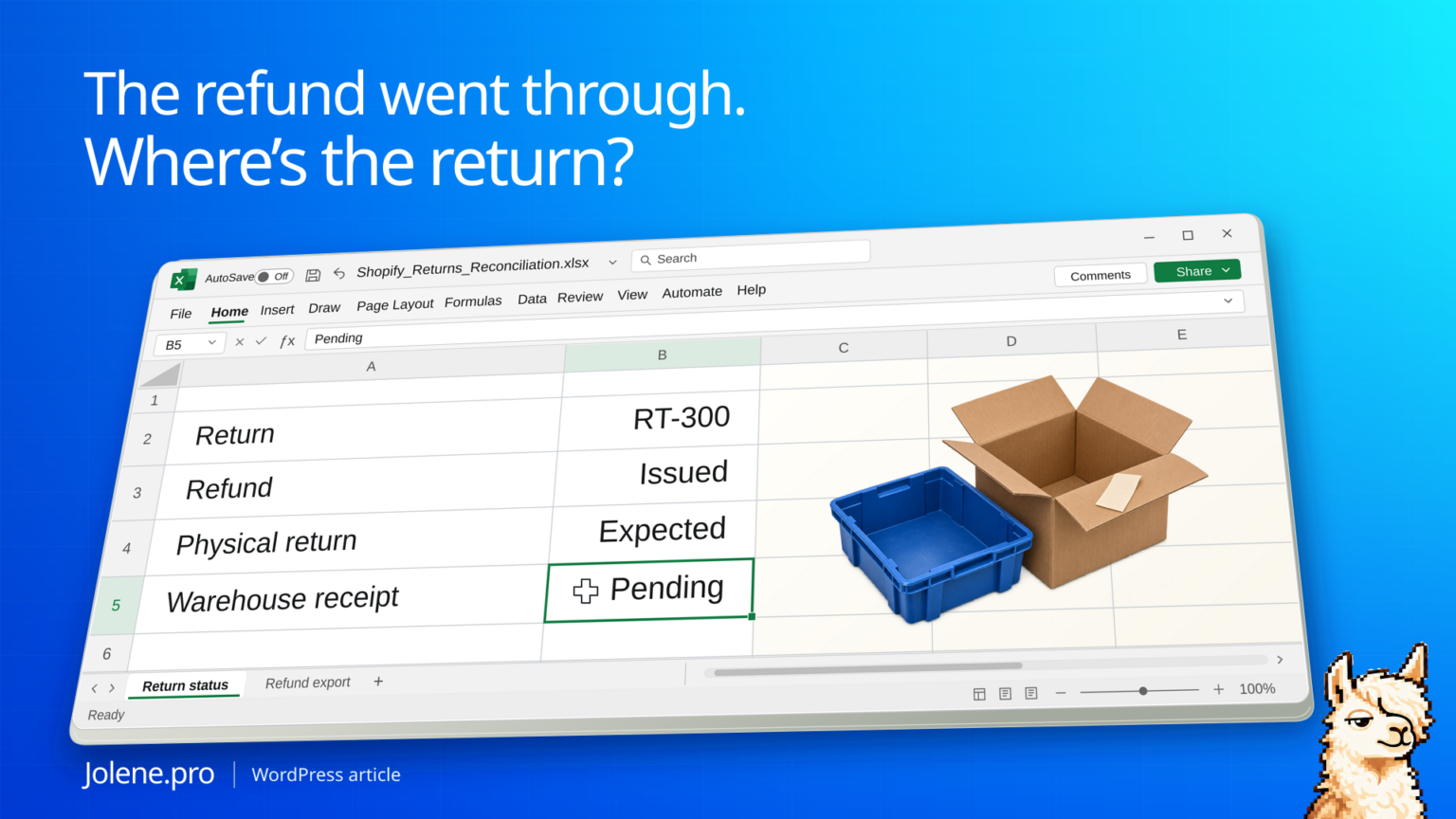
The refund is done. The inventory team still hasn’t seen the returned unit. Another parcel arrived yesterday, but the item is sitting in inspection. Both show up in a returns review, and the warehouse needs a different action for each.
Track refund, physical receipt, inspection and restock as separate events. Use the return policy and each line’s expected disposition to decide which open items belong in the weekly queue.
Three refunds with three different outcomes
The shop checks refundable physical returns seven days after the expected receipt date. One order has an approved refund without a return.
| Return line | Refunded | Received | Disposition | Review |
|---|---|---|---|---|
| RT-300 / 1 | Yes | No | Return expected | Trace the parcel |
| RT-302 / 2 | Yes | Yes | Inspection pending | Send to inspection |
| RT-306 / 1 | Yes | No | Return waived | Close physical follow-up |
Only RT-300 belongs on the missing-parcel list. RT-302 is a warehouse task. RT-306 needs no physical follow-up under the sample policy.
Recreate the return review in Excel
Create a blank sheet named Return Review. Paste the tab-separated teaching extract below into A1. It is a prepared, reconciled example, not the layout of a standard Shopify CSV. Format I2:I5 as dates. I4 is intentionally blank because that physical return was waived. The date entries beginning with =DATE must be formulas, not text.
ReturnID	Line	RefundedUnits	ExpectedPhysical	Received	Rejected	ApprovedSellable	Restocked	ExpectedReceipt
RT-300	1	1	1	0	0	0	0	=DATE(2026,11,9)
RT-302	2	1	1	1	0	0	0	=DATE(2026,11,17)
RT-306	1	1	0	0	0	0	0
RT-308	1	3	3	2	0	1	0	=DATE(2026,11,9)
Put As of in P1 and =DATE(2026,11,18) in Q1. Put Grace days in P2 and 7 in Q2. This example uses calendar days and flags a missing parcel only when more than seven days have passed after the expected receipt date. Use your own approved policy in practice.
Enter these headers in J1:M1: Missing units, Inspection units, Ready to restock, Parcel action. Enter the formulas below in J2:M2, then fill each down through row 5. Formulas use English Excel function names and comma separators; some regional settings require semicolons.
J2: =MAX(0,D2-E2)
K2: =MAX(0,E2-F2-G2)
L2: =MAX(0,G2-H2)
M2: =IF(AND(D2>0,J2>0,ISNUMBER(I2),$Q$1>I2+$Q$2),"Trace parcel","")
These formulas assume nonnegative whole-unit inputs, Restocked no greater than ApprovedSellable, and Rejected plus ApprovedSellable no greater than Received, which is no greater than ExpectedPhysical. Validate those conditions first. MAX prevents a negative queue count; it does not validate the records. A missing expected date needs review even when M is blank.
Check the source cells behind each queue
| Source row | Missing J | Inspection K | Restock L | Parcel action M |
|---|---|---|---|---|
| 2: RT-300 / 1 | 1 | 0 | 0 | Trace parcel |
| 3: RT-302 / 2 | 0 | 1 | 0 | Blank |
| 4: RT-306 / 1 | 0 | 0 | 0 | Blank, waived |
| 5: RT-308 / 1 | 1 | 1 | 1 | Trace parcel |
Row 5 needs three separate actions. D5=3 and E5=2 leave one unit missing. Of the two received, F5=0 rejected and G5=1 approved leave one unit awaiting inspection. G5=1 and H5=0 leave one approved unit awaiting restock. Do not mark the whole return received or restocked from a single Yes flag.
SUM(C2:C5) is 6 refunded units, while SUM(D2:D5) is 5 expected physical units because the return in row 4 was waived. SUM(E2:E5) is 3 received units. The three queue totals, SUM(J2:J5), SUM(K2:K5) and SUM(L2:L5), are 2, 2 and 1 units respectively. These are workflow counts, not refund dollars or a valuation of inventory.
For a boundary check, change Q1 to =DATE(2026,11,16). The November 9 parcels are exactly seven days past their expected date, so M2 and M5 stay blank under the stated policy. At November 17 both say Trace parcel. Restore November 18 afterward.
Prepare real exports before applying the formulas
Keep refund money, refunded quantity and expected physical quantity in separate fields. Map warehouse receipts, inspection decisions and restock events to the verified return ID and original order line. Aggregate each event table to that same grain before joining, so two refund events and two receipt events do not multiply into four rows. Include store and location when their identifiers are not globally unique. Check duplicate event IDs, reversals, mismatched cutoffs and unallocated receipts before treating the quantities as final. Unknown records are not confirmed zeros.
The source-cell references above belong to this teaching sheet. The arithmetic and boundary were checked with independent Python calculations. Native Excel recalculation and a live Jolene.pro result could not be verified.
In Jolene.pro, try: “For this review date, separate overdue missing physical units, received units awaiting inspection, and approved units awaiting restock. Exclude waived returns from the parcel queue. Show the return-line keys and source cells, and flag missing dates or contradictory quantities.”
Related: find the units still open after a partial shipment · Microsoft’s multi-criteria aggregation reference.
Use return-line identifiers
Combine the refunds and returns records with carrier or warehouse receipts and disposition logs. Keep return ID, order line, SKU, expected quantity and received quantity. Partial refunds and exchanges can make an order-level match ambiguous.
Check the expected action at each stage
Separate refunds that expect a physical return from approved returnless refunds. A receipt needs an inspection or disposition. Sellable units can move to restock after approval; damaged or incomplete units should stay in a separate review list.
Find the returns that need a person today
Add the policy deadline and any exemption next to the expected quantities.
Which refunded return lines are past the receipt deadline, and which received lines still need inspection or a restock review? Include quantities, owner and source rows.
Send customer support the parcel exceptions and the warehouse its inspection queue. Keep the reason each item cleared for the next review.
The figures and identifiers in this example are synthetic. The displayed arithmetic was checked independently. A live Jolene.pro result could not be verified.
Try this with your own spreadsheet at Jolene.pro. Follow Jolene.pro on LinkedIn for more spreadsheet guides.
For more checked examples, see Jolene.pro Workbook Studies.
1 comment