How to Calculate Shopify Profit by SKU After Discounts and Returns
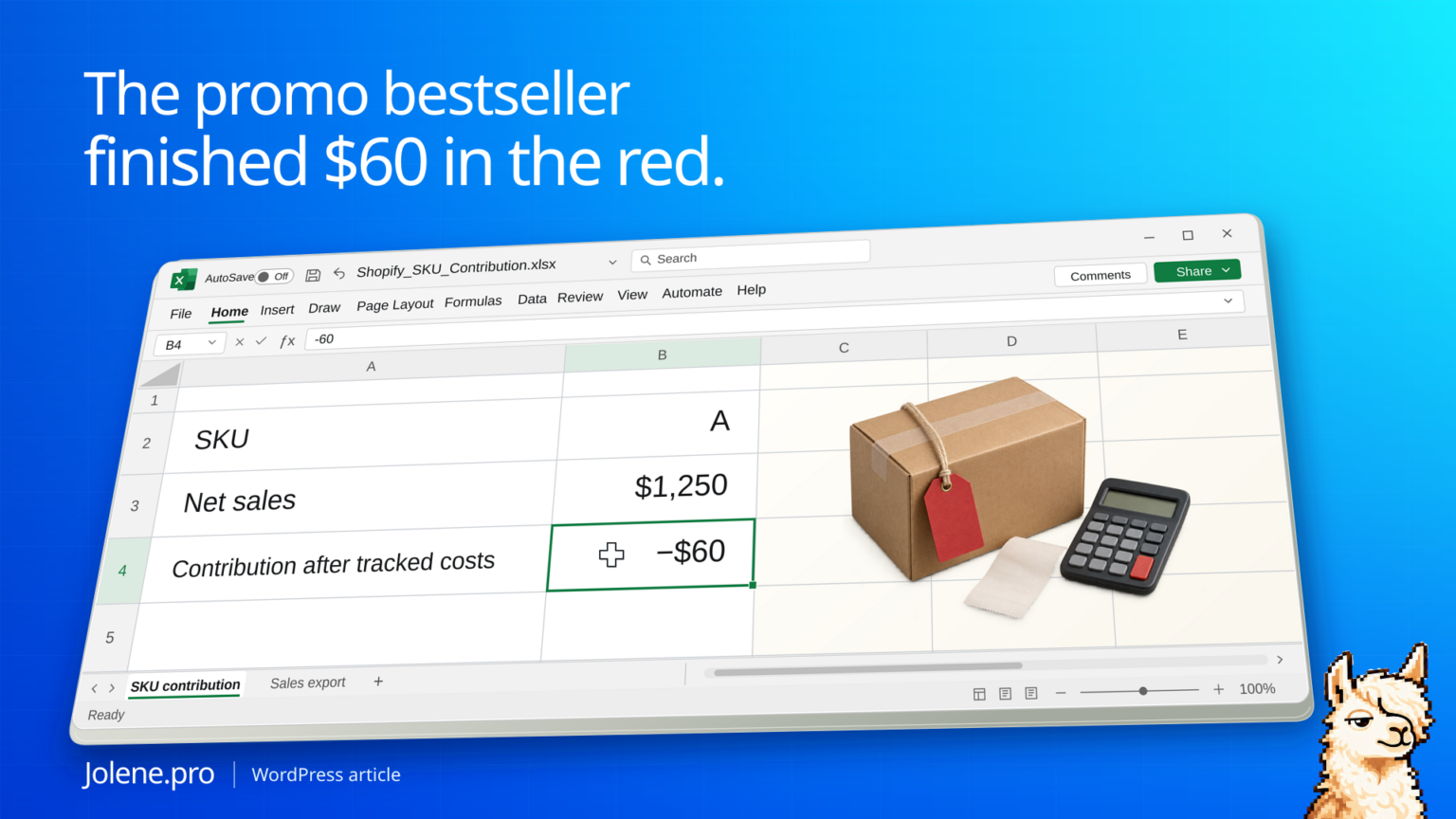
The promo report ranks SKU A first. It sold well and the team wants to run the offer again next week. Once the discounts, reversals, and related costs are included, the same item has the lowest contribution.
Start from net sales by variant, then deduct the product cost and any selling or fulfillment costs you can attribute consistently. Review missing costs separately so they don’t make a SKU appear profitable.
The SKU that won on sales and lost on contribution
These are sample amounts in USD for a single sales period. Product cost reflects the units whose costs remain in the period after any verified reversals.
| SKU | Net sales | Product cost | Other allocated costs | Contribution |
|---|---|---|---|---|
| A | $1,250 | $1,050 | $260 | −$60 |
| B | $940 | $520 | $120 | $300 |
SKU A produced $310 more in net sales and $360 less in contribution. The merchant can review A’s offer and costs before choosing a featured item for the next promotion.
Align the sales and cost scopes
Use the Shopify sales-by-variant report or a line-level export. Check how your source defines net sales. If discounts and reversals are already applied, avoid subtracting them again. Add unit cost effective at the sale date where available. Flag missing costs rather than treating them as zero.
Document the costs allocated across order lines
Separate traceable item costs from shared order-level costs. If you allocate outbound fees by net sales or units, keep the rule in its own tab. Handle negative net sales, currency and return disposition consistently. Reconcile the allocated totals to their source before ranking SKUs.
Review the offer before running it again
Use one table for order-level fees, one for net sales and one for cost assumptions. Keep the margin calculation visible for the merchant.
Which promoted SKUs had negative contribution after available costs? Show net sales, each cost category, missing-cost flags and the source rows behind the result.
Check whether the planned promo changes price, fees or expected returns enough to change the decision. The sample contribution excludes overhead.
Shopify sales reports · Shopify cost per item
The figures and identifiers in this example are synthetic. The displayed arithmetic was checked independently. A live Jolene.pro result could not be verified.
Try this with your own spreadsheet at Jolene.pro. Follow Jolene.pro on LinkedIn for more spreadsheet guides.
For more checked examples, see Jolene.pro Workbook Studies.
Related checks: How to Find the Shopify Variant Driving Product Returns · How to Check Shopify Refunds Against Returns Received and Restocked.