How to Find Repeat Repairs and See What They Cost
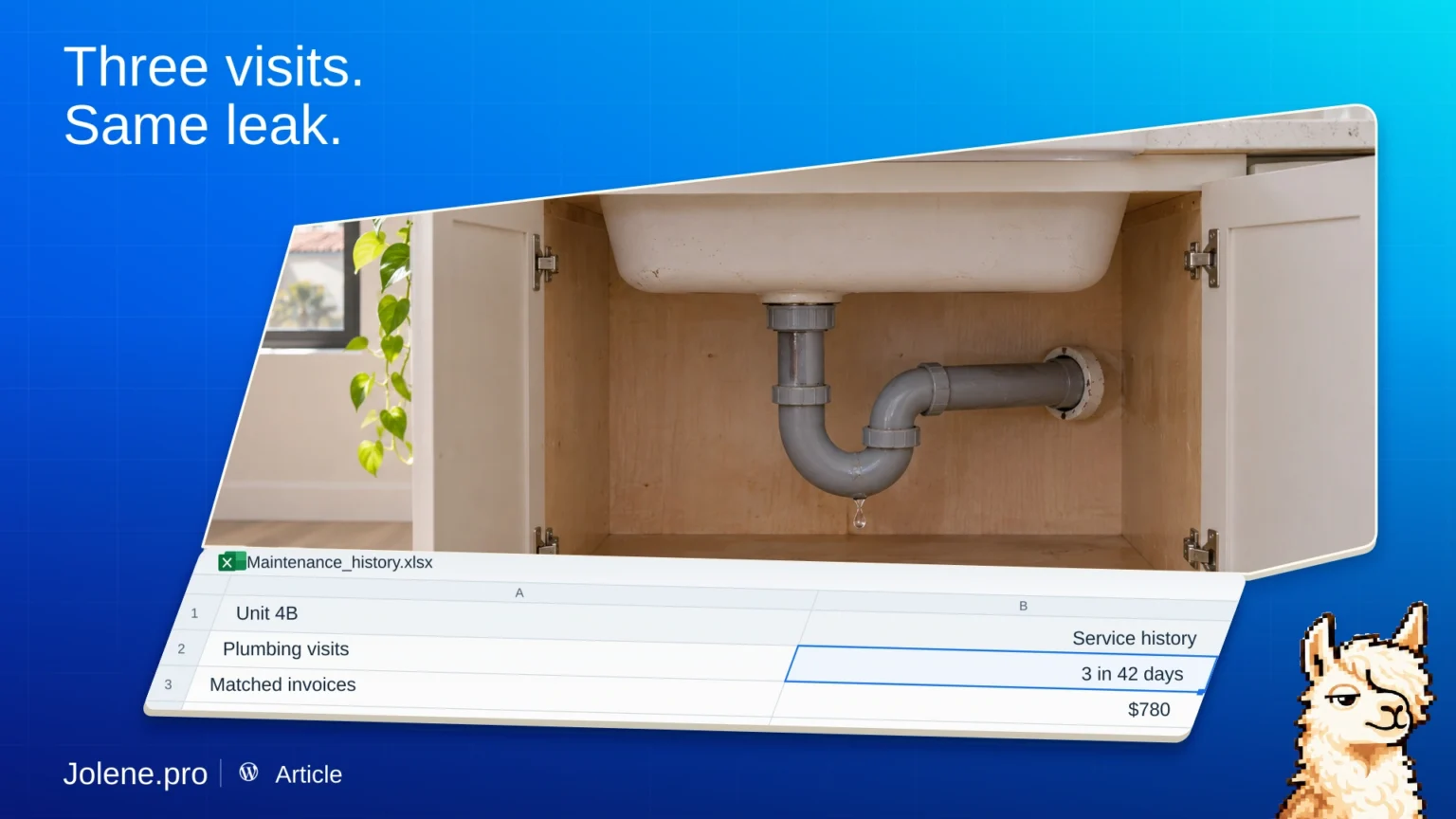
Three work orders say “leak fixed.” All three belong to the same unit. The next call should probably start with what was done on the previous visits.
Bring work orders and invoices together
If you work in Excel, use the service log and vendor invoice register. Include property and unit IDs, asset or issue category, work-order number, status, dates, and invoice amount.
If you use MaintainX, export the relevant work orders to CSV and add invoice detail from your accounting system. Keep the work-order reference where it exists.
Count the visits and verify the spend
Group by unit and issue category or asset. Pick a window, such as 60 days, and check that reopened tickets and duplicates aren’t counted as separate visits. Join vendor costs where the reference matches and list unmatched invoices separately.
Unit 4B had three separate plumbing visits in 42 days. The matched invoices total $780. The maintenance lead can review the ticket IDs and dates before booking another visit.
What to ask Jolene.pro
Which units had repeat repairs for the same issue within 60 days? Show visits, matched spend, work-order IDs, and source rows.
Use the results to decide which jobs need a closer look at the cause.