How to Check Approved Change Orders Against a Procore Budget Export
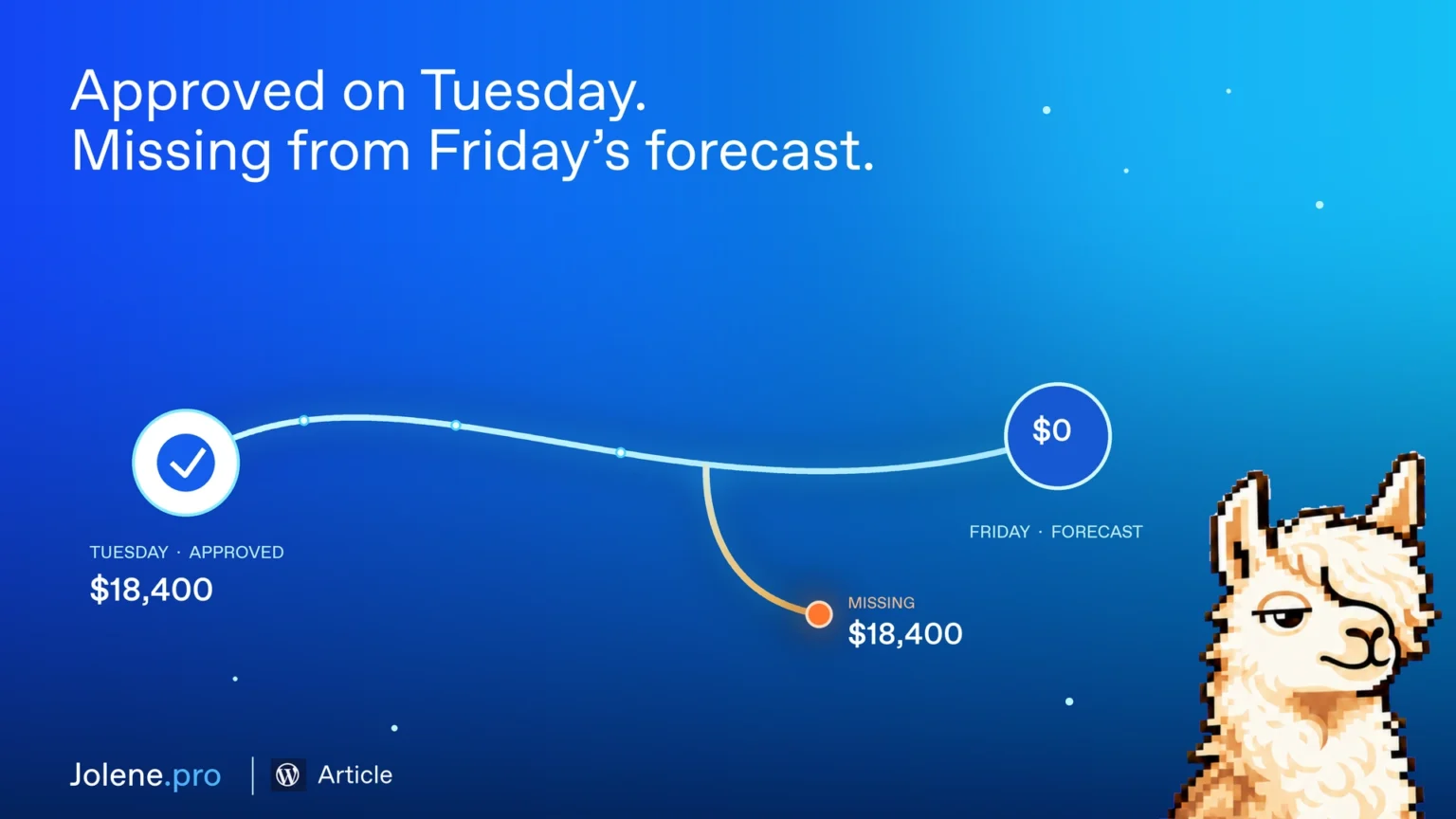
A $24,000 electrical change was approved on Tuesday. At Friday’s cost meeting, there’s no line for it in the forecast. Before you add it, check whether it’s already included under the electrical subcontract. Otherwise, you could count the same cost twice.
Pull the budget, change register, and forecast detail
If you work in Excel, use your latest forecast, approved change-order register, and cost-code mapping. Keep the change-order ID, approval date, cost code, and approved amount. If a change spans multiple trades, keep the amounts split by cost code.
If you use Procore, export the project budget as a CSV and pair it with your approved change-order register. If the budget export only shows totals by cost code, add the detail behind the forecast so you can see what each total includes. Procore’s budget export guide
Check what made it into the forecast
- Use the forecast’s cutoff date. Review changes approved by that date. Keep later approvals separate for the next review.
- Match by change-order ID and cost code. Check split changes line by line. A change can show up under one trade while part of its cost is still missing elsewhere.
- Flag changes you can’t trace. If the forecast only shows a cost-code total, check the subcontract or forecast detail before calling a change missing.
In this example, CO-17 adds $24,000 to electrical. It was approved before the cutoff, but the forecast detail has no matching line. That’s a specific item for the project manager to check: was the $24,000 included in the subcontract forecast, or does the forecast need to go up?
What to ask Jolene.pro
Add the budget export, approved change register, and forecast detail, then ask:
Which changes approved by the forecast cutoff have no matching forecast line? Show the change ID, cost code, amount, and source rows. Flag any matches you can’t confirm.
Bring that list to the cost meeting. You’ll know which changes need a closer look and where to check before adjusting the forecast.