How to Compare a Lease Payment Schedule With AP After an Amendment
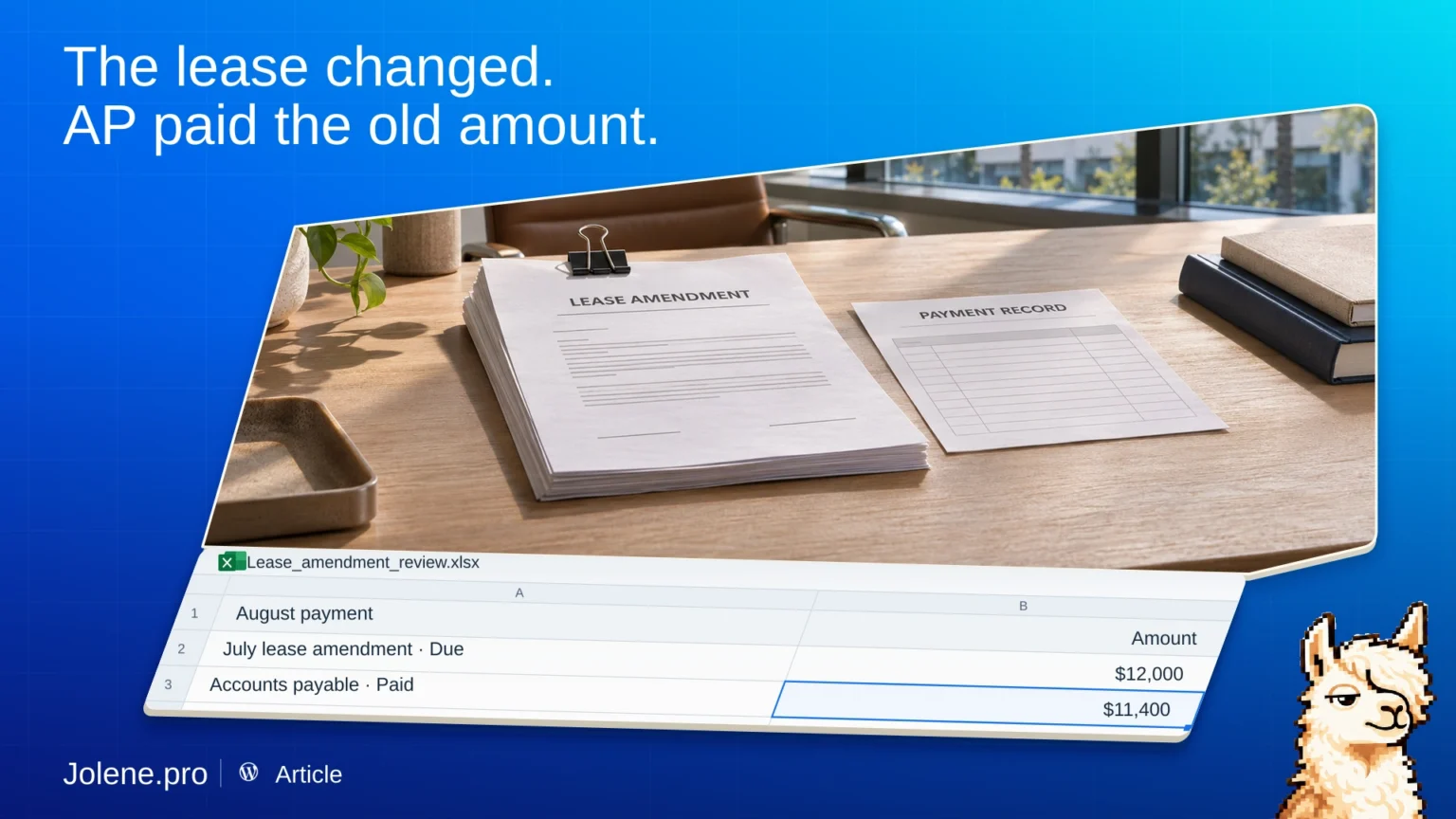
The office lease was amended in July. The payment schedule was updated. In August, AP still paid the old amount. Each team was working from a different version.
Bring the effective schedule and the payments
If you work in Excel, pull the revised payment schedule and AP detail. Keep the lease ID, effective date, payment period, expected cash payment, and AP reference.
If you use FinQuery LeaseGuru, use the schedule or report that contains the cash payment you want to compare. Add the AP extract. For a journal comparison, use the expected journal report and the posted entries.
Match the period the payment covers
Compare scheduled cash to actual cash on the same basis. Separate taxes, fees, and one-off adjustments if the reports treat them differently. Check for payments posted after the cutoff.
In this example, the revised August payment is $12,000 and AP paid $11,400. Put the $600 difference on the review list alongside the amendment date and AP reference.
What to ask Jolene.pro
Which lease payments differ from the amended schedule? Show the lease ID, period covered, and source rows.
Send the exceptions to the team that owns the AP schedule.