Excel Canvas Is Coming. Here’s What to Check Before Sharing a Report.
Microsoft is preparing Excel Canvas, a Copilot feature that turns workbook data into a report with charts, metrics, and insights. The report is designed to update when the underlying data changes.
An October 2 Microsoft Message Center notice, reproduced in a public archive, schedules worldwide rollout from mid-October through the end of October 2026. It lists Excel for Windows and Excel Online, for users with access to Copilot in Excel. That is a rollout plan, rather than confirmation that it has reached your account.
For anyone preparing monthly reports, the practical question is simple: what did the report include?
Start with one number you can check
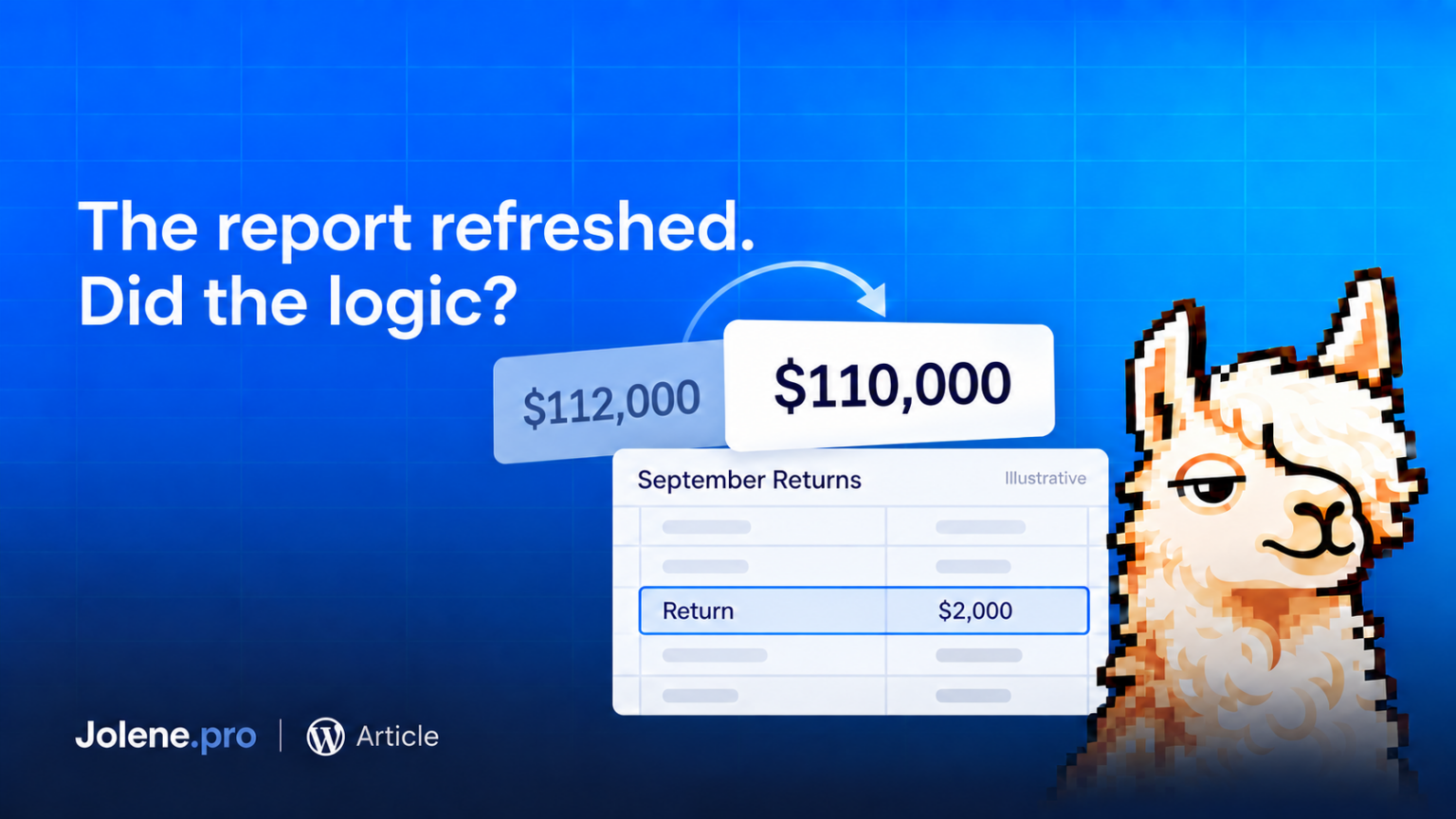
Imagine a fictional workbook with September sales of $120,000 on one sheet and $8,000 in returns on another.
If those returns belong to September and have not already been deducted, net sales should be $112,000.
Before accepting a generated report, check which figure it presents and how it labels it. “Sales” and “net sales” answer different questions. A chart title should make that distinction visible.
The chart’s font has no opinion on whether returns were deducted twice.
Change the workbook deliberately
Once you have access, test a copy of the file.
Add a $2,000 September return. Under the same assumptions, net sales should fall to $110,000. Check whether the figure, chart, and accompanying explanation all reflect the change.
Then add an October transaction. A report limited to September should keep the same September total.
These small tests reveal whether the report follows the intended period and calculation. A changing number alone does not prove the logic is right.
Keep the supporting records close
Before sharing, make the reporting period and metric definition explicit. Keep a route back to the records used in the calculation.
Jolene.pro analyzes Excel and CSV files across sheets and separate tables, providing source-cell, row, and sheet references with its answers. Those references help reviewers inspect the evidence behind a number.
For a walkthrough, read what Jolene.pro does and how its source references work.
A useful report leaves the next person able to understand the number, check it, and decide what to do.
🤙🦙