Which serials arrived when the transfer counts match?
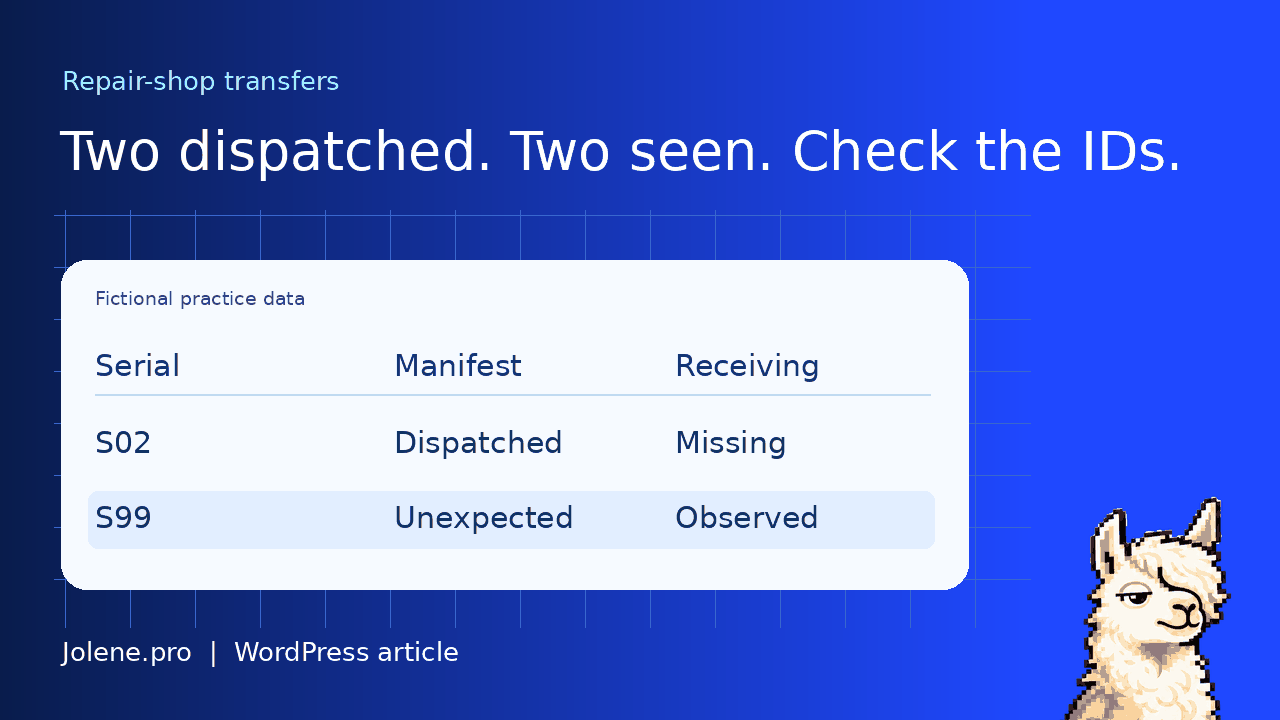
Compare each dispatched serial with receiving evidence for the same transfer, destination store and cutoff. A transfer can show two units shipped and two units received while one expected device is absent from the captured receiving records.
This guide uses fictional devices and a single local time zone. Its calculations were independently checked. A live Jolene.pro result for this example has not been verified.
Collect the exact evidence for one transfer
Start with an authorized dispatch manifest containing the transfer reference, destination, serial and shipped time. Keep the receiving log with its observation time and source row. Store serials as text, including leading zeros. Agree which records form a complete capture for the selected transfer and time window.
RepairDesk documents an In Transit Inventory Report with shipped and received quantities, status and tracking information. Its help also describes scheduled transfer snapshots and selected serials. Check the actual downloaded columns in your authorized installation. If the export lacks serial-level receiving evidence, use a reviewed receiving manifest or scan log. A quantity summary alone cannot supply missing serial identities.
Use the same transfer, store and cutoff
The fictional Dispatch sheet has these three rows. Each row represents one device.
| Row | Transfer | Destination | Serial | Shipped time |
|---|---|---|---|---|
| 2 | T1 | B | S01 | 08:00 |
| 3 | T1 | B | S02 | 08:00 |
| 4 | T2 | C | S03 | 08:10 |
The Receipts sheet records five rows. All times are on the same fictional day. The last row repeats the first capture, as confirmed by the same source event ID E1.
| Row | Transfer | Observed store | Serial | Time | Source event |
|---|---|---|---|---|---|
| 2 | T1 | B | S01 | 09:00 | E1 |
| 3 | T1 | B | S99 | 09:01 | E2 |
| 4 | T1 | B | S02 | 10:01 | E3 |
| 5 | T2 | B | S03 | 09:03 | E4 |
| 6 | T1 | B | S01 | 09:00 | E1 |
Check membership in both directions
Freeze the review at 10:00. Flag the repeated E1 capture before counting. For T1, two distinct serials were observed at B by the cutoff, S01 and S99. Compare them with dispatched serials S01 and S02.
| Check at 10:00 | Result | Evidence |
|---|---|---|
| T1 expected serial without a destination receipt | S02 | Dispatch row 3; Receipts row 4 is after cutoff |
| T1 observed serial outside the dispatch list | S99 | Receipts row 3 |
| T1 matching serial | S01 | Dispatch row 2; Receipts row 2 |
| T2 observed store differs from destination | S03 observed at B, expected at C | Dispatch row 4; Receipts row 5 |
| Repeated source capture | E1 | Receipts rows 2 and 6 |
At 10:01, S02 has a receipt at B and the T1 expected-serial gap closes. S99 still needs review. Keep that later observation with its time, so it does not change the earlier snapshot.
Use a row check in Excel
In this practice layout, Dispatch columns A:D contain transfer, destination, serial and time. Receipts columns A:E contain transfer, observed store, serial, time and source event ID. Put a comparable cutoff time in Controls!B2. The following formula counts captured observations matching the first dispatch row.
=COUNTIFS(Receipts!$A$2:$A$6,A2,Receipts!$B$2:$B$6,B2,Receipts!$C$2:$C$6,C2,Receipts!$D$2:$D$6,"<="&Controls!$B$2)A zero needs review when the source capture is complete. A count above one needs an event-identity check. This formula counts source rows, so S01 returns two until the repeated E1 capture is handled. Keep original rows and record why the comparison uses one instance. For real files, use full timestamps on the same time basis and include the organization or store scope in the key.
Keep uncertainty visible
- Mark absent serials as unresolved if the receiving capture is partial.
- Preserve a wrong-store observation even when another file is incomplete.
- Review conflicting source IDs, destinations and serial corrections before comparing sets.
- Use a confirmed crosswalk if different systems name the same object differently.
- Keep native transfer corrections and stock decisions with the authorized stock owner.
Ask Jolene.pro which dispatched serials lack receiving evidence at the correct store by the cutoff, which received serials are unexpected, and which rows support each finding. Keep the original source references beside its answer. The practice checker reads the included CSVs and checks both cutoffs without changing inventory.