Did the published notebook read the file for your selected case?
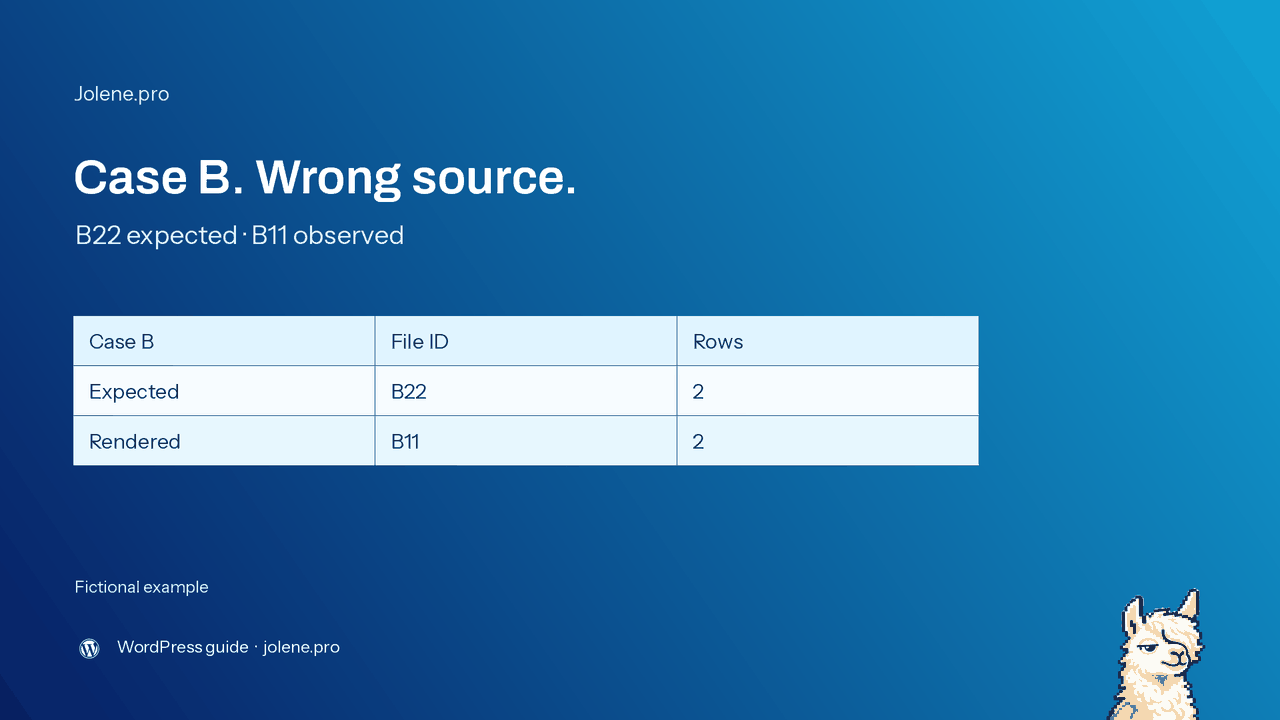
A notebook can show the expected number of rows while reading a file from another case. Save the published readback after a reload, then compare the actual source ID and a known record key with the approved case-to-file map.
How to check the records
Match the rows on case ID. Capture the file ID from a reproducible readback of the rendered inputs. Include a distinct test record from each source and compare both fields before checking row count.
Worked example with fictional records
| Case B | File ID | Rows |
|---|---|---|
| Expected | B22 | 2 |
| Rendered | B11 | 2 |
Case A passes. Case B expects B22 and B-09 in Expected!B3:C3, but shows B11 and A-09 in Rendered!B3:C3. Both counts are two. Replacing these values with B22 and B-09 passes. If the source ID is missing, record source identity as unknown even when the key matches.
Download the fictional practice files
What the check can establish
The forum examples describe an attachment reference reverting after refresh and a separate historical same-name collision. The worked rows demonstrate the readback method. They do not reproduce a software issue.
Source notes and practice
Observable forum discussion · Earlier attachment collision discussion · Workbook Studies