Did a checkout donation get counted as registration income?
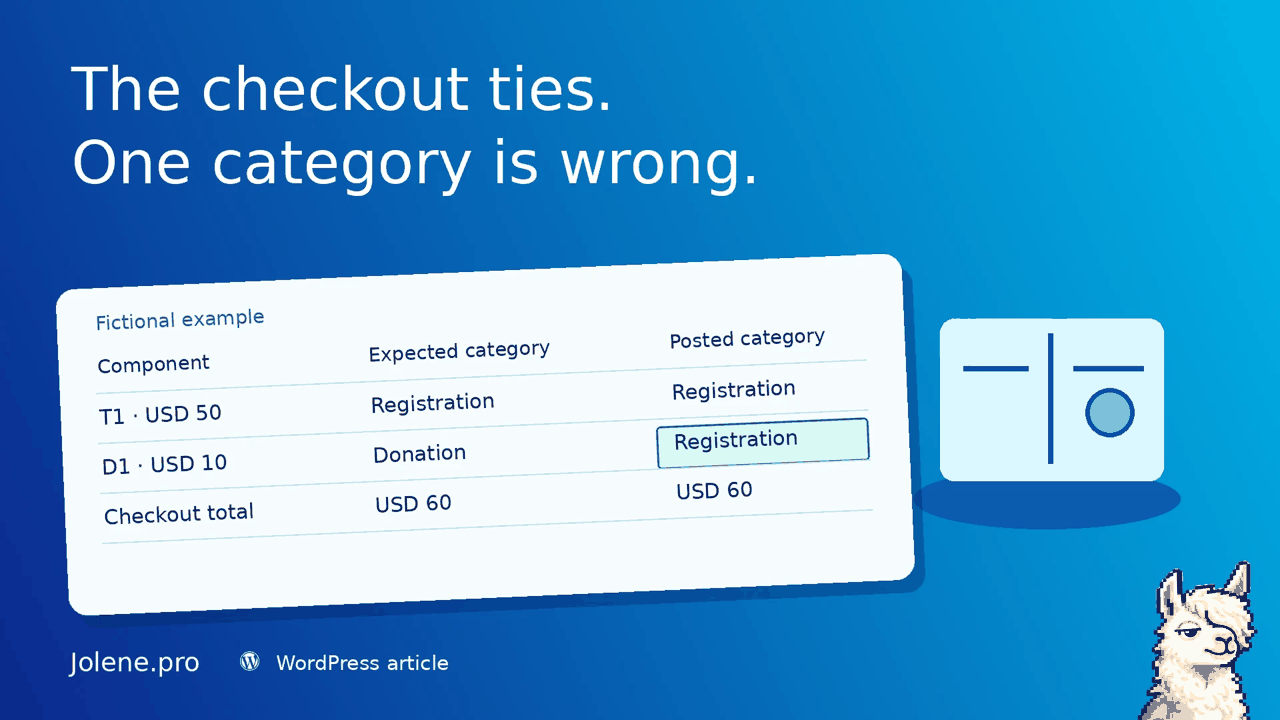
A checkout can balance in total while registration income is too high and donations are too low. Compare the components and categories behind the total before closing the event.
Records to compare
Build one row per component from the authorized checkout or receipt records. Use a checkout ID and verified component ID or a documented crosswalk. Compare the amount and expected category with the ledger category. Check duplicates and refunds separately. WildApricot’s November 18 release describes optional one-time donations recorded separately. Confirm the exact export fields on your own files.
Worked example with fictional records
| Component | Expected category | Posted category |
|---|---|---|
| T1 · USD 50 | Registration | Registration |
| D1 · USD 10 | Donation | Registration |
| Checkout total | USD 60 | USD 60 |
Expected!A2:D5 and Posted!A2:D6 each show USD 60 for C1. Posted!C3 puts D1 in registration, so registration is USD 10 high and donations are USD 10 low. C2 has only a registration. C3 has a traced USD 5 refund that ties. D9 at Posted!A6:D6 lacks its checkout ID and remains unattributed.
What to check before acting
Keep unidentified receipts outside the matched subtotal. A shared date, name or amount is insufficient to link two transactions. Use documented refund allocations and have the ledger owner review any proposed correction.
Download the fictional practice files
Copy the practice data
| checkout | component | category | usd |
|---|---|---|---|
| C1 | T1 | registration | 50 |
| C1 | D1 | donation | 10 |
| C2 | T2 | registration | 30 |
| C3 | D3 | donation | -5 |
| checkout | component | category | usd |
|---|---|---|---|
| C1 | T1 | registration | 50 |
| C1 | D1 | registration | 10 |
| C2 | T2 | registration | 30 |
| C3 | D3 | donation | -5 |
| D9 | donation | 10 |