How to check race award divisions against registration answers
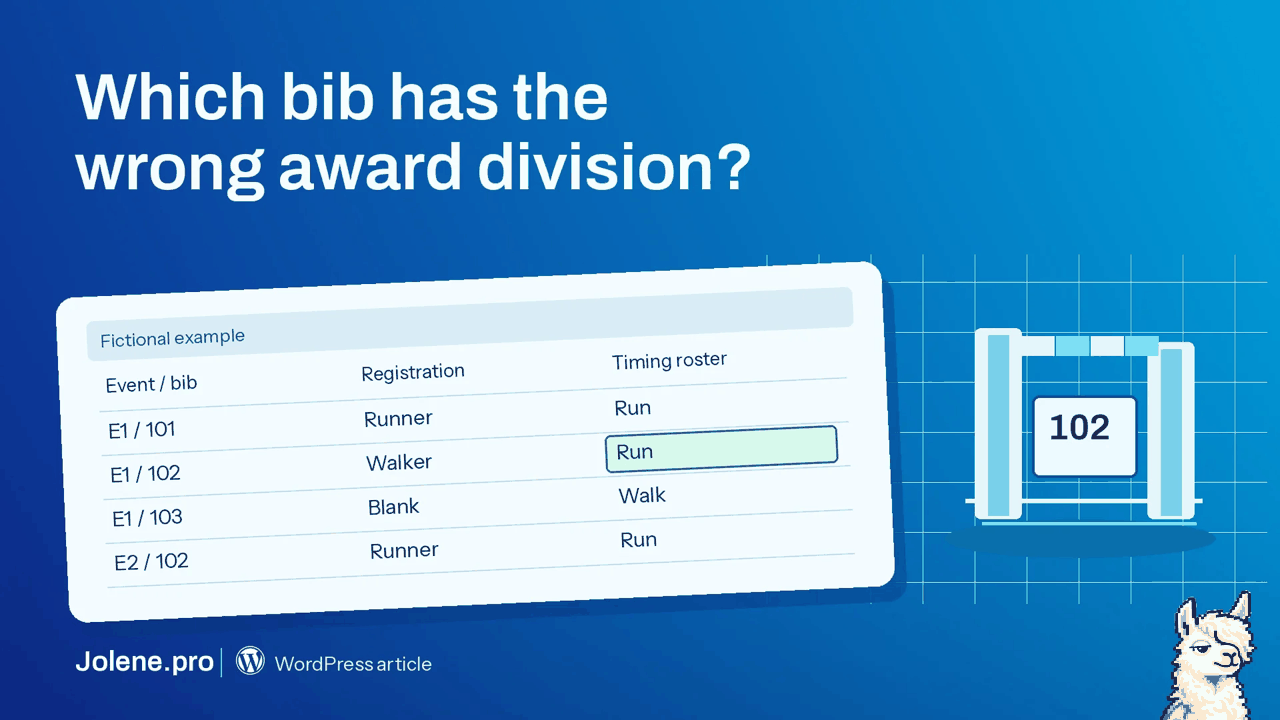
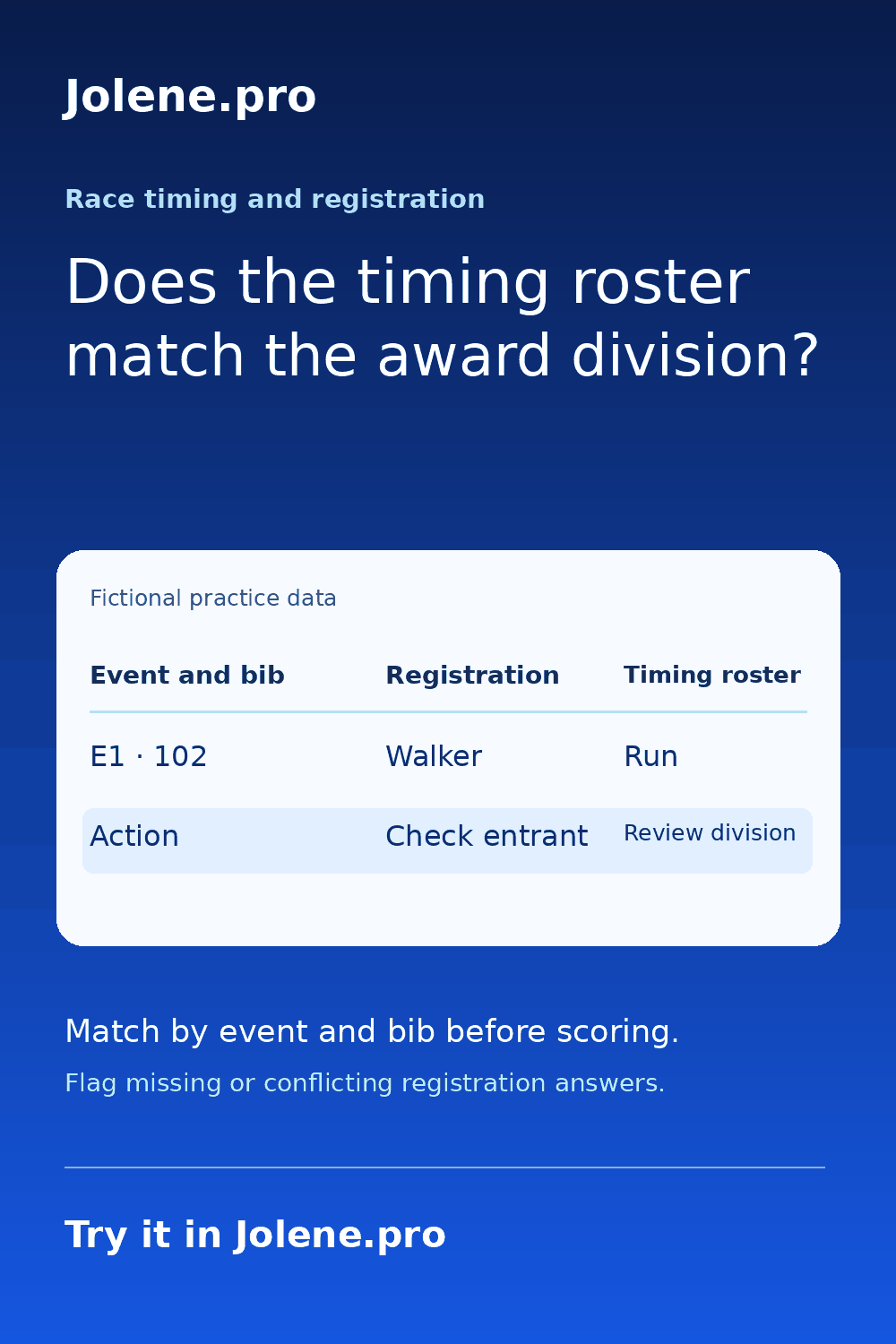
Match the timing roster to the registration report before checking award categories. In the fictional example below, E1 bib 102 is the only entry with a confirmed difference. Two other entries need a registration answer checked before the timer can decide what to do.
How to check your records
- Export both rosters at the same cutoff. Keep a stable registration ID if both files have it. If you use event and bib, confirm that this pair identifies one entrant in both records. Preserve the event ID when bibs are reused.
- Keep the registration question and the timing division in separate columns. Translate answers through an approved category table, such as runner → Run and walker → Walk. Group each entrant’s source rows before comparing. If there are multiple distinct answers, carry them into the review.
- Compare the expected division with the timing division only once the source answer and target are confirmed. Give blank answers, conflicting answers and unmatched entries separate statuses. If the registration export omitted the question, obtain a usable export before drawing conclusions.
Worked example with fictional records
Import each example CSV into its own spreadsheet tab. Keep the original row order and headers for the cell references below.
| Finding | Record or amount | Cells to check | What the records show |
|---|---|---|---|
| Confirmed mismatch | E1 bib 102 | Registration!A3:C3, Timing!A3:C3, Map!A3:B3 | walker maps to Walk. The roster says Run. |
| Missing answer | E1 bib 103 | Registration!A4:C4, Timing!A4:C4 | Timing has Walk. The registration answer is blank. |
| Conflicting answers | E1 bib 104 | Registration!A6:C7, Timing!A6:C6 | The source contains both runner and walker. |
| Match | E2 bib 102 | Registration!A5:C5, Timing!A5:C5 | Both support Run for this separate entrant. |
What to review before acting
Filter the exception list by event before reviewing it with the registration lead. Preserve the original answers and category map. This check compares two exports. Race scoring and category corrections stay in the timing workflow.
Download the fictional practice files
Copy the practice data
| answer | expected |
|---|---|
| runner | Run |
| walker | Walk |
| event | bib | division |
|---|---|---|
| E1 | 101 | runner |
| E1 | 102 | walker |
| E1 | 103 | |
| E2 | 102 | runner |
| E1 | 104 | runner |
| E1 | 104 | walker |
| event | bib | division |
|---|---|---|
| E1 | 101 | Run |
| E1 | 102 | Run |
| E1 | 103 | Walk |
| E2 | 102 | Run |
| E1 | 104 | Run |
Find more spreadsheet practices and workbook studies.
Sources
Open the portrait comparison card