Did GnuCash recognize the bank account and suggest the right category?
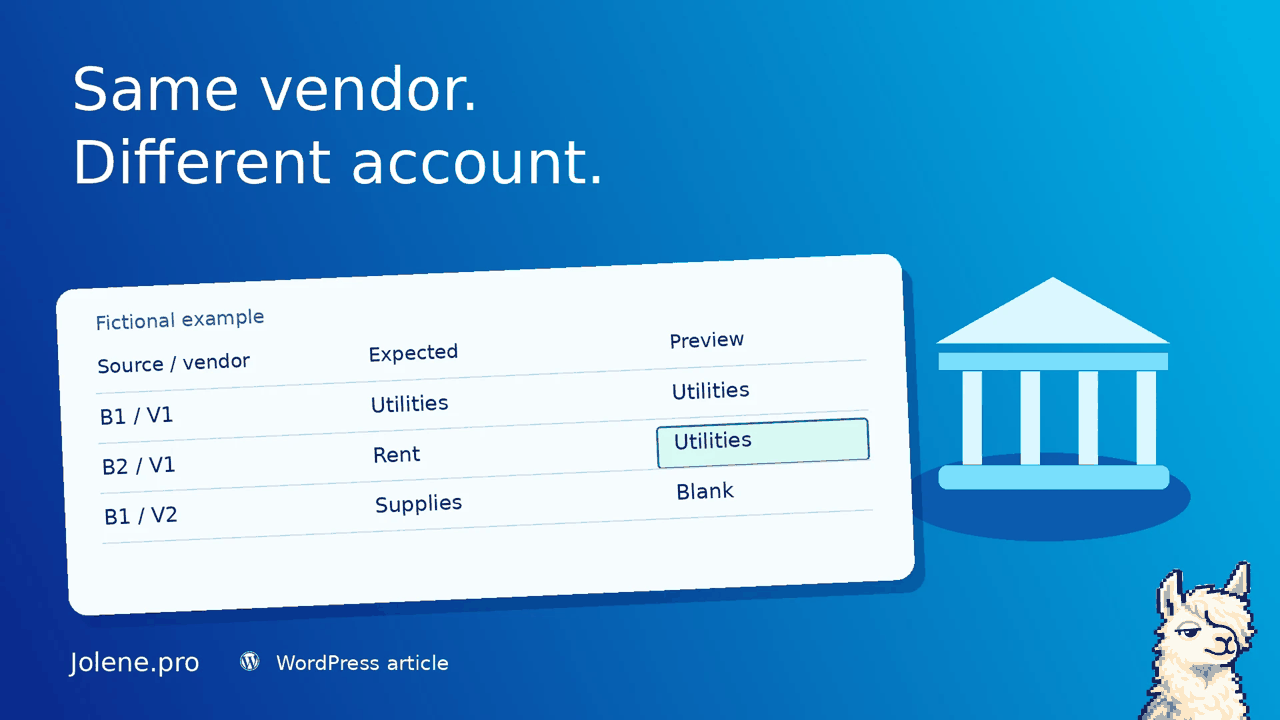
GnuCash can recognize the bank account from a QFX file and still suggest the wrong destination account for a transaction. Compare those two fields separately in the import preview or a copy of your workbook.
What to compare
Record each preview row’s source account, reviewed vendor key and suggested destination. Match the source account plus vendor key to a scoped approved mapping. Keep blank suggestions, missing mappings, multiple acceptable mappings and unknown source accounts distinguishable.
Worked example with fictional records
| Source / vendor | Expected | Preview |
|---|---|---|
| B1 / V1 | Utilities | Utilities |
| B2 / V1 | Rent | Utilities |
| B1 / V2 | Supplies | Blank |
In the fictional workbook, Approved!A2:C4 maps B1/V1 to Utilities, B1/V2 to Supplies and B2/V1 to Rent. Preview!A2:D5 shows P1 matches, P2 has no suggestion, P3 shows Utilities for B2/V1 instead of Rent, and P4 has no captured source account.
What to check before acting
For a recognized account with an unlisted vendor, report a missing mapping. If you find two approved categories for the same account and vendor, check which rule applies to the transaction before accepting either. This check does not change GnuCash’s stored mappings.
Download the fictional practice files
Copy the practice data
| bank | vendor | expected |
|---|---|---|
| B1 | V1 | Utilities |
| B1 | V2 | Supplies |
| B2 | V1 | Rent |
| row | bank | vendor | suggested |
|---|---|---|---|
| P1 | B1 | V1 | Utilities |
| P2 | B1 | V2 | |
| P3 | B2 | V1 | Utilities |
| P4 | V1 | Utilities |