After a bill import error, which rows still need review?
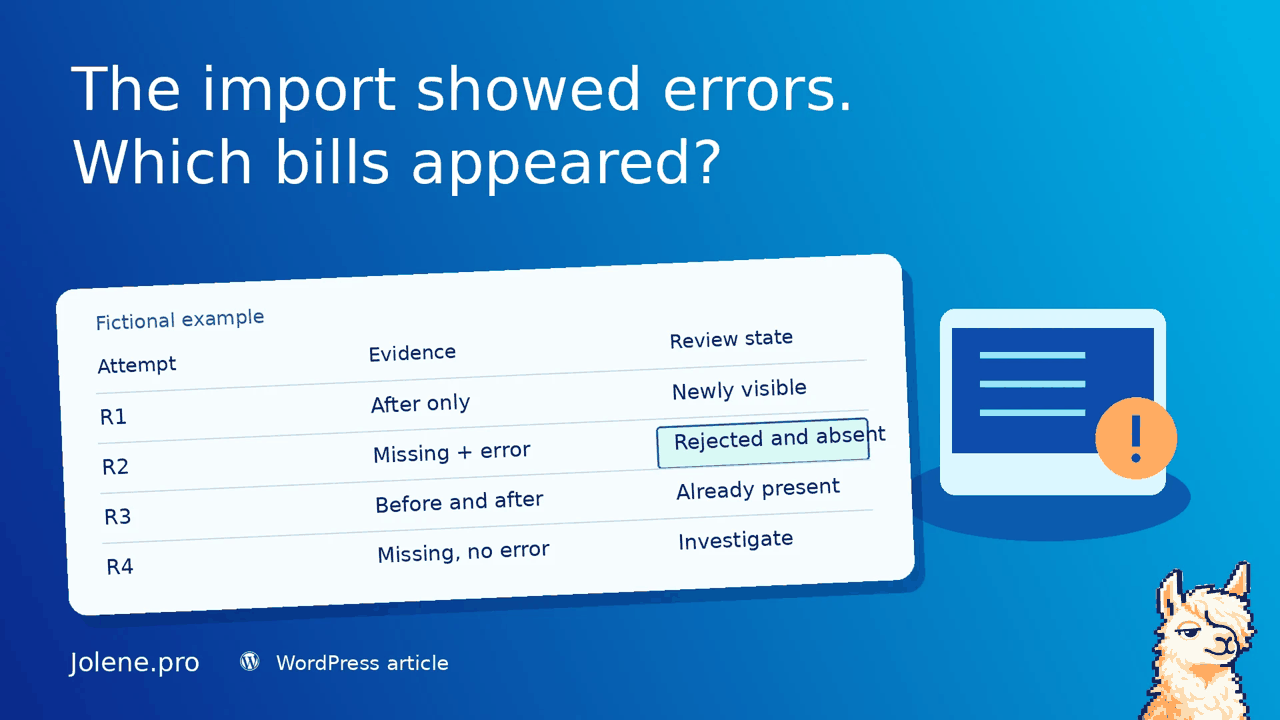
A bill import error tells you something about the attempt. Before retrying, use a dated before and after export to see which bills are visible and which still need investigation. Preserve the original batch and the separate error file.
What to compare
Confirm organization and export filters, then match bills by vendor ID and bill number. Join the error file by batch row ID. Compare the amount and date on matching rows before acting. A record found only after the import is newly observed, and needs a receipt or an exclusive write window to attribute it to that attempt.
Worked example with fictional records
| Attempt | Evidence | Review state |
|---|---|---|
| R1 | After only | Newly visible |
| R2 | Missing + error | Rejected and absent |
| R3 | Before and after | Already present |
| R4 | Missing, no error | Investigate |
In the fictional practice file, Attempt!A2:C5 lists four rows. After!A2:B3 shows R1’s V1/B1 is newly visible and R3’s V2/B1 was already present in Before!A2:B2. Errors!A2:B2 records R2’s rejection, and R2 is missing from the complete after export. R4 is missing without a logged reason.
What to check before acting
With a partial after export, the R2 error still exists and R2’s destination status is unknown, as is R4’s. A visible bill expected at USD 80 and recorded at USD 75 still needs review. Leave missing or ambiguous vendor IDs unresolved.
Download the fictional practice files
Copy the practice data
| vendor | bill |
|---|---|
| V2 | B1 |
| V1 | B1 |
| row | vendor | bill |
|---|---|---|
| R1 | V1 | B1 |
| R2 | V1 | B2 |
| R3 | V2 | B1 |
| R4 | V2 | B3 |
| vendor | bill |
|---|---|
| V2 | B1 |
| row | error |
|---|---|
| R2 | Account rejected |