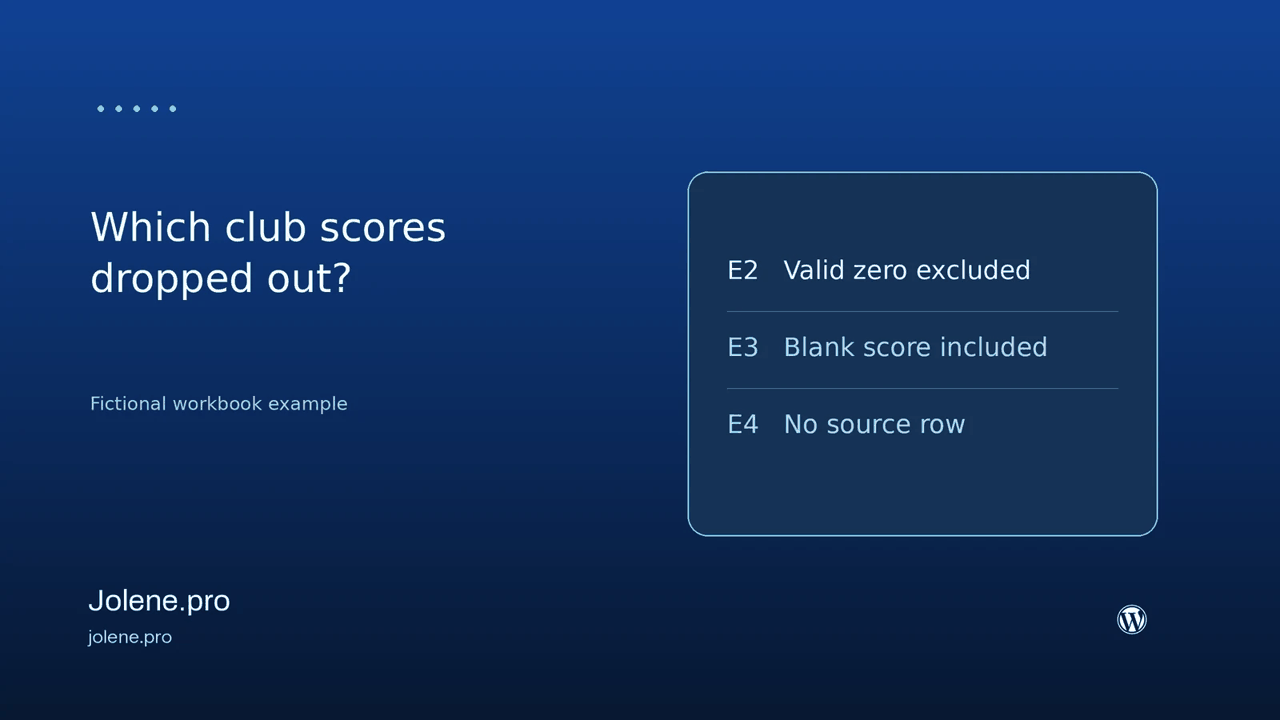
Which club scores disappeared when we copied the base?
A rollup can still total 10 after a zero-point event drops out. Compare event IDs as well as points. In this fictional club, an event with zero is missing from the report, another has a blank, and a third has no score row for the current year.
How to run the check
Build the expected event list for one member and season. Match it to score records by member, year and event. Flag duplicates for review before summing.
Compare the matched source IDs with a comparable list of actual rollup inputs. If the platform only shows a total, obtain a scoped input list before assigning a reason to a missing row.
Keep a zero, a blank score and an absent source row separate. Validate year filters, links and number types once you know which row needs review.
Fictional example
Expected
Year
Event
Member
2026
E1
M1
2026
E2
M1
2026
E3
M1
2026
E4
M1
Scores
Event
Member
Year
Points
E1
M1
2026
10
E2
M1
2026
0
E3
M1
2026
E4
M1
2025
99
Export
Event
Member
Year
E1
M1
2026
E3
M1
2026
What the records show
Scores!D3 is a valid zero for E2, whose event ID is absent from Export!A2:A3. E3 appears in the report, with Scores!D4 blank. The E4 score in Scores!A5:D5 applies to 2025, so the expected 2026 event has no source row. The recorded numeric and reported totals both equal 10.