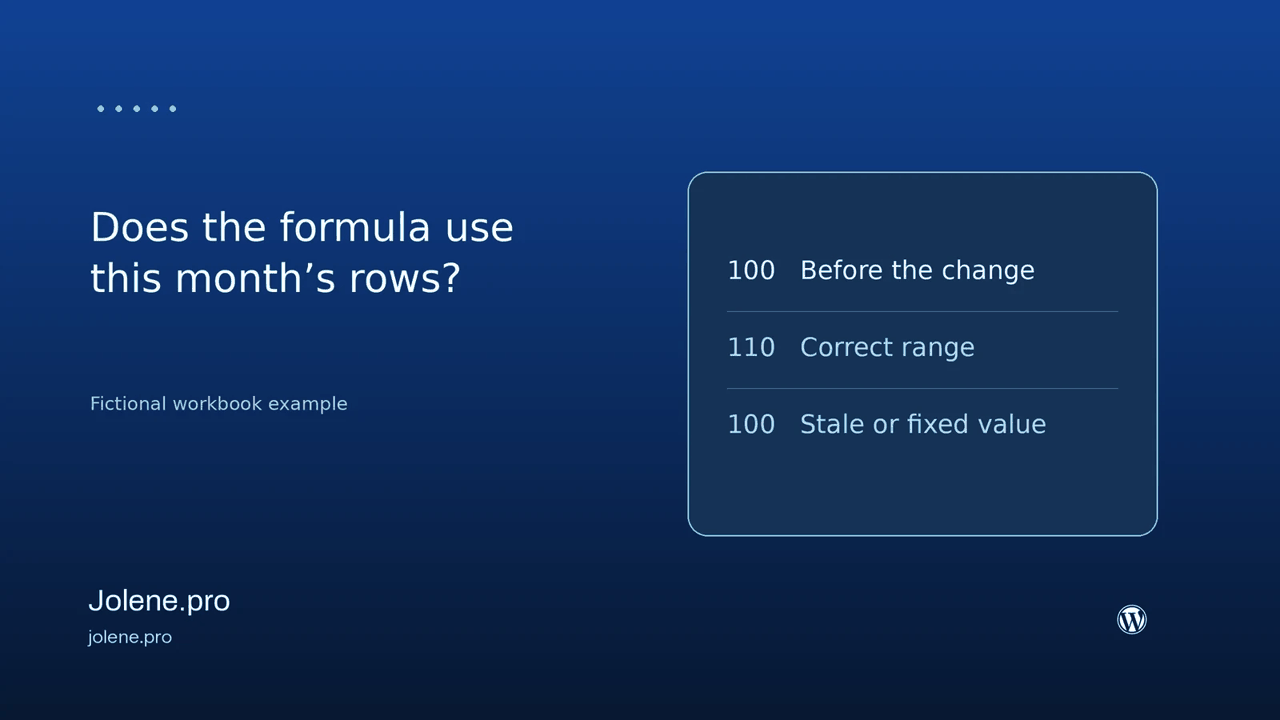
A total of 100 can hide a reference to last month’s sheet. In a disposable copy, inspect the formula, then change one input with a known expected effect. In the fictional test below, only the correct range moves from 100 to 110.
How to run the check
Confirm the requirement and preserve a copy of the workbook. Check the target formula in the formula bar or enter FORMULATEXT for that cell in a separate cell.
Choose an existing source value inside the range whose expected effect is easy to calculate. Change it in the copy and calculate the workbook. Check whether the observed result moves by the expected amount.
Check a second input where the verification matters. Inspect the whole referenced range as well. Restore or discard the copy after the review.
Fictional example
Current
Record
Value
A
60
B
40
Prior
Metric
Value
Prior total
100
Audit
Candidate
What it uses
Before
After
Full range
=SUM(Current!B2:B3)
100
110
Prior period
=Prior!B2
100
100
Fixed value
100
100
100
Partial input
=Current!B2+40
100
100
What the records show
Change Current!B3 from 40 to 50 while Current!B2 stays 60. Compare the expected outputs in Audit!C2:D5. Only the full-range formula changes. A fixed value has no formula to inspect. This is a targeted dependency test. The arithmetic was checked independently and no live Excel or Jolene.pro outcome is claimed.