Which disabled reports still have evidence of use?
Use the report instance ID to compare the inventory with scheduled deliveries, execution history and dashboard dependencies. A status field alone cannot tell you what other workflows reference.
Fictional example
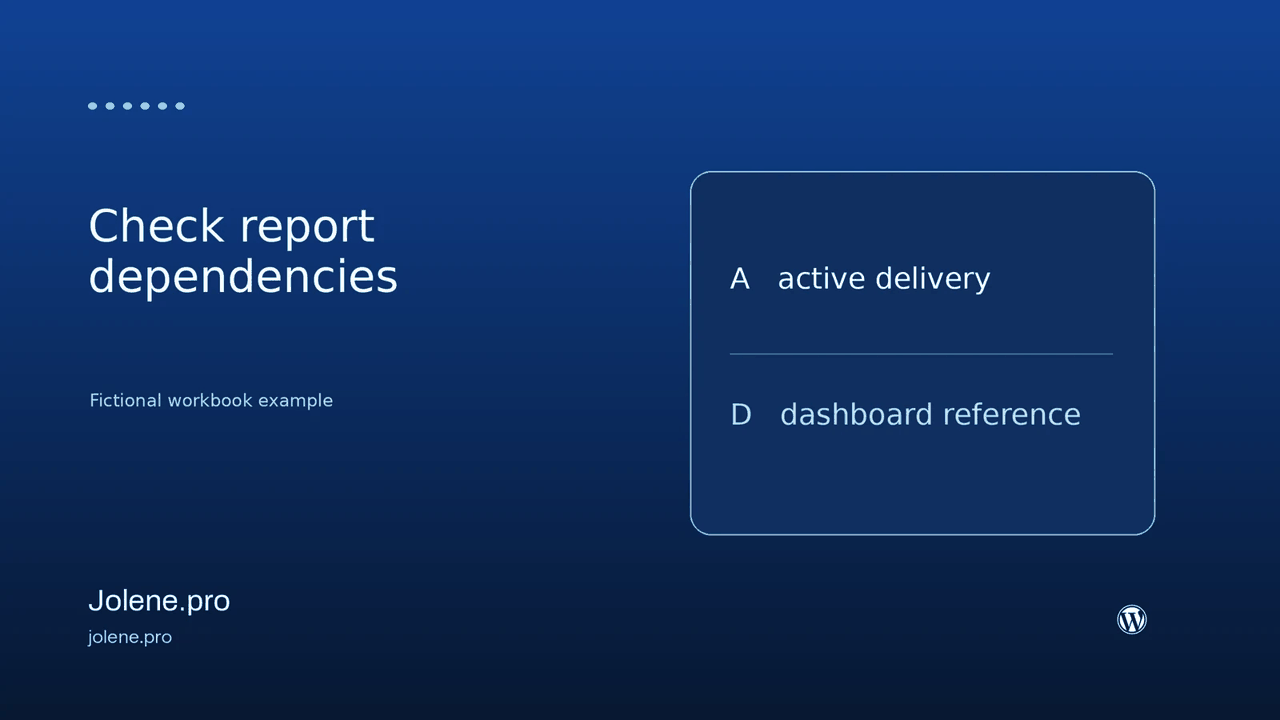
In the fictional inventory, A has an active finance delivery, C has an observed execution and D is referenced by a dashboard. B has no positive match in the supplied records, so it goes to the responsible owner for review.
Export the report inventory and record the scope and dates covered by each source.
Join by instance ID. A and B share the title “Monthly report” and need separate checks. Dependencies rows 2–3 support A and D. Usage row 2 supports C.
Keep a row for every report even when there is no match. Record which export was missing or how much history was available. Use the output as a review list and keep authoritative retention and retirement decisions with the report owners.