Which excluded swim times still appear in your club records?
Match each published club record to its source result, then check whether an approved exclusion was effective on the snapshot date. Preserve the raw meet result.
Fictional example
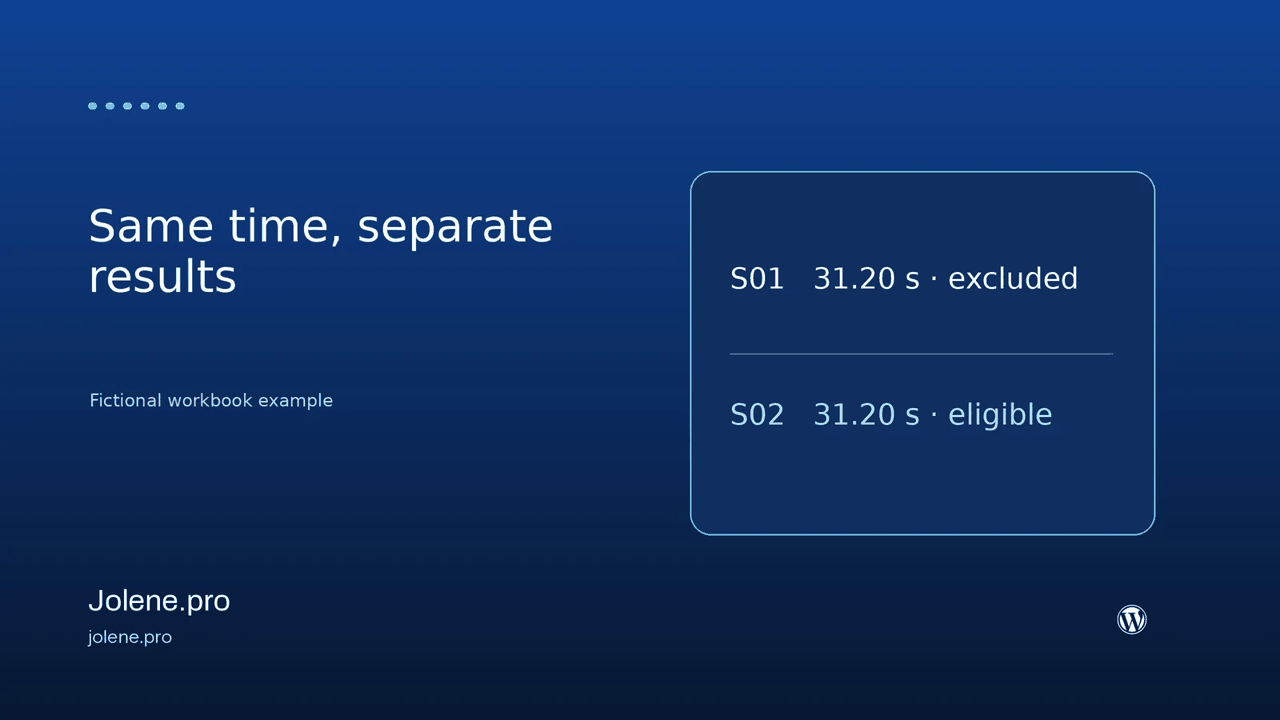
In this fictional November 26 snapshot, S01 is the only row that conflicts with an effective exclusion. S02 has the same time and stays eligible under the example rule. The decision for S03 takes effect November 27.
Keep the result identifier with each raw and published row. Use an approved crosswalk if the two lists have different IDs. Event and time can help review a match, but they can repeat.
Compare the decision effective date with the snapshot date. Decisions row 2 is already effective on November 26. Row 3 is not yet effective for that snapshot.
Flag the published row for S01 and keep all three times in Results. Hold a published row with an ambiguous reference. SwimClub Manager documents a bulk exclusion action. Check your own authorized records for export fields and timing.