Are all the sheet-music parts available for this edition?
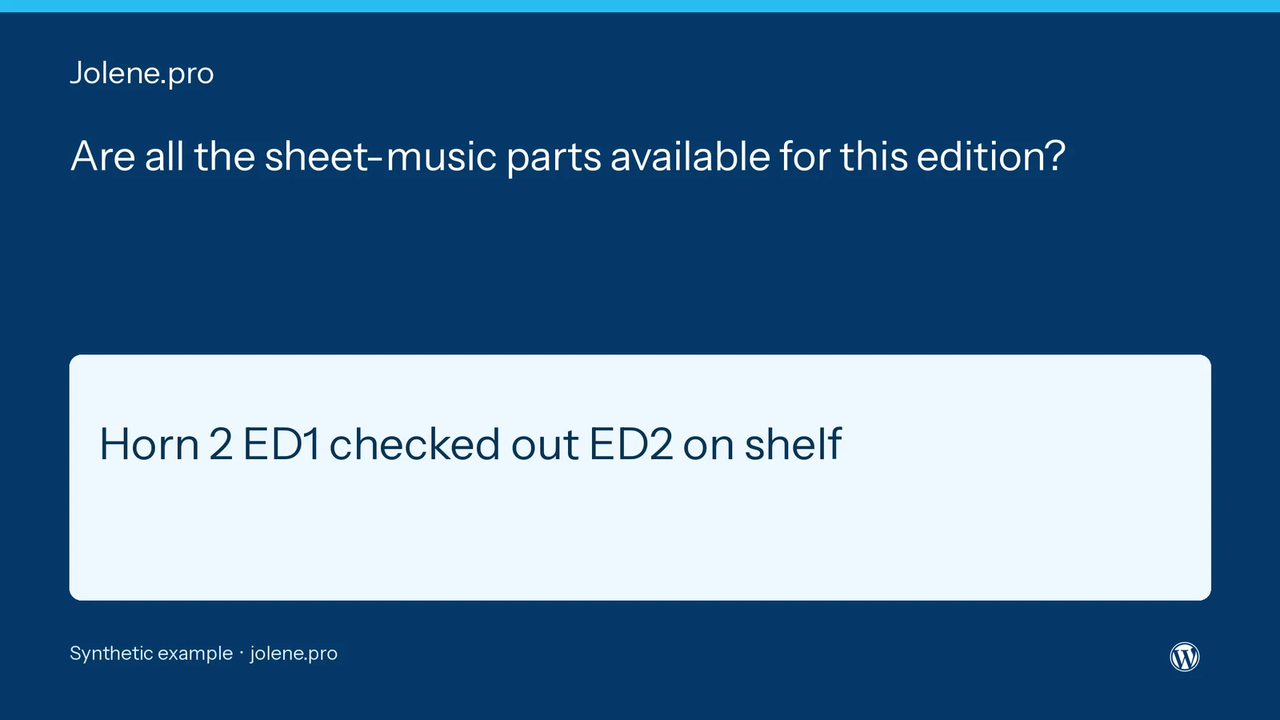
There are two ready ED1 parts and one gap. The on-shelf Horn 2 is for ED2, and the ED1 copy is checked out.
This example uses synthetic records and was independently checked. A live Jolene.pro result for these exact rows remains unverified.
Copy the example records
Copy each table to its named worksheet with row 1 as headers. Keep the original records alongside the comparison.
Needed!A1:C4
| Edition | Part | Qty |
|---|---|---|
| ED1 | Horn 1 | 1 |
| ED1 | Horn 2 | 1 |
| ED1 | Trumpet 1 | 1 |
Held!A1:D5
| Edition | Part | Copy | State |
|---|---|---|---|
| ED1 | Horn 1 | C1 | On shelf |
| ED1 | Trumpet 1 | C2 | On shelf |
| ED2 | Horn 2 | C3 | On shelf |
| ED1 | Horn 2 | C4 | Checked out |
Run the records check
Count distinct available copy IDs per edition and part. Compare Needed!A3:C3 with Held!A4:D5. Keep a missing edition unresolved and verify local lending status. The fictional data contains no scores or copyrighted music.
The example treats only On shelf as available. Confirm that local reservations, damaged copies and other restrictions are represented before using the count. For each needed edition and part, subtract distinct available copies from the quantity needed, with a minimum shortage of zero. Preserve unknown editions for review.
Review exceptions before closing
People already use indexes and part counts. The useful additional check is availability by exact edition and part, including copies that are already checked out. Band library discussion and replies.
Retain the reporting period, match keys, missing records and source row references with the result. Repeat the check after confirming corrections in the original system.