The Payout Ties. Why Is a QuickBooks Class Short?
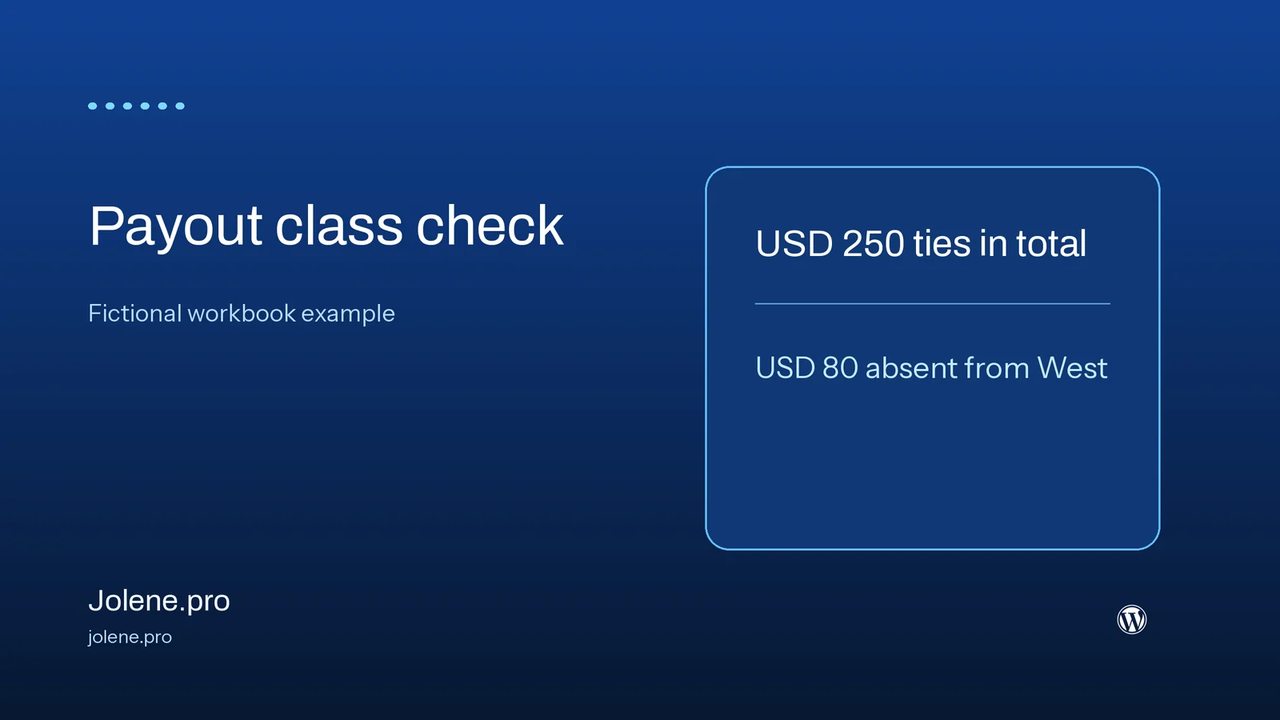
A payout and a ledger deposit can agree in total while a class report is short. Both sides total USD 250 in this fictional example. One USD 80 line belongs to West in the payout file and has a blank class in the ledger.
Check class and amount for each deposit line
| Payout row | Deposit row | Line ID | Expected class | Posted class | Amount |
|---|---|---|---|---|---|
| Payouts!A2:C2 | Deposits!A2:C2 | O11 | East | East | USD 120 |
| Payouts!A3:C3 | Deposits!A3:C3 | O12 | West | Blank | USD 80 |
| Payouts!A4:C4 | Deposits!A4:C4 | O13 | Blank | Blank | USD 50 |
- Start with the same payout, ledger account, currency and cutoff. Retain the payout line ID and the ledger reference or a documented mapping between the two.
- Check that each line ID is unique on both sides before joining. Compare amount and class on each match. If O12 appears twice in the deposit export, flag the ambiguous match before interpreting the class.
- Show O12 separately as an expected West line posted without a class. O13 was blank in both files, so it belongs in a separate upstream review. The difference in total is USD 0, while the difference for West is USD 80.
Ordway’s November release documents how payout custom fields map to QuickBooks Online classes. Blank or unmapped values can still sync. Use the native setup to investigate the source of a blank and keep this workpaper read-only.
Try it in Jolene.pro with a spreadsheet you are authorized to use.