How to Review Hotel Group Room Pickup Before the Cutoff Date
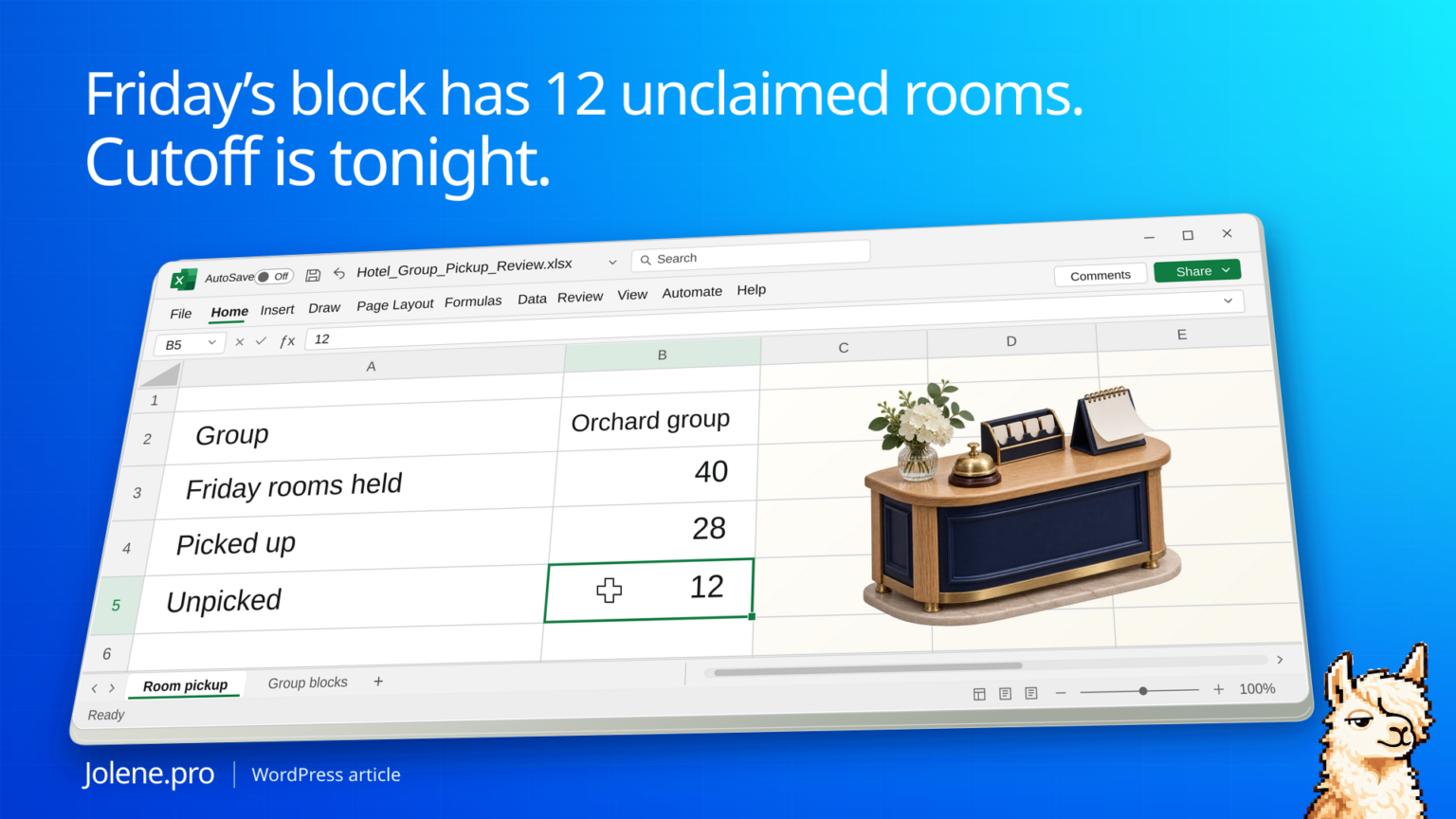
The group block is holding 40 rooms Friday night. Only 28 are picked up. The cutoff is tonight, and sales still needs to know which group to call before rooms return to general inventory under the hotel’s settings.
Compare allocated and picked-up rooms by block, stay date and room type. Prioritize open rooms with an imminent cutoff and check any approved exceptions before release.
The group with unpicked rooms at tonight’s cutoff
This is a single-property review. Dates below are stay nights and the cutoff is tracked at block level in the sample.
| Group / stay night | Rooms allocated | Picked up | Unpicked | Cutoff |
|---|---|---|---|---|
| Orchard / Friday | 40 | 28 | 12 | Tonight |
| Orchard / Saturday | 30 | 26 | 4 | Tonight |
| Summit / Friday | 24 | 22 | 2 | Next week |
Orchard has 16 unpicked room nights across two stay dates. The sales manager can check whether a rooming list is still coming, whether the block should stand until cutoff, or whether an approved extension is warranted.
Pull the block report and pickup detail
Use a Blocks by Cutoff Date report and room pickup or reservation detail from the property system. Keep group block code, stay date, room type, allocated count and pickup count. Check cancellations and split blocks under the same measurement rule.
Build the call queue around the cutoff
Filter to upcoming cutoffs and sort by unpicked rooms and affected nights. Treat oversold nights and approved exceptions separately. Check the property’s configured release process since a cutoff date and a completed release are distinct events.
Give sales the room nights to confirm
Add the block owner and keep projected pickups outside the confirmed count. Group the lead’s action list by owner and cutoff.
Which blocks with tonight’s cutoff still have unpicked rooms? Show the room nights by date and type, the sales owner, any exception and source rows.
Call Orchard first and confirm the rooming list. Recheck the block after the cutoff process runs.
Oracle OPERA Blocks by Cutoff Date report · Oracle OPERA Cloud room and rate grids
The figures and identifiers in this example are synthetic. The displayed arithmetic was checked independently. A live Jolene.pro result could not be verified.
Try this with your own spreadsheet at Jolene.pro. Follow Jolene.pro on LinkedIn for more spreadsheet guides.
For more checked examples, see Jolene.pro Workbook Studies.