How to Find Slow-Moving Inventory in Excel Before Reordering
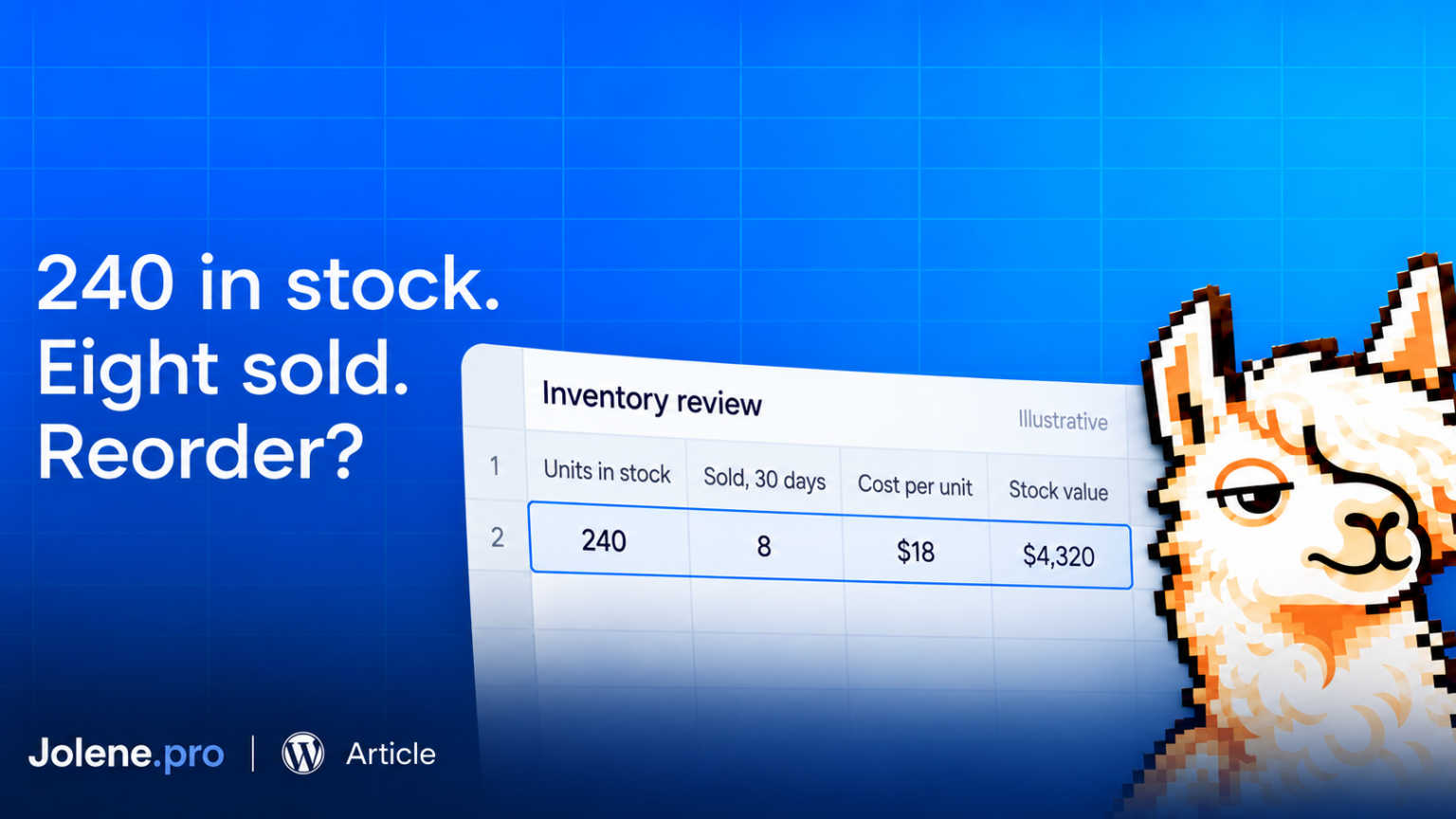
You have 240 units of a product in stock. Last month, you sold eight.
The supplier has offered a discount on another 100.
Before accepting, check how long the stock you already own might last. The shelf has not requested company.
Slow-moving inventory analysis compares stock on hand with recent sales. It helps retailers decide which products need attention before placing another order.
Inventory aging answers a related question: how long have the remaining units been sitting there? You need receipt or batch records to answer that properly.
Start with sales pace. Then investigate age.
Put a dollar amount on the stock
Consider a fictional homeware retailer with 240 ceramic pitchers in stock, each costing $18.
That is $4,320 of inventory at cost.
Over the last 30 days, the store sold eight pitchers. Assuming they were available throughout that period, the average was about 0.267 units per day.
At that pace:
240 units ÷ (8 units ÷ 30 days) = 900 days of stock.
That is an estimate based on recent sales, not a prediction that demand will remain unchanged for two and a half years.
Seasonality, promotions and availability can change the picture. Still, 900 days is a useful reason to review the next purchase order.
Build the first check in Excel
Use one row per SKU and location. Include the product name, sellable units on hand, unit cost and units sold during a fixed review period.
Match stock and sales using the same SKU and location. A product selling well in one store can still sit untouched in another.
For a 30-day review, put units on hand in B2, unit cost in C2 and units sold in D2.
Calculate stock value:
=B2*C2Then estimate days of stock:
=IF(D2>0,B2/(D2/30),"Review: no sales")Use a consistent sales definition and examine returns separately if they distort the total. Flag products that were unavailable for part of the period, since their sales history may understate demand.
Zero sales needs attention rather than a misleading zero-day result. Shopify’s own days-of-inventory report returns “N/A” when there are no sales from which to estimate a daily rate. Inventory reports
Check whether the remaining units are actually old
A product’s last sale date does not tell you when its remaining stock arrived.
You might have sold one yesterday while older units have been sitting for six months. Equally, a product with no recent sales might have arrived only last week.
For an aging report, use receipt dates and quantities remaining by batch, where available. Group those remaining quantities into age ranges appropriate for your products.
If your export only shows current stock and sales, describe the result as a slow-moving inventory review. It cannot establish the age of individual units.
Turn the review into a decision
Start with products that combine substantial stock value and weak sales. Check upcoming promotions, seasonal demand, supplier return options and performance at other locations before choosing an action.
Jolene.pro can analyze inventory and sales sheets together, with references to the source cells, rows and sheets.
A useful request is: “Using this 30-day period, identify SKUs with stock on hand and low or zero sales. Show their stock value, flag missing matches and reference the supporting rows.”
Review those records before changing an order. The result should help you decide what to investigate, transfer, promote or stop replenishing.