Here’s the Monthly Spreadsheet Job I Built Jolene.pro For
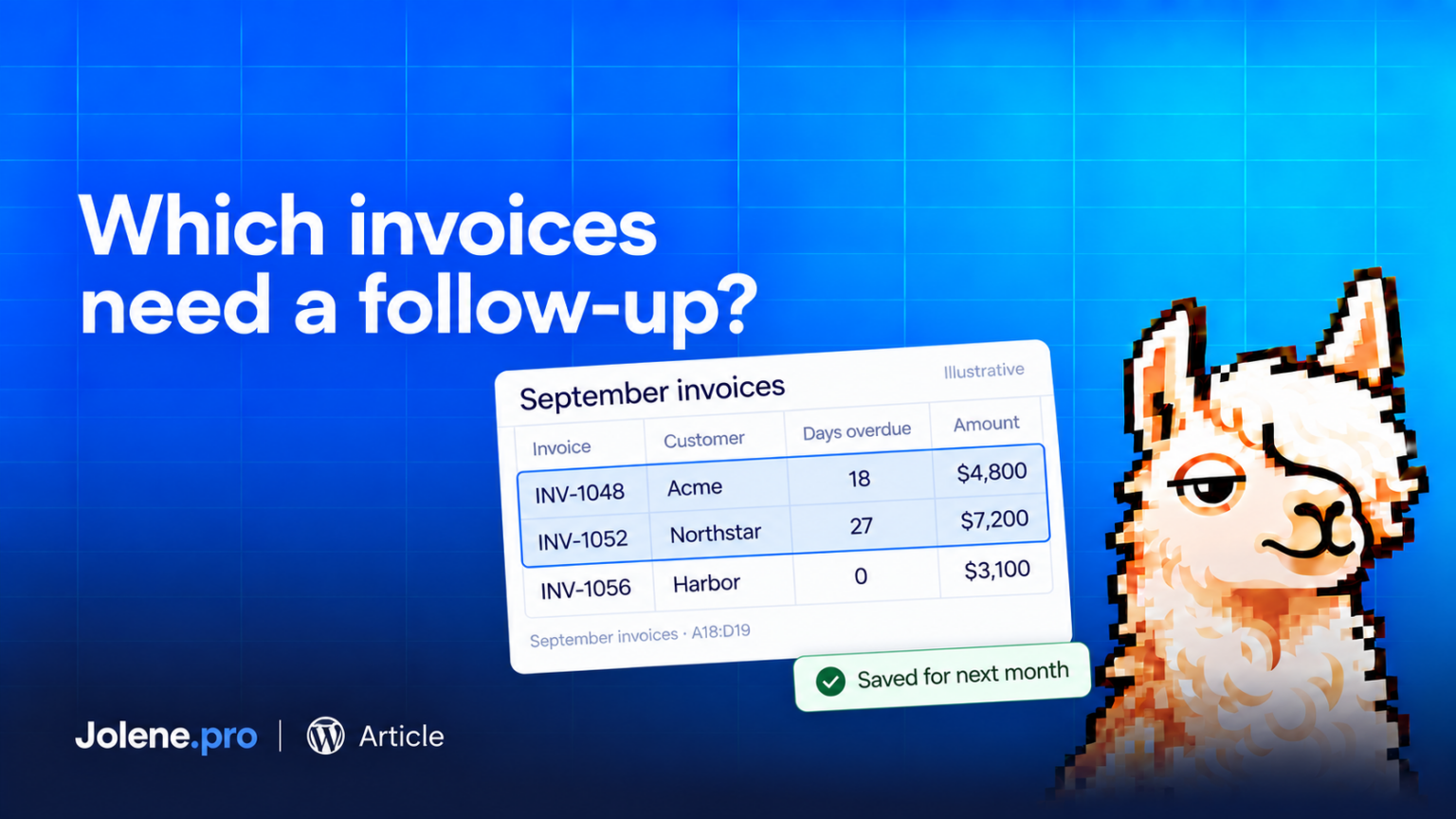
Every month, the workbook arrives. Someone needs the overdue balance. Someone needs to know which customers to follow up with. And someone asks where the number came from.
That last person is usually right to ask.
I’m the founder of Jolene.pro, a spreadsheet analysis tool for Excel and CSV files. The recurring report is one of the jobs I built it for: understand the workbook, inspect the evidence, and run the saved analysis when the next file arrives.
Here’s what that looks like with unpaid invoices.
Start with the decision
“Summarize this spreadsheet” is a reasonable request. But “Which unpaid invoices should we follow up on first?” gives the analysis a purpose.
The answer needs a basis. Are we prioritizing the largest balances, the oldest invoices, or a combination? Which date are we using to decide whether something is overdue?
Those choices matter before anyone starts contacting customers.
For example, you could ask Jolene.pro to list unpaid invoices more than 30 days past due, rank them by outstanding amount, and show the source rows. That gives you a defined task and a result you can check.
Follow the finding back to the workbook
Jolene.pro reads across sheets and separate table regions within a workbook. Its findings include references to source cells, rows, and sheets.
Those references have a practical job. Before acting on an overdue amount, you can inspect the invoice, the balance, and the due date behind it. If the workbook contains a payment or credit that changes the picture, that deserves attention too.
A customer follow-up email is an awkward place to discover that the customer already paid.
The point is to make the finding inspectable before it becomes an action.
Keep the analysis for next month
Once the analysis is useful, you can save it and rerun it on the next month’s file.
The question stays consistent. The data changes. Jolene.pro also warns when the workbook structure differs, so the next run still deserves a review.
That repeat cycle is central to the product: a useful analysis, evidence you can inspect, and a way to reuse the work.
If your current tool already handles this comfortably, you may have little reason to switch. But if your monthly routine involves rebuilding the same analysis and hunting down the rows behind the result, that is a concrete job to try in Jolene.pro.
Start with one report you already understand. Ask one question that affects what you do next. Then check the cells.
🤙🦙