Which filter removed rows in a Power BI cross-report drill-through?
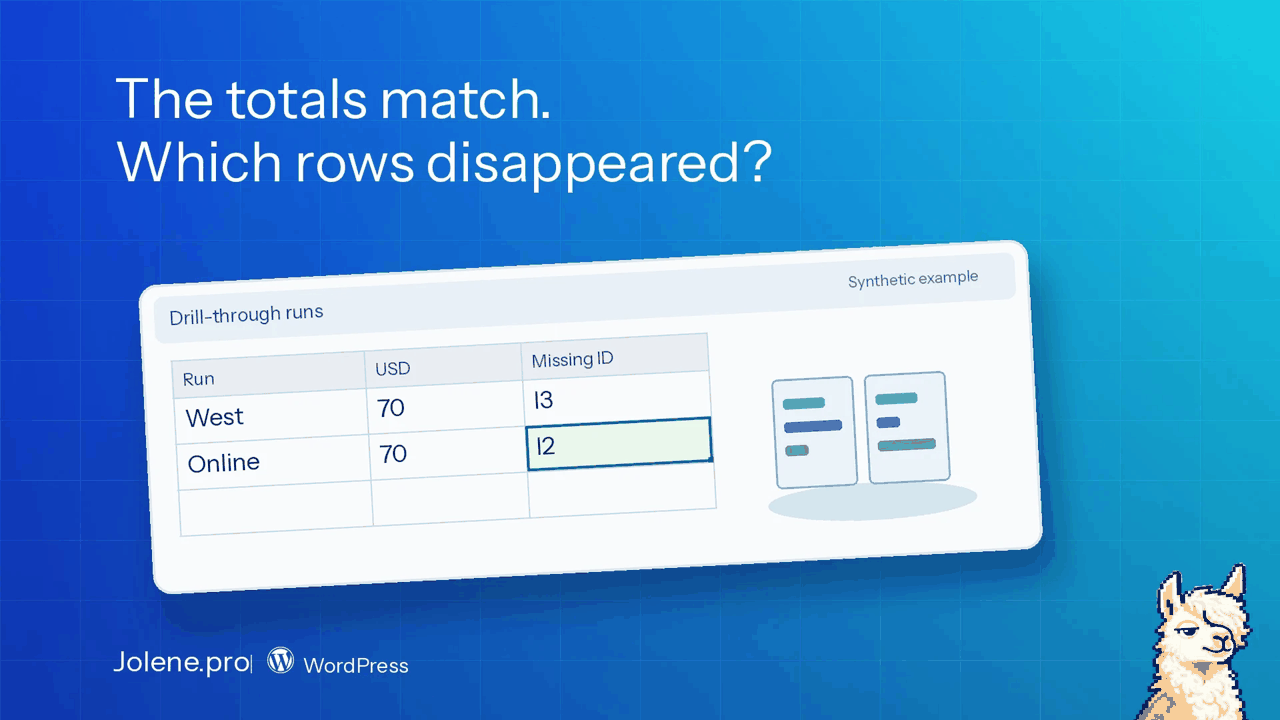
Two filters can give the same total and remove different transactions. Compare the detail IDs returned at the target before trying to explain the total. In this fictional example, West and Online both return USD 70. West excludes I3. Online excludes I2.
This check suits a case where extra context appears to reach the target report. Microsoft’s documentation lists the conditions for cross-report drill-through, including compatible fields and report settings. The table gives you evidence for troubleshooting. It cannot determine the cause of a reported Power BI issue on its own. Practitioner discussion · Microsoft documentation
Hold the customer and report version constant
- Record the role, refresh and report versions. For the chosen customer, capture the target detail IDs in a control run.
- Run the same drill-through with Region as the only extra filter, then with Channel as the only extra filter. Save the visible target filter state and extract details within the same permissions.
- Compare each run’s ID set with the control. Join the IDs back to the base data to explain the amount. Check for unknown IDs and count an exact export duplicate once at the stated detail grain.
| Run | Detail IDs | Total | Missing from the control |
|---|---|---|---|
| Customer C1 only | I1, I2, I3 | USD 100 | None |
| West | I1, I2 | USD 70 | I3 |
| Online | I1, I3 | USD 70 | I2 |
Use Runs!A2:C8 to see which IDs each run returned, then Base!A2:E5 for the amount, region and channel. I2 and I3 are both USD 30 in the source. The matching totals alone would hide which one disappeared. If you cannot export row IDs, keep matching totals as an incomplete check.
Download the fictional base rows and run results. Open the CSVs as Base and Runs, then reproduce the control and the two omissions.
Copy the practice data
| Detail | Customer | Region | Channel | USD |
|---|---|---|---|---|
| I1 | C1 | West | Online | 40 |
| I2 | C1 | West | Shop | 30 |
| I3 | C1 | East | Online | 30 |
| I4 | C2 | East | Online | 30 |
| Run | Scope | Detail |
|---|---|---|
| Control | C1 | I1 |
| Control | C1 | I2 |
| Control | C1 | I3 |
| Region | West | I1 |
| Region | West | I2 |
| Channel | Online | I1 |
| Channel | Online | I3 |