Which saved dashboard views survived reopening the app?
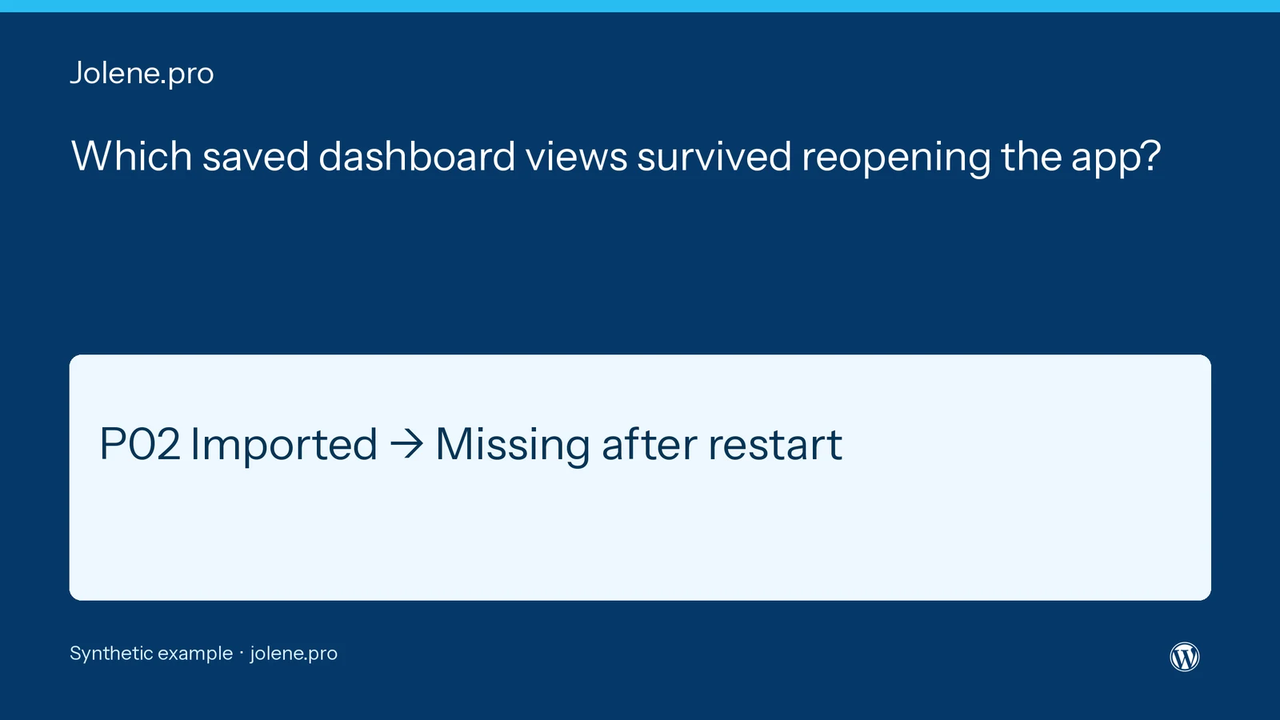
All three views are present immediately after import. P02 is missing after restart. P03 still exists and its label changed.
This example uses synthetic records and was independently checked. A live Jolene.pro result for these exact rows remains unverified.
Copy the example records
Copy each table to its named worksheet with row 1 as headers. Keep the original records alongside the comparison.
Expected!A1:B4
| View | Label |
|---|---|
| P01 | Climb |
| P02 | Power & cadence |
| P03 | Trends |
Imported!A1:B4
| View | Label |
|---|---|
| P01 | Climb |
| P02 | Power & cadence |
| P03 | Trends |
Restarted!A1:B3
| View | Label |
|---|---|
| P01 | Climb |
| P03 | Weekly trends |
Run the records check
Record views immediately after import and after restart with stable keys from an authorized inventory or a maintained manifest. Compare Imported!A3:B4 with Restarted!A2:B3. If an ID is unavailable and names are ambiguous, leave the match unresolved. The fictional check neither diagnoses the software nor assumes a product integration.
The example uses maintained stable view IDs. A label can change while the same view remains present. Capture three inventories under the same profile and application configuration. If an available export has names alone, inspect ambiguous matches rather than assigning a stable identity automatically.
Review exceptions before closing
The user reports an imported perspective disappearing after restart and a local naming workaround. The guide checks persistence using independently captured inventories. GoldenCheetah Users export and restart discussion, November 14.
Retain the reporting period, match keys, missing records and source row references with the result. Repeat the check after confirming corrections in the original system.