How to Check Pickup Times Against Booking Confirmations
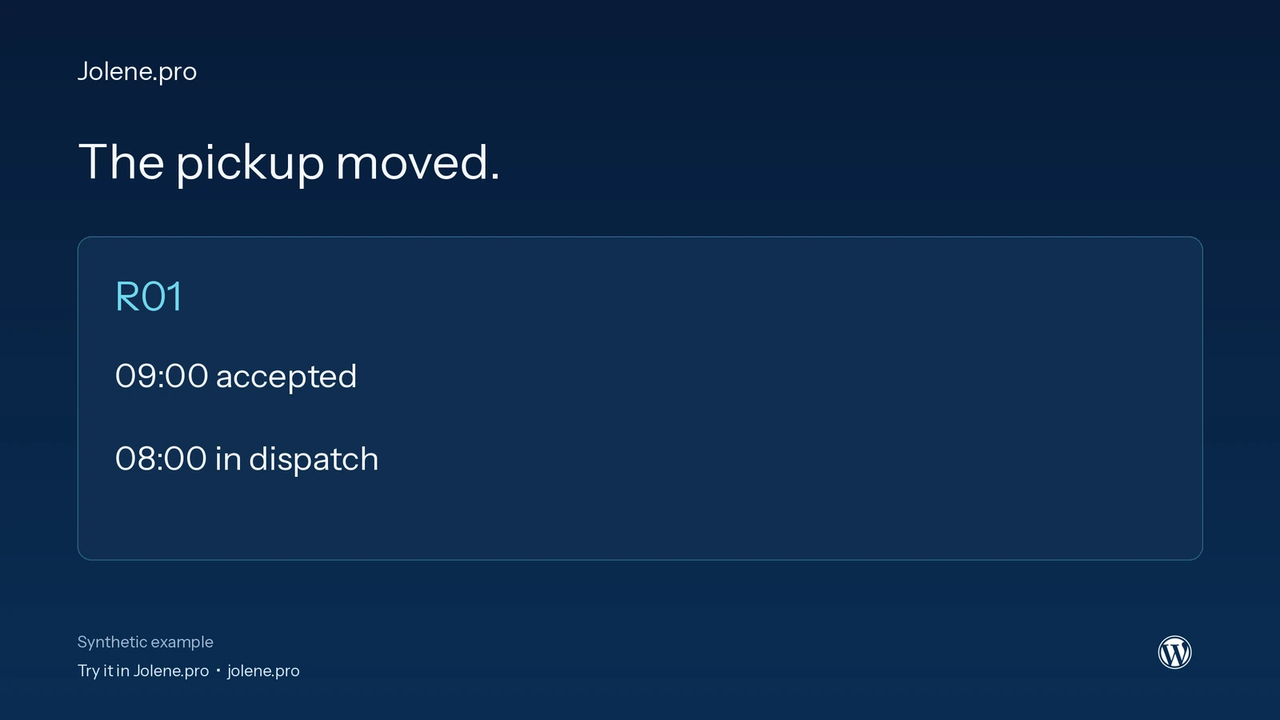
R01 is scheduled for pickup an hour earlier than its accepted confirmation. R02 agrees. R03 has no accepted confirmation in the reviewed files. A comparison by order ID makes each case visible before the rental desk uses the schedule.
The records below are synthetic. The expected answer was calculated independently. A live Jolene.pro result for this example is pending.
Confirmed
| OrderID | Pickup | Return |
|---|---|---|
| R01 | 09:00 | 12:00 |
| R02 | 10:00 | 13:00 |
Dispatch
| OrderID | Pickup | Return |
|---|---|---|
| R01 | 08:00 | 12:00 |
| R02 | 10:00 | 13:00 |
| R03 | 08:00 | 17:00 |
Run the comparison
Save the accepted customer copy and the current dispatch snapshot before editing either. Use the same service date, pickup site and time zone. These tables assume one date and site. An order number alone needs a company or location prefix when it is reused.
Paste the first CSV at Confirmed!A1 and the second at Dispatch!A1. Beside Dispatch, use =COUNTIF(Confirmed!$A$2:$A$3,A2) and fill down. R01 and R02 each have one match. R03 has zero, so its agreed times remain unresolved.
For the two unique matches, retrieve the pickup and return using the order ID. With times imported as spreadsheet time values, the pickup difference in minutes is =(B2-XLOOKUP(A2,Confirmed!$A$2:$A$3,Confirmed!$B$2:$B$3))*1440. R01 gives −60. R02 gives 0. Compare return times as a second field. Both returns agree in this fixture.
List the accepted version, current version, capture times and both source rows beside each difference. A later confirmation accepting 08:00 before the cutoff can resolve R01 after its authority is verified. A pending edit stays on the review list.
Review uncertain matches
Booqable announced prefilled times for applicable manual and online orders on November 24, 2026. Its note leaves historical effects and original-confirmation export fields unspecified. This example compares saved evidence and does not identify the cause of any change.
If a confirmation is absent from the file, inspect the actual agreement before contacting the customer. Multiple accepted versions, text times that fail conversion and missing dates need review. A time discrepancy says nothing about charges until the applicable rental terms are checked.
A question to try in Jolene.pro
Compare the accepted confirmations with Dispatch by order ID. Which pickup or return times differ, which orders lack an accepted copy, and which rows support each result?
Related guide Compare two Excel exports by record ID.