How to Check Manuals and Receipts Against Installed Home Equipment
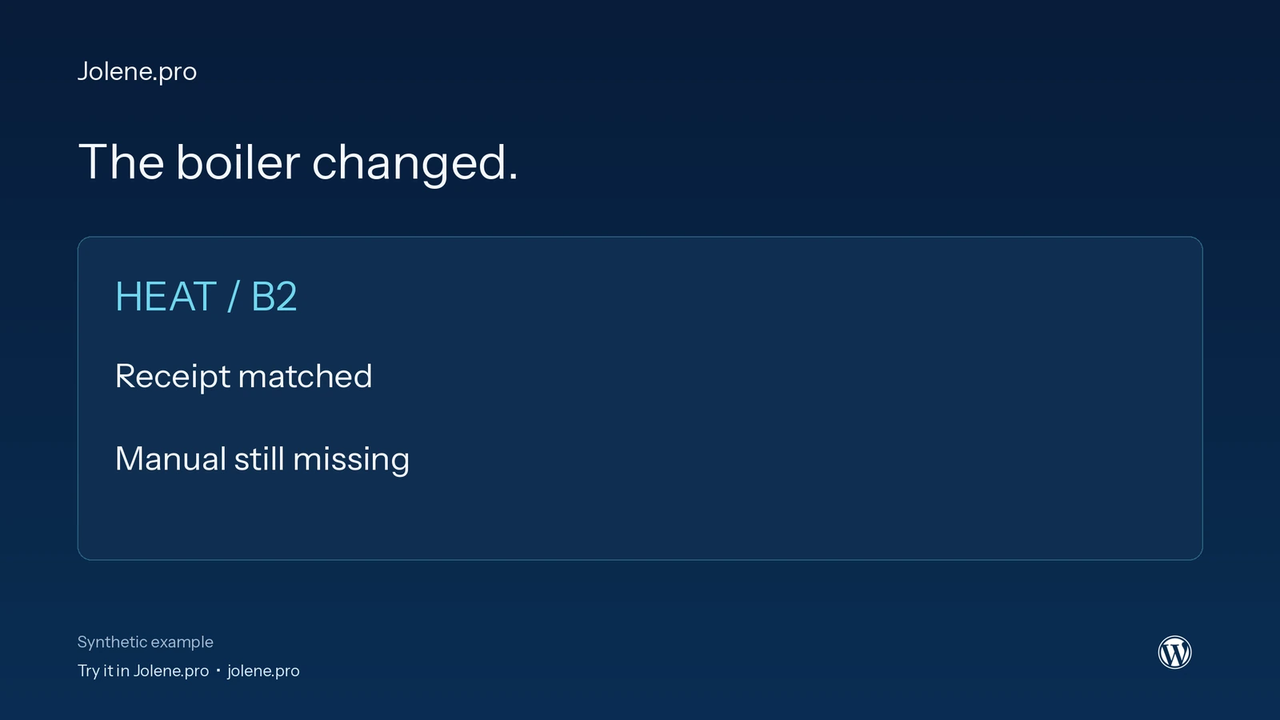
Two of six document requirements have a match in this fictional handover folder. The current heating unit has a receipt, but its manual belongs to an older unit. Checking installed versions prevents that history from looking complete.
The records below are synthetic. The expected answer was calculated independently. A live Jolene.pro result for this example is pending.
Current
| Asset | Version |
|---|---|
| HEAT | B2 |
| WATER | W1 |
| PANEL | E1 |
Docs
| Asset | Version | Type |
|---|---|---|
| HEAT | B1 | Manual |
| HEAT | B2 | Receipt |
| PANEL | E1 | Manual |
Required
| Asset | Version | Type |
|---|---|---|
| HEAT | B2 | Manual |
| HEAT | B2 | Receipt |
| WATER | W1 | Manual |
| WATER | W1 | Receipt |
| PANEL | E1 | Manual |
| PANEL | E1 | Receipt |
Run the comparison
Record which version is currently installed. Use a model or equipment ID that the owner can verify from an authorized record. Keep document type, date and version beside each file reference. This example requires a manual and a receipt for every current installation.
Paste the tables on the named tabs. In Required!D2 use =COUNTIFS(Docs!$A$2:$A$4,A2,Docs!$B$2:$B$4,B2,Docs!$C$2:$C$4,C2) and fill through row 7. Two rows have one match and four have zero.
HEAT/B2 needs its manual. WATER/W1 needs both documents. PANEL/E1 needs its receipt. The HEAT/B1 manual remains useful history, with its older version recorded. Multiple matching files call for a version check before choosing one.
If a homeowner adds the verified B2 manual, the supported count becomes three of six. If the model cannot be read, hold the match for review instead of attaching instructions for a similar-looking unit. Keep private purchase and contact details out of any shared demonstration.
Review uncertain matches
The homeowner discussion supplied the room notes, spending history and handover context. Its direct page did not reopen in this production pass. The worked check is independently calculated from the fictional folder.
Document coverage does not establish warranty entitlement, technical suitability or a repair action. Confirm the installed model and inspect the actual files before using them in a handover.
A question to try in Jolene.pro
Check which required manuals and receipts match the versions currently installed. Show missing document types and older-version papers, with source rows for every match.
Related guide Compare two Excel exports by record ID.