A Part Changed From Each to Box. Which Quantity Should You Hold?
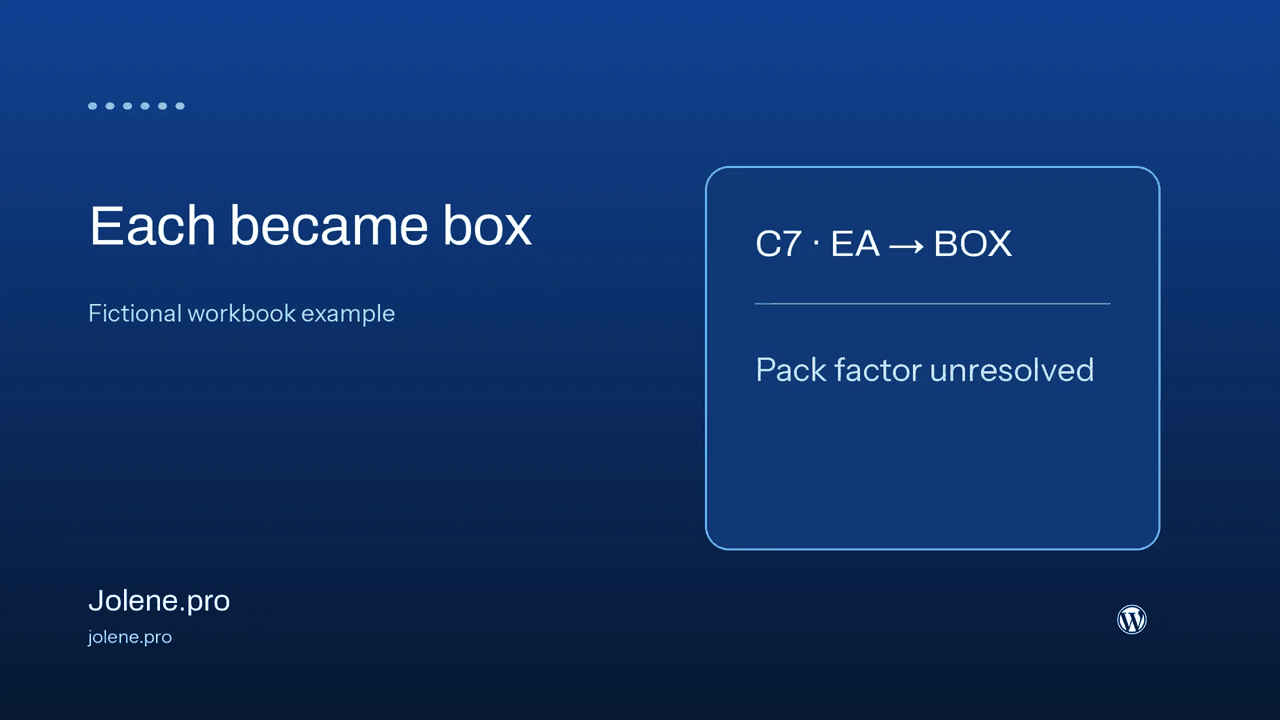
Hold quantity conversion when the same component moves from EA to BOX and the pack factor is missing. Start with the component ID and the two recorded units.
How to check the records
| Source rows | Component units |
|---|---|
| Released!A2:B4 | C7 EA, C8 EA, C9 EA |
| Parts!A2:B3 | C7 BOX, C8 EA |
- Align parent item, component, location where relevant, and revision or effective date. Use a verified ID crosswalk if the exports use different keys.
- Compare the units on each matching component. Released!B2 and Parts!B2 disagree for C7. C8 agrees and C9 is absent from the later file.
- Find an approved pack factor effective for C7 before converting or combining quantities. Keep C7 outside a converted rollup while the factor is unverified.
Isolocity’s October 13 release adds a Parts CSV with a unit and a Bill of Materials field. Check the actual export layout before assuming the field can be read as individual component rows.
Try it in Jolene.pro with records you are authorized to use.