How to Check an Underwriting Rent Roll Against the Seller’s Rent Roll
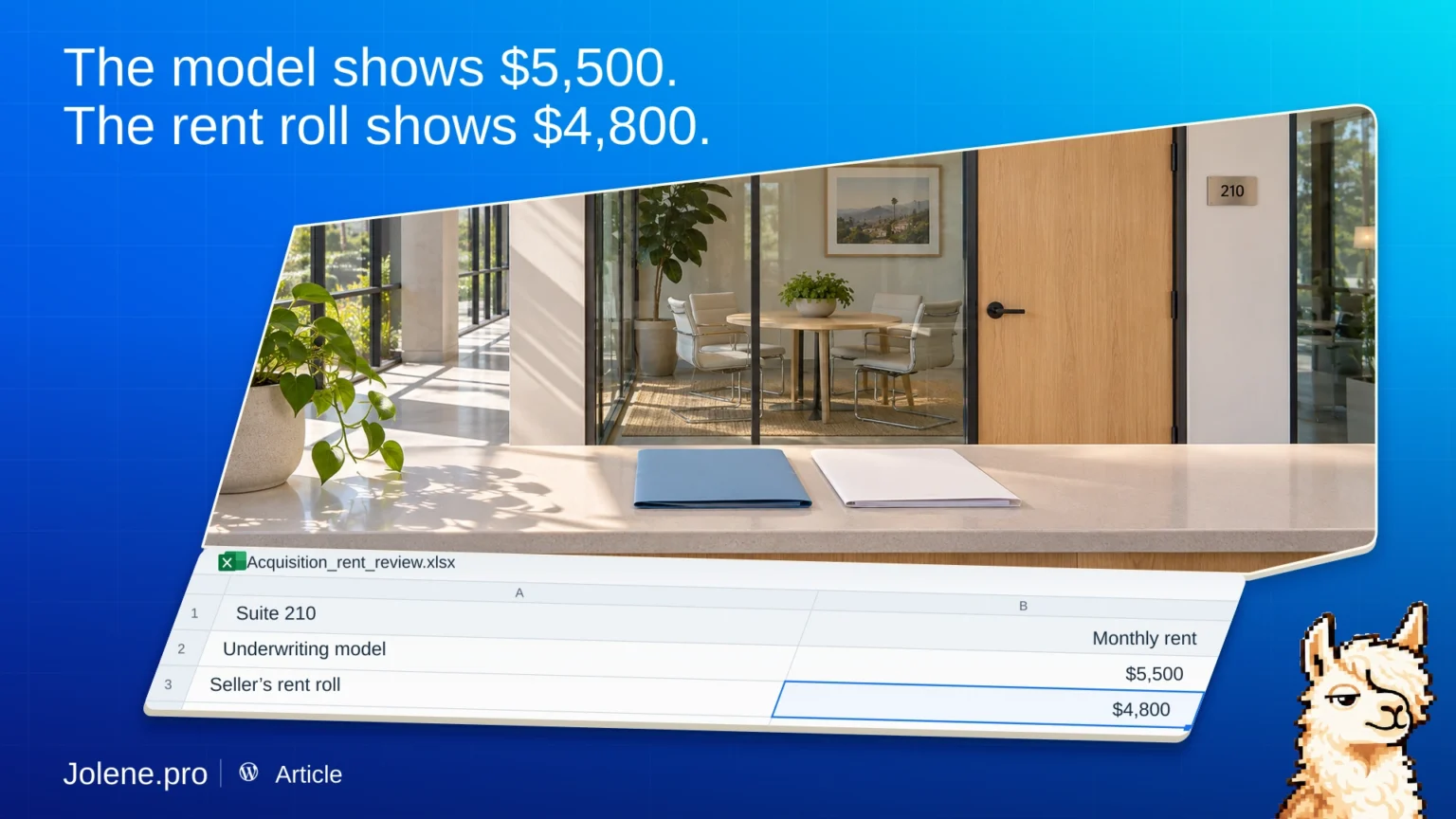
Your model shows $5,500 a month for Suite 210. The seller’s rent roll shows $4,800. The gap may be a valid future assumption. It should have a reason and a date.
Line up the model and the seller’s files
If you work in Excel, bring your underwriting workbook, seller rent roll, and trailing 12-month operating statement. Keep property and suite IDs, rent type, effective dates, and whether each figure is monthly or annual.
If you use ARGUS Enterprise, bring a tenant-level report with the assumptions you need in an available spreadsheet format. Pair it with the seller’s rent roll and use the operating statement as context for the income review.
Separate in-place rent from projected rent
Match suites and compare base rent on the same basis. Group future renewals, contractual increases, and market-rent assumptions separately. Check the start date and basis of any projected increase.
For Suite 210, the $700 monthly difference represents $8,400 over a full year at those rates. Ask when the increase begins and which record supports it.
What to ask Jolene.pro
Which suites have modeled rent above the seller’s current rent? Separate documented future increases from assumptions that need support. Show the source rows.
Put the largest items on the diligence list before the investment review.