How to total Etsy sales by country without double-counting multi-item orders
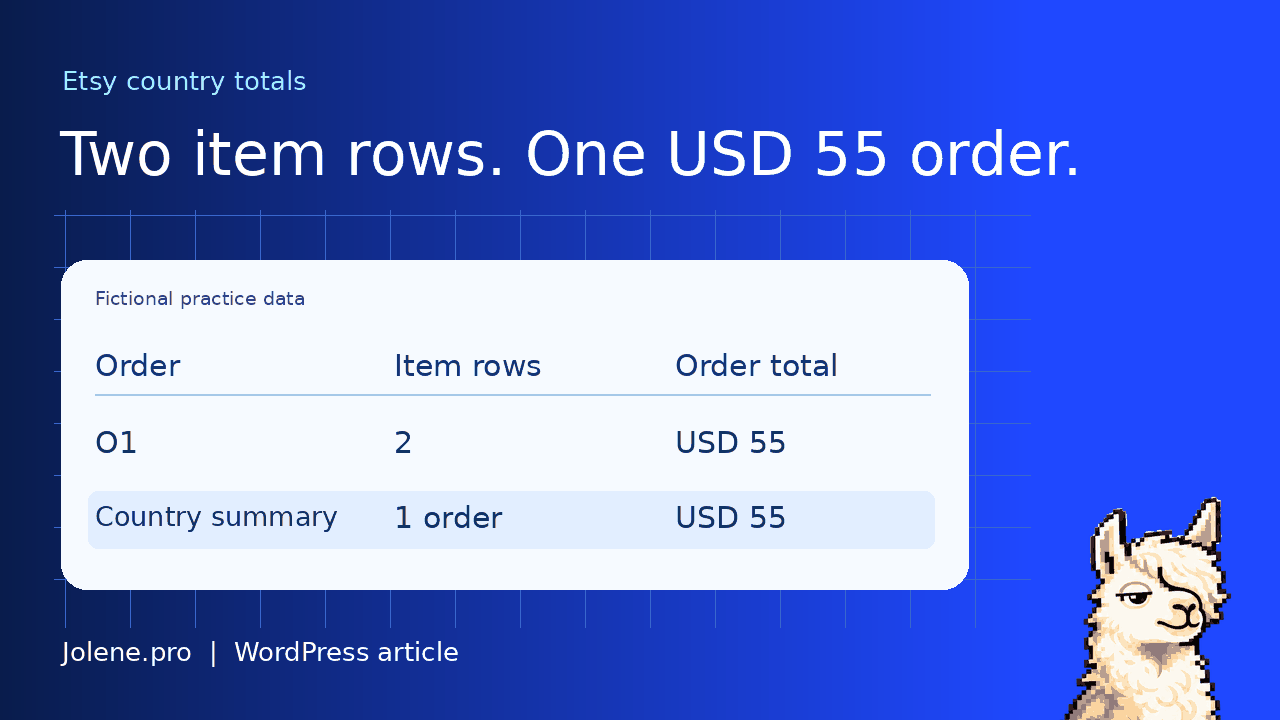
Choose one order-level amount, keep one accepted row per order, and group those rows by destination and currency. Use the item export to inspect the contents of an order. Adding an order total once for each item can count the same sale twice.
This example uses fictional records and USD throughout. The calculations were checked independently. It is a records method, with no verified live Jolene.pro result or Excel execution on this fixture.
Decide what your total means
Write down the reporting period, date field and amount field before starting. The example measures a fictional field called OrderAmountUSD for orders dated November 1 through November 30, 2026. It does not define taxable revenue, net earnings or deposits. For a real export, inspect its current headers and confirm whether the amount you chose includes shipping, taxes, discounts or refunds. Keep that definition beside the result.
Etsy provides separate CSV choices for orders, order items, Etsy Payments sales and Etsy Payments deposits. Its download instructions let you choose a month and year or a full year. Select the record type that matches the question. An order summary and a deposit reconciliation need different records and dates.
Start with the order table
The practice CSV uses simplified headers that are not a promise about Etsy’s current export schema. Import it as a sheet called Orders, with the header in row 1.
| Row | OrderID | Destination | Currency | OrderAmountUSD | OrderDate |
|---|---|---|---|---|---|
| 2 | O1 | US | USD | 55.00 | 2026-11-05 |
| 3 | O2 | CA | USD | 40.00 | 2026-11-08 |
| 4 | O3 | blank | USD | 20.00 | 2026-11-10 |
| 5 | O5 | US | USD | 9.00 | 2026-11-12 |
| 6 | O5 | US | USD | 9.00 | 2026-11-12 |
| 7 | O6 | US | USD | 70.00 | 2026-10-31 |
Keep O6 outside this report because its order date is in October. O5 appears twice in the November source. Put both O5 rows in review until you establish why the key repeats. Do not keep the first row automatically. A repeated order key could reflect overlapping downloads, a detail-level table or another source issue that needs a different treatment.
Check the multi-item trap
Items!A2:C3 contains O1/L1/USD 30 and O1/L2/USD 25. The item amounts total USD 55. Orders!D2 also contains USD 55, but it belongs to the whole order. If a join copies that USD 55 into both item rows and you add the copied values, you get USD 110.
For an order-level country summary, aggregate the accepted Orders rows directly. If you need item detail, keep the order amount out of additive item-level measures, or calculate a separately documented allocation. Check that any item-level amounts you use mean the same thing as the chosen order measure before expecting them to reconcile.
Build and reconcile the country summary
- Restrict the source to the declared order-date window. Keep the excluded rows visible in a review table.
- Count occurrences of the complete order key within that source. For multiple shops, include the shop in the key. Hold repeated or blank keys out of accepted totals until resolved.
- Keep original destination values and map them to a confirmed country code in a separate column. Preserve missing destinations as unresolved.
- Confirm the amount is numeric and the currency is known. Group accepted rows by country and currency. Never add different currencies into one amount without a documented conversion method.
- Compare the grouped total with the accepted order rows and report the excluded population separately.
| Destination | Accepted orders | Amount | Evidence |
|---|---|---|---|
| US | 1 | USD 55 | Orders!A2:E2 |
| CA | 1 | USD 40 | Orders!A3:E3 |
| Unresolved | 1 | USD 20 | Orders!A4:E4 |
The accepted population is three orders and USD 115. The identified-country subtotal is USD 95, with USD 20 still needing destination evidence. Orders!A5:E6 remains a duplicate-key review item and Orders!A7:E7 is outside the period. Do not present USD 115 as the complete shop total while unresolved source rows remain excluded.
Check the next export before reusing the summary
Reordering the accepted source rows must not change the country totals. Adding an out-of-period row must not change November. A repeated order key must enter review rather than increase an accepted subtotal. A missing country must stay visible. If the next file contains another currency, split or quarantine it before summing. The practice check script tests these conditions on inert fictional rows, including an intentionally invalid currency token that represents no monetary value.
Practice with the checked files
Download the fictional Etsy country-summary practice files. The package includes Orders, Items, Expected, Review, instructions and a read-only Python checker. Use the CSV names as sheet names and keep row 1 as the header. The source cells above refer to those practice sheets.
Try it in Jolene.pro with authorized order and item records. Ask which order amounts would be counted more than once, which orders have unresolved destinations and which source rows support each country total. Review the selected metric and source scope before using the answer.