How to check material requests against an approved bill of quantities
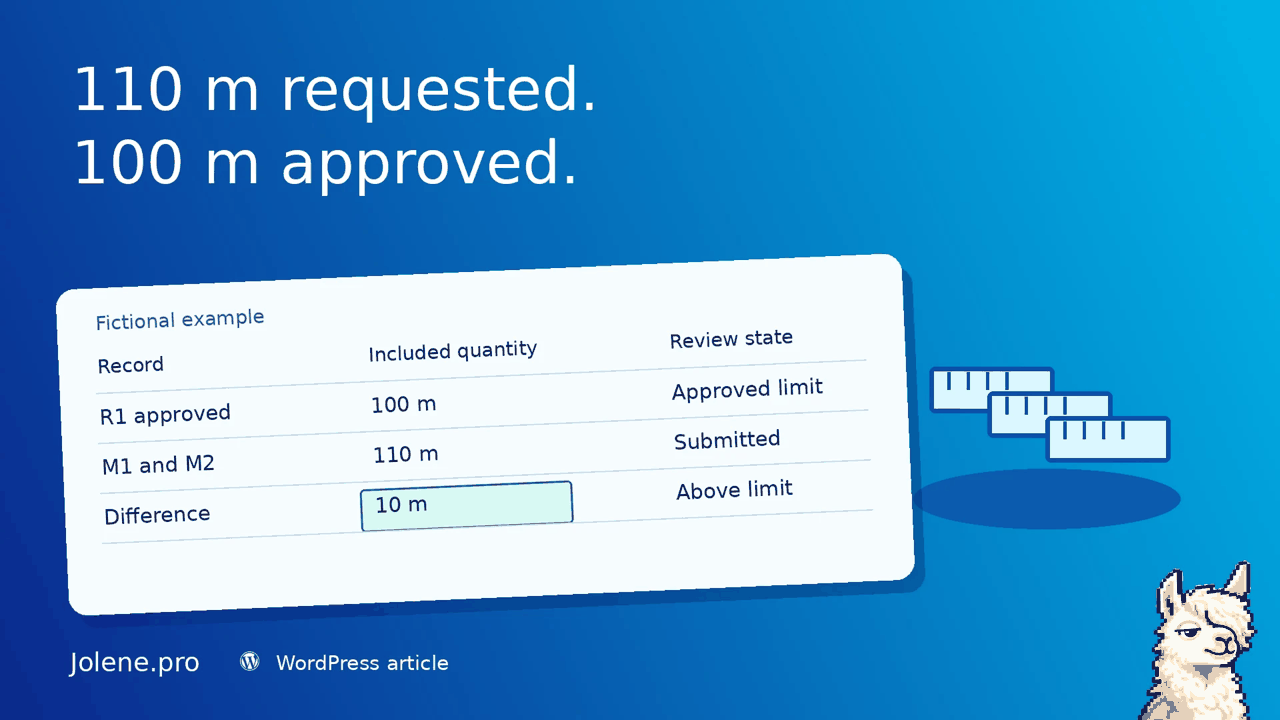
Before approving another material request, add up the quantities already requested against that project line. Compare the total with the current approved bill of quantities, or BOQ.
Records to compare
Choose an as-of time and keep the approved revision in its own column. Join requests to the project and BOQ line. Write down which statuses count in your review and convert units only with an approved conversion. Compare linked orders separately so that an open order behind a cancelled request still gets reviewed.
Worked example with fictional records
| Record | Included quantity | Review state |
|---|---|---|
| R1 approved | 100 m | Approved limit |
| M1 and M2 | 110 m | Submitted |
| Difference | 10 m | Above limit |
BOQ!A2:F3 shows 100 m approved and a draft of 120 m. Requests!A2:F5 shows two submitted P1/B1 lines of 60 m and 50 m. Subtract 100 m from 110 m to get a 10 m excess. M3 is cancelled and excluded under the fictional rule. M4 belongs to another project. Downstream!A2:C2 still shows an open PO linked to M3.
What to check before acting
If M2 is in rolls and the conversion is missing, as in UnitControl!A2:D2, leave the excess unresolved. Check the effective approval date and duplicate request lines before acting. Keep approvals in your native system. This review does not establish that ERPNext will enforce a BOQ ceiling.
Download the fictional practice files
Copy the practice data
| project | line | revision | state | qty | unit |
|---|---|---|---|---|---|
| P1 | B1 | R1 | approved | 100 | m |
| P1 | B1 | R2 | draft | 120 | m |
| request | order | state |
|---|---|---|
| M3 | PO1 | open |
| project | line | id | state | qty | unit |
|---|---|---|---|---|---|
| P1 | B1 | M1 | submitted | 60 | m |
| P1 | B1 | M2 | submitted | 50 | m |
| P1 | B1 | M3 | cancelled | 20 | m |
| P2 | B1 | M4 | submitted | 10 | m |
| request | qty | unit | approved_conversion |
|---|---|---|---|
| M2 | 50 | roll |
Frappe construction discussion · ERPNext Material Request help