How to check whether Baserow shows a crop under the wrong field
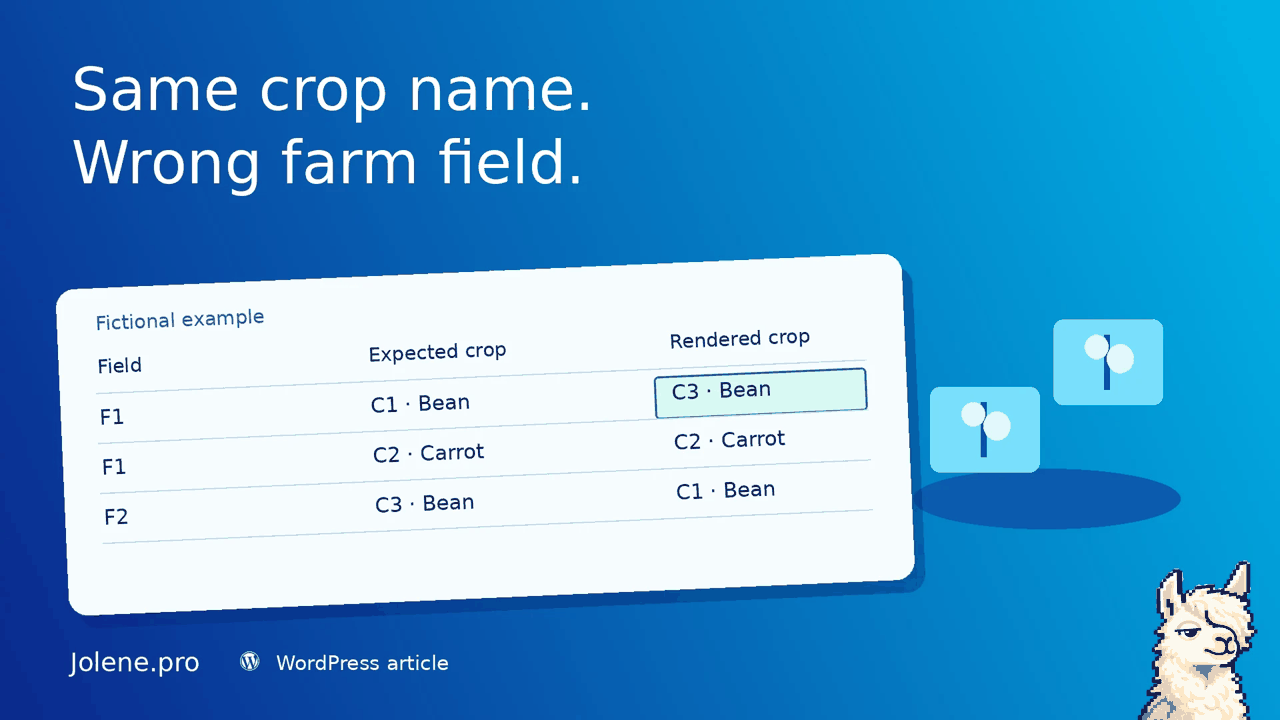
A farm app can show the right number of crop cards under each field and still put two cards under the wrong fields. Check the field and crop IDs together before relying on the view.
Records to compare
Capture the expected pairs from the linked records. With the same filter and permissions, capture the pairs shown on the rendered cards. Use the crop master to check the displayed type. If the view hides IDs, use a controlled preview or an authorized crosswalk so identical crop names stay distinguishable. First check for repeated pairs, then compare the two lists in both directions.
Worked example with fictional records
| Field | Expected crop | Rendered crop |
|---|---|---|
| F1 | C1 · Bean | C3 · Bean |
| F1 | C2 · Carrot | C2 · Carrot |
| F2 | C3 · Bean | C1 · Bean |
Links!A2:B4 and Rendered!A2:C4 each have three records and equal counts by field. The source expects F1/C1 and F2/C3, but the app shows F1/C3 and F2/C1. Crops!A2:C4 shows that C1 and C3 both use the name Bean, with different types. F1/C2 is the only pair that agrees.
What to check before acting
If pagination or permissions limit the capture, report unexpected visible pairs and mark absent expected pairs as unresolved. Check app configuration separately. The community question asks how to expose linked fields, and the built-in Repeat documentation explains how to choose the link source.
Download the fictional practice files
Copy the practice data
| snapshot | complete |
|---|---|
| Base | yes |
| Partial-control | no |
| crop | name | type |
|---|---|---|
| C1 | Bean | Bush |
| C2 | Carrot | Root |
| C3 | Bean | Climbing |
| field | crop |
|---|---|
| F1 | C1 |
| F1 | C2 |
| F2 | C3 |
| field | crop | type |
|---|---|---|
| F1 | C3 | Climbing |
| F1 | C2 | Root |
| F2 | C1 | Bush |