Did the cancellation credit reach the right household?
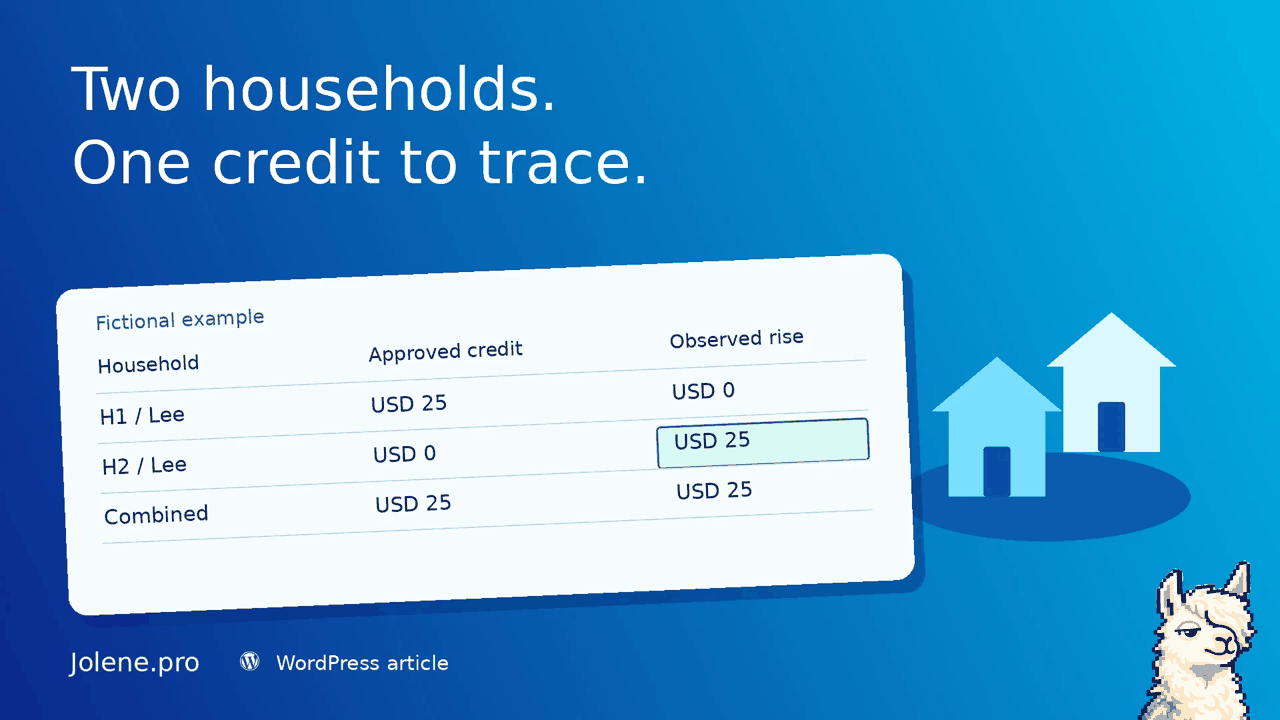
Two households can have the same displayed name. If you’re checking a cancellation credit, match the approval to the Household ID and compare balances at consistent cutoffs. RecDesk added Household ID to its Household Balances Excel export in October.
What to compare
Keep credit balance and open invoices in separate columns. Compare before and after balances by Household ID, with an approved list of credits and credit uses in the same time window. If the ID changed, use a verified crosswalk before attributing the movement.
Worked example with fictional records
| Household | Approved credit | Observed rise |
|---|---|---|
| H1 / Lee | USD 25 | USD 0 |
| H2 / Lee | USD 0 | USD 25 |
| Combined | USD 25 | USD 25 |
In the fictional example, Before!A2:D3 and After!A2:D3 show combined credit rising from USD 30 to USD 55. Approved!A2:C2 authorizes USD 25 for H1. H1’s credit is unchanged at USD 20, while H2’s rises by USD 25. H1 falls USD 25 short of its expected credit and H2 has an unexplained increase. The USD 150 in open invoices remains separate.
What to check before acting
If H1 receives USD 25 and then applies USD 15 from its credit to its own invoice, USD 30 credit remains and USD 85 is still owed. If the exports cover different cutoffs or other movements are missing, investigate before attributing any discrepancy.
Download the fictional practice files
Copy the practice data
| household | display_name | credit_usd | owed_usd |
|---|---|---|---|
| H1 | Lee | 20 | 100 |
| H2 | Lee | 35 | 50 |
| event | household | credit_usd |
|---|---|---|
| E1 | H1 | 25 |
| household | display_name | credit_usd | owed_usd |
|---|---|---|---|
| H1 | Lee | 20 | 100 |
| H2 | Lee | 10 | 50 |