Which recreation invoice line missed its revenue split?
An invoice total can match the ledger while one revenue code receives the wrong share. Rec.US documents invoice-wide split overrides. To check the posted result, collect the approved rule, the invoice lines and ledger detail for the same period.
What to compare
Apply the approved rule to each line, using the default only when no applicable override exists. Match expected and posted amounts by invoice, line and GL code. Treat missing coverage as unknown. Record the actual rounding rule before comparing amounts with fractional cents.
Worked example with fictional records
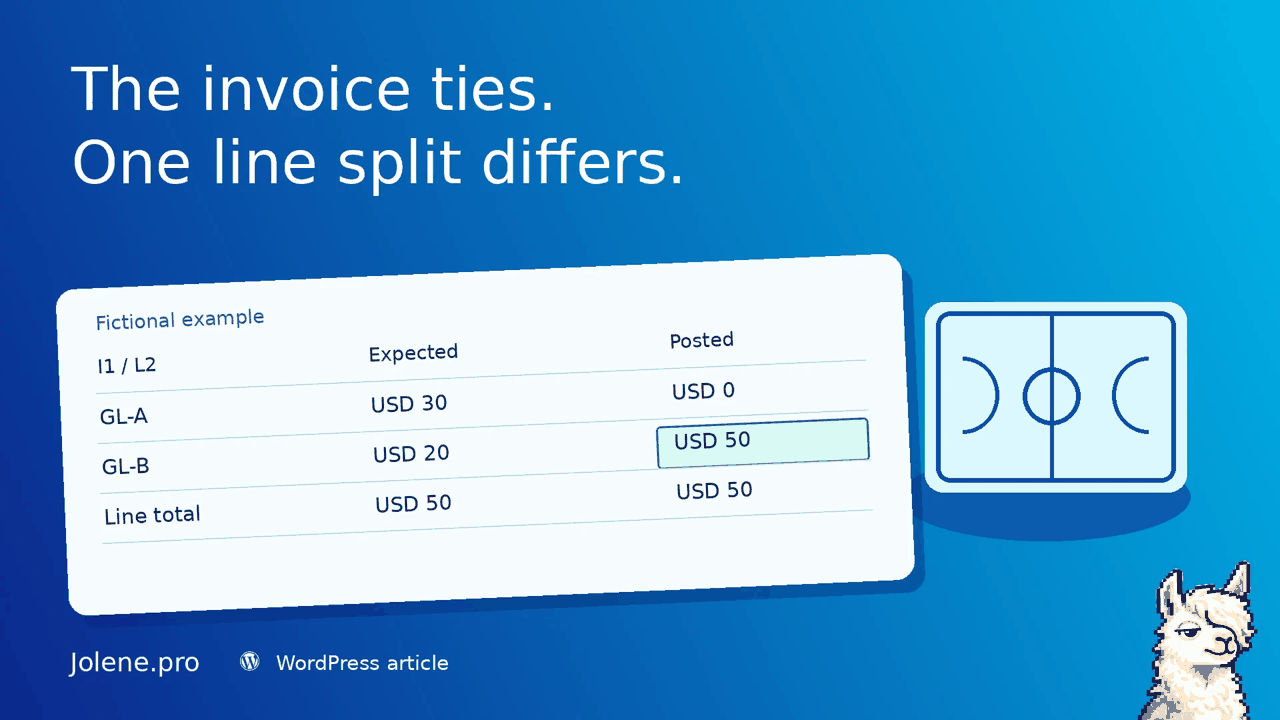
| I1 / L2 | Expected | Posted |
|---|---|---|
| GL-A | USD 30 | USD 0 |
| GL-B | USD 20 | USD 50 |
| Line total | USD 50 | USD 50 |
In the fictional example, InvoiceLines!D2:D3 totals USD 150 for I1. InvoiceOverrides!C2:C3 gives a 60/40 split, so GL-A expects USD 90 and GL-B USD 60. Posted!A2:D5 shows USD 60 and USD 90. Line L2 alone has USD 30 too little on GL-A and USD 30 too much on GL-B. I2 follows its default.
What to check before acting
Invoice-level totals alone leave line allocation unknown. For a fictional three-cent line with a 60/40 split, a stated largest-remainder rounding rule gives two cents and one cent. Check your system’s rounding and reversal rules before applying that result to any actual export.
Download the fictional practice files
Copy the practice data
| program | gl | share |
|---|---|---|
| P1 | GL-A | 1 |
| P2 | GL-B | 1 |
| invoice | line | program | usd |
|---|---|---|---|
| I1 | L1 | P1 | 100 |
| I1 | L2 | P2 | 50 |
| I2 | L1 | P1 | 80 |
| invoice | gl | share |
|---|---|---|
| I1 | GL-A | 0.6 |
| I1 | GL-B | 0.4 |
| invoice | line | gl | usd |
|---|---|---|---|
| I1 | L1 | GL-A | 60 |
| I1 | L1 | GL-B | 40 |
| I1 | L2 | GL-A | 0 |
| I1 | L2 | GL-B | 50 |
| I2 | L1 | GL-A | 80 |