Which supplier bill is still open after a partial payment?
A bank payment can reconcile in total while leaving one specific bill partly open. Start with the remittance, the bank payment and the open bills at the same cutoff. If you use Xero, Find & Match and Split can record the allocation once you have the supporting records.
What to compare
For each remittance row, verify the payment reference and supplier before matching its bill number. Compare the sum of supported allocations with the payment. Subtract each allocation from the corresponding open bill balance. Keep repeated allocation keys for review unless distinct allocation IDs establish separate amounts.
Worked example with fictional records
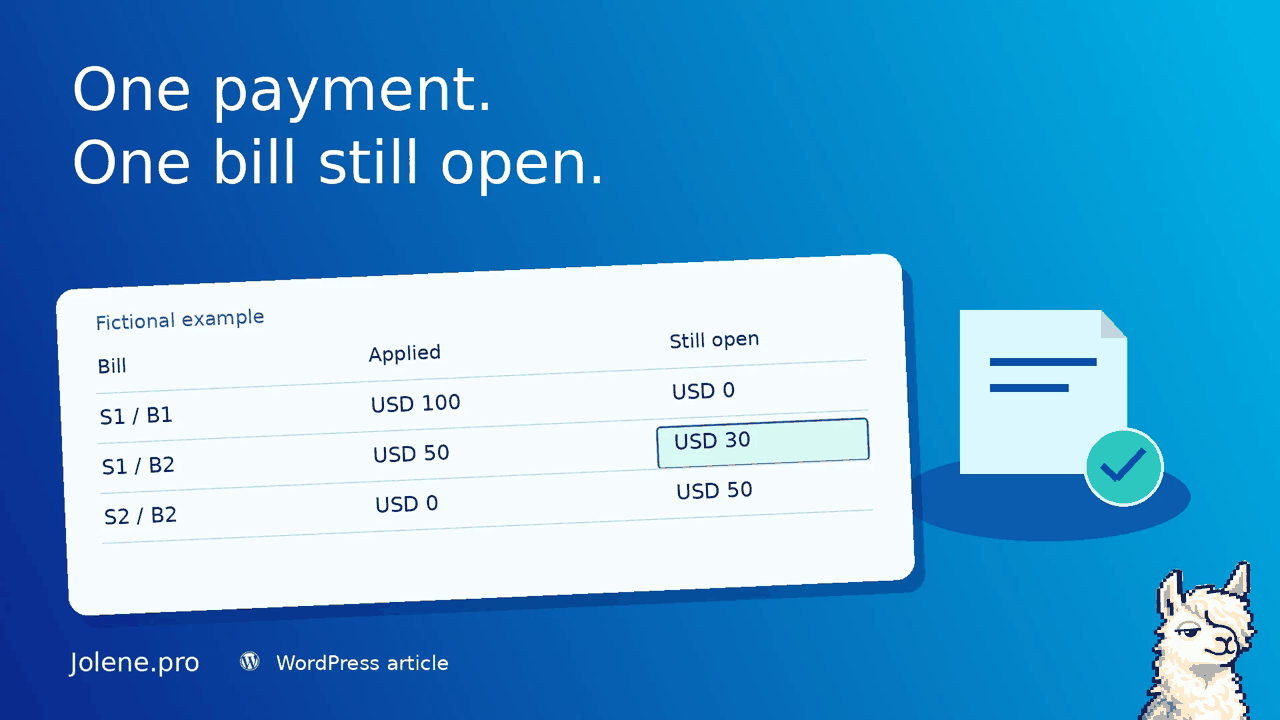
| Bill | Applied | Still open |
|---|---|---|
| S1 / B1 | USD 100 | USD 0 |
| S1 / B2 | USD 50 | USD 30 |
| S2 / B2 | USD 0 | USD 50 |
In this fictional example, Bank!C2 is USD 150. Remittance!D2:D3 applies USD 100 to S1/B1 and USD 50 to S1/B2. Bills!C3 is USD 80, so S1/B2 has USD 30 left. S2/B2 has the same bill number and a USD 50 balance, but this payment has no supported allocation to it.
What to check before acting
Remove Remittance row 3 and USD 50 remains unallocated. A repeated entry with no distinct allocation ID needs review before calculating a supported split.
Download the fictional practice files
Copy the practice data
| payment | supplier | amount_usd |
|---|---|---|
| P1 | S1 | 150 |
| supplier | bill | open_usd |
|---|---|---|
| S1 | B1 | 100 |
| S1 | B2 | 80 |
| S2 | B2 | 50 |
| payment | supplier | bill | allocated_usd |
|---|---|---|---|
| P1 | S1 | B1 | 100 |
| P1 | S1 | B2 | 50 |