How to check replacement record sleeve labels before printing
Check the copy ID in each print slot against the tray order you approved. Two physical records can share a Discogs release ID, so keep a separate ID for each copy in your collection.
Fictional example
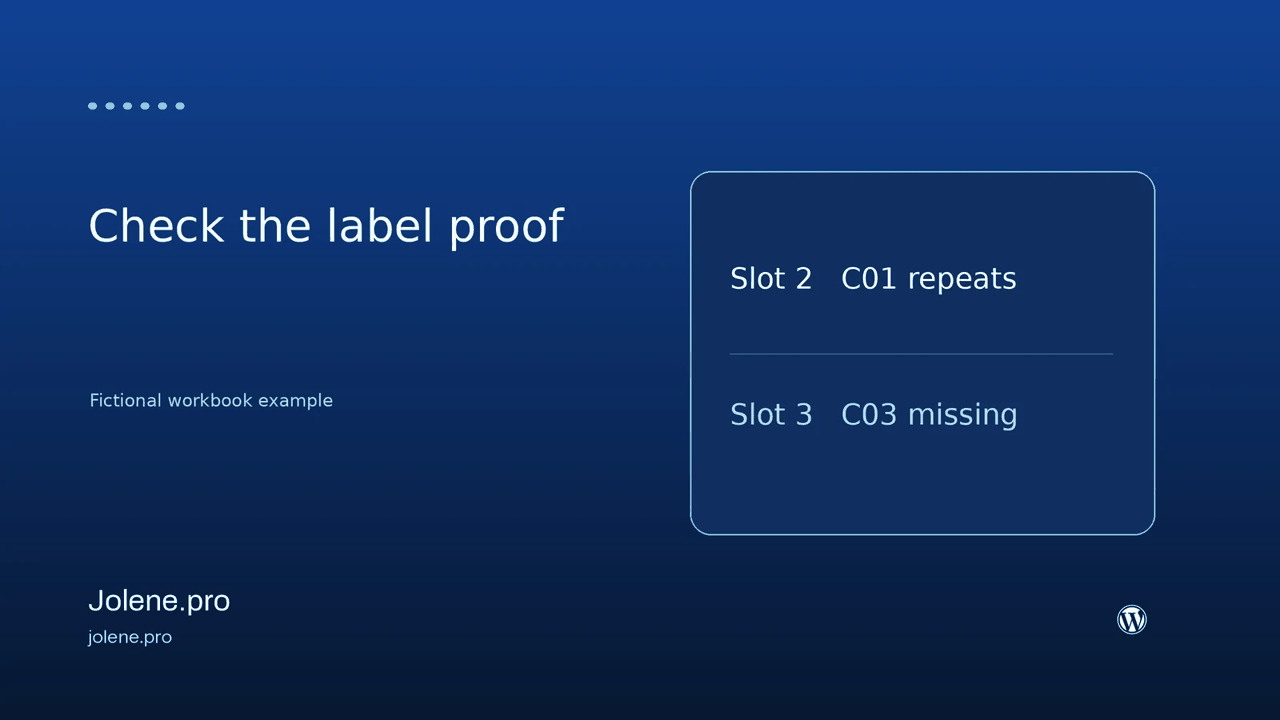
In this fictional print run, the proof and the plan both contain three labels. Slots 2 and 3 are wrong. The proof repeats C01 and leaves C03 out. C04 stayed out of the print run because its pressing was uncertain.
Give each physical copy its own local ID. Record the release ID after you confirm the pressing. Discogs documents collection CSV and custom fields, but the print slot comes from your own plan.
Freeze the order by batch, page and slot. Transcribe the proof into a table with the same three fields. Here both tables show batch B1, page 1.
Match each proof row to one plan row. Compare its copy and release IDs, then count appearances by copy ID across the batch. The differences are visible in Plan rows 3–4 and Proof rows 3–4. Stop and review any duplicated slot before choosing a row.