How to Find Team Roster Swaps When the Counts Stay the Same
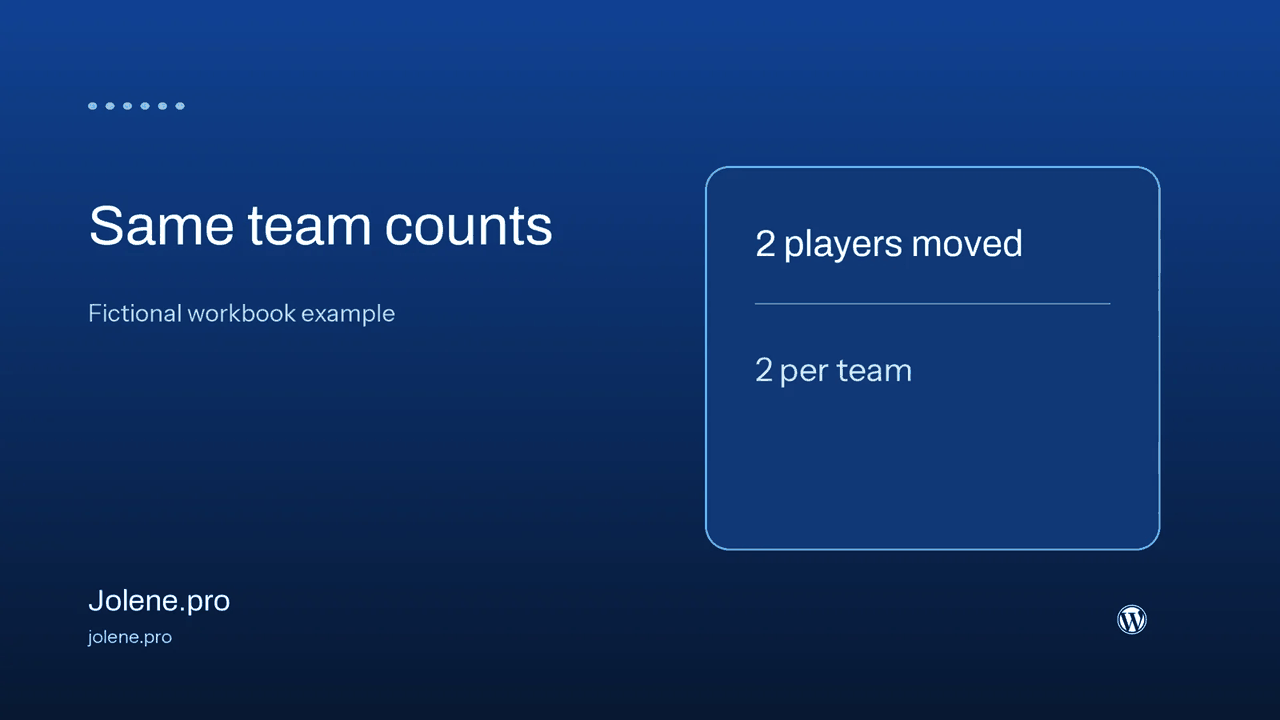
Two players can swap teams without changing either team’s headcount. Compare the player and team together, then count the change at the same grain.
How to check the records
| Source rows | Player–team pairs |
|---|---|
| Sent!A2:B5 | P01/A, P02/B, P03/A, P03/B |
| Current!A2:B6 | P01/B, P02/A, P03/A, P03/B, P03/B |
- Use issued and current lists for the same season and teams. Record each capture time and use stable player and team IDs.
- Count each pair once. Keep the duplicated P03/B rows at Current!A5:B6 visible for review. P03/A is a different assignment.
- List pairs removed from the earlier file and added to the current file. P01/A and P02/B disappeared. P01/B and P02/A appeared. Both team counts stay at two.
Treat a missing earlier capture as an evidence gap. PlayHQ’s player allocation timestamp reflects the latest allocation for that player in the team view. These snapshots show endpoints and can miss changes that happened between them.
Try it in Jolene.pro with records you are authorized to use.